TBH Task Bar Hero Market Trading Guide: Steam Trade Ship and Gold Alchemy
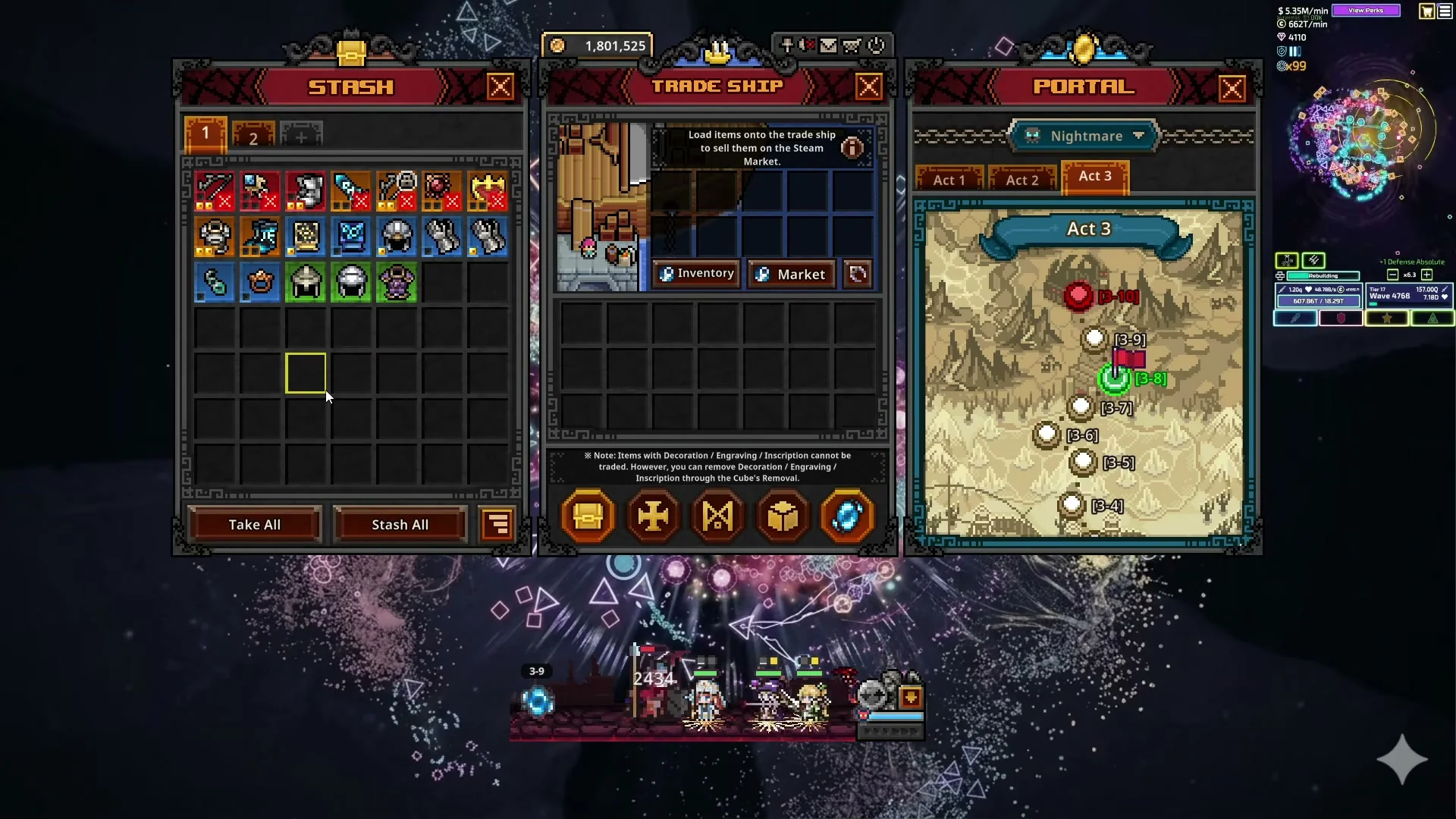
Inventory management in TBH: Task Bar Hero divides between domestic economy and external player trade. Low-tier equipment drops—including common, uncommon, and low-tier rare weapons—are best liquidated internally via Cube  Alchemy rather than sold on the market.
Converting Low Grade Drops Into Gold Through Cube Alchemy
Opening the Cube menu and executing Alchemy converts designated inventory gear directly into gold while advancing your Cube experience level — see our Cube guide for full level mechanics. Players can utilize auto-fill options to quickly process large volumes of trash drops. Items up to 21 levels above your current Cube level can be consumed in Alchemy. This domestic conversion provides a steady stream of gold to fund character upgrades and socket removals.
The table below lists Cube transmutation mechanisms and recipes from the game's files.
| Mechanism | Unlock Level | Description |
|---|---|---|
 Synthesis | Level 1 | Synthesize 9 items of the same grade into one of a higher grade. |
| Alchemy | Level 1 | Convert any item into gold. - Materials : Any 1~9 items - Result : Items consumed, gold obtained |
 Corrosion | Level 30 | You can gain Contamination through Corrosion. |
 Decoration | Level 8 | Grants special stats to equipment. - Materials : Equipment with a Decoration slot x1 + Decoration Material x1 - Result : Random stat based on material |
 Engraving | Level 15 | Grants special stats to equipment. - Materials : Equipment with an Engraving slot x1 + Engraving Material x1 - Result : Random stat based on material |
 Inscription | Level 25 | Grants special stats to equipment. - Materials : Equipment with an Inscription slot x1 + Inscription Material x1 - Result : Random stat based on material |
 Crafting | Level 5 | Craft specific item types. Select an item type, then add the required materials. |
 Offering | Level 10 | Offer a tribute to obtain items worthy of it. |
 Attunement | Level 10 | Rerolls the options of a Reliquary or Relic. |
 Extraction | Level 10 | Extract stats from items to create materials. |
Loading Cargo Onto the Steam Trade Ship for Community Market Serialization
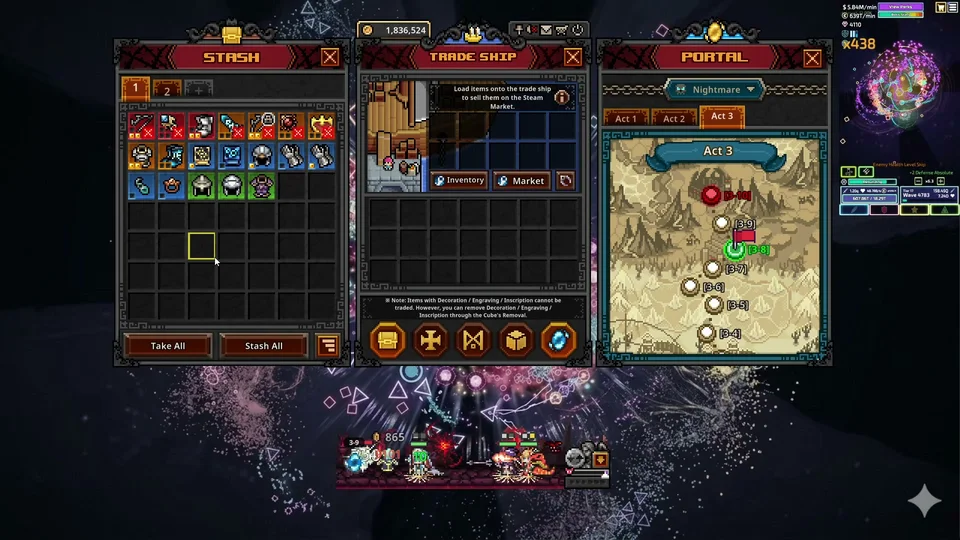
When your party acquires high-grade commodities—such as Celestial, Divine, Cosmic, or Immortal grade weapons, materials, or Soulstone items — examined in our Soulstone guide — players can export them to the Steam Community Market using the built-in Steam Trade Ship.
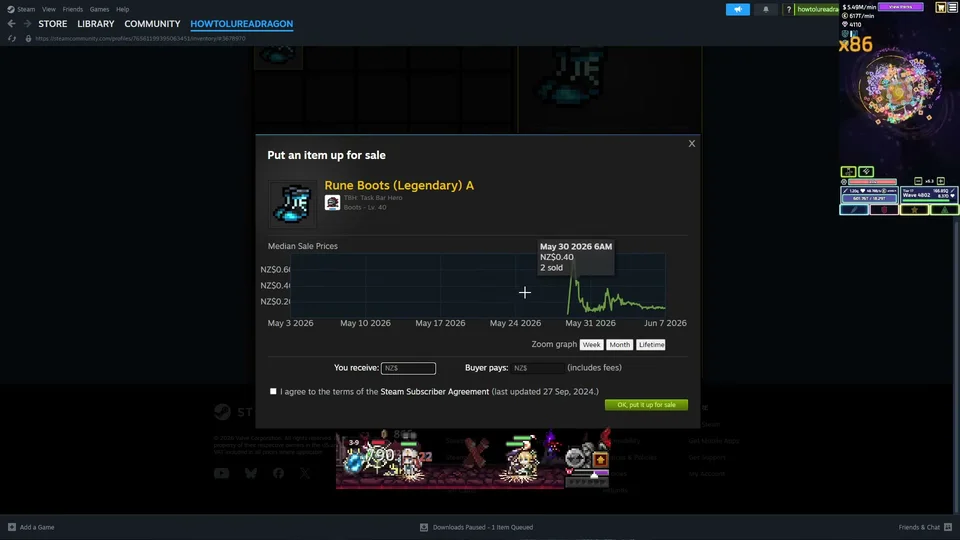
Click the boat icon in the main menu to open the Steam Trade Ship loading dock. Drag items from your inventory into cargo bays or right-click to auto load high-tier equipment. Moving gear onto the ship removes it from active character inventory and submits it for Steam serialization. Once loaded, open your Steam inventory window to view market trends, check 24-hour transaction volume, and set listing prices such as the 0.02 or 0.03 currency units recommended by creator testing to sell swiftly to other players.
Market Eligibility Rules Account Verification and Listing Holds on Steam Exchanges
Not every acquired item qualifies for external trade. Account-bound items like Empire Armor are designated untradable and cannot be placed on the trade ship. Furthermore, according to creator guides, gear bearing socket decorations or engravings should have those enhancements cleared via Cube Removal before listing on the trade ship, as detailed in our guide on Cube decorations.
Platform rules also govern listing speed. Accounts lacking active mobile authentication face market listing holds of up to 15 days. Enabling the mobile authenticator and maintaining active protection for 7 days removes these delivery holds, enabling instant market listings. Additionally, following major game patches, newly released items observe a mandatory delay of 1 hour before trading opens on the community exchange.
Managing Mailbox Delivery Delays and Reclaiming Unsold Equipment From Canceled Listings
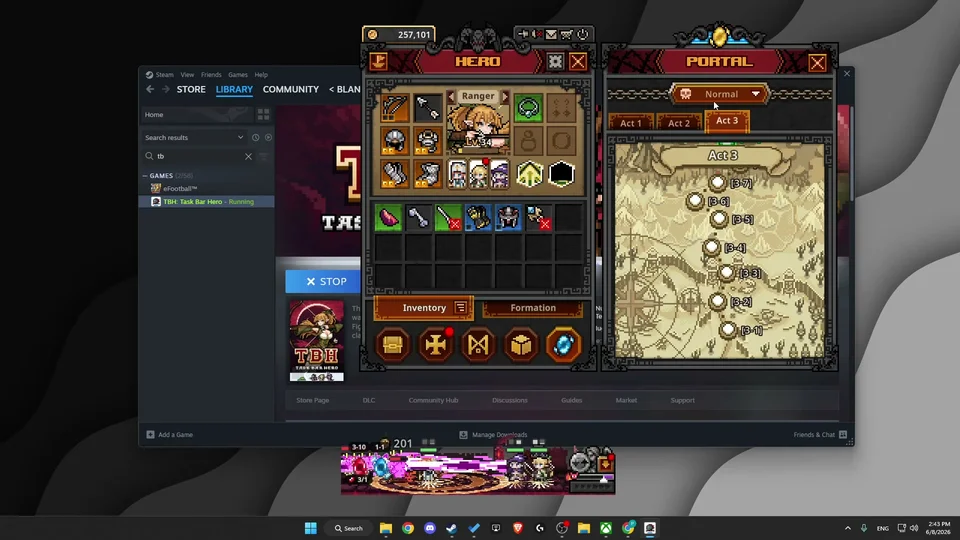
When you purchase an item from the market or cancel an existing listing, the gear does not instantly materialize in your character bag or on the trade ship deck. Instead, goods route through the in-game delivery infrastructure.
To retrieve returned or purchased items, navigate to your in-game Mailbox. The system initiates a short server synchronization countdown, typically rolling down from 5 to 10 seconds. Once the countdown timer elapses, click the refresh button to receive the gear directly into your storage or inventory.
Sources
- How to Trade TBH Task Bar Hero Items on Steam (How to Easy)
- How To Sell TBH Task Bar Hero Items on Steam Marketplace (GPSOLVED)
- TBH | Task Bar Hero | How to Buy & Sell on the Market (All Clouded)
- How To Level Up Cube Fast in TBH: Task Bar Hero (GPSOLVED)
- Task Bar Hero Steam Patch Notes & Relic Update [Ver 1.3.0]