TBH Task Bar Hero Soulstone Guide: Drop Locations, Boss Portals, and Market Trading
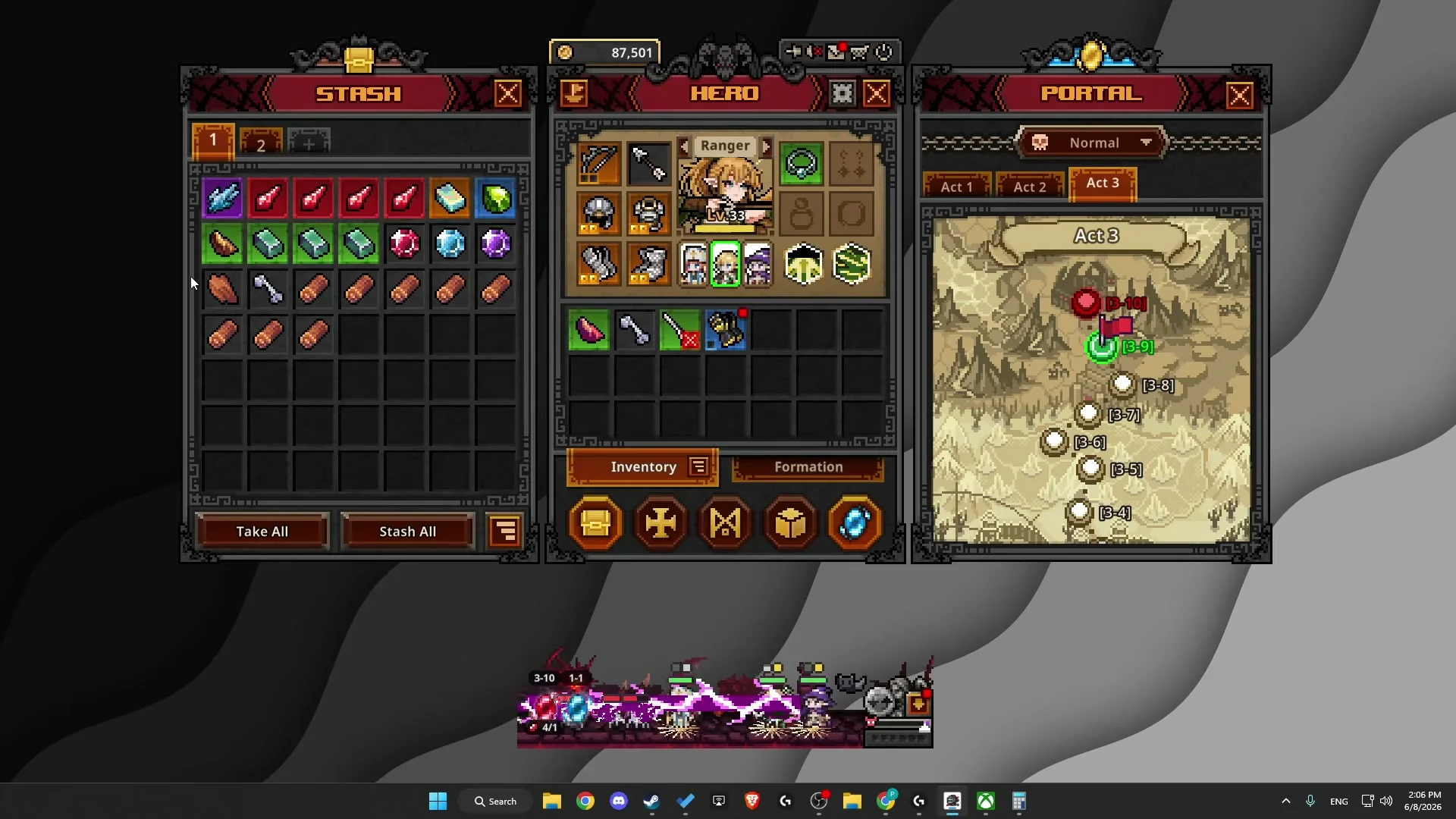
TBH: Task Bar Hero utilizes Soulstones as crucial access keys to unlock pinnacle Act Boss chambers and advance world tiers.
Understanding Soulstones and Boss Chamber Entry Ticket Requirements
In TBH: Task Bar Hero, progressing past major act milestones requires confronting powerful pinnacle bosses. When players navigate to the final chamber of an act, the game locks the encounter until you possess the appropriate entry ticket, known as a Soulstone. Without a matching stone in your inventory or material stash, attempting to enter will trigger a notification barring entry.
Soulstones exist across multiple difficulty tiers that correspond directly to world tiers: normal, nightmare, torment, and hell. Higher difficulty tiers require their own matching difficulty stones, ensuring that players must farm or acquire grade-specific keys to challenge advanced bosses.
The table below lists boss summoning soulstones from the game's files.
| Soulstone | Difficulty | Rarity | Max Stack | Description |
|---|---|---|---|---|
 Soulstone - Normal | Normal | Immortal | 999 | Material required to summon Normal difficulty bosses. |
 Soulstone - Nightmare | Nightmare | Arcana | 999 | Material required to summon Nightmare difficulty bosses. |
 Soulstone - Hell | Hell | Beyond | 999 | Material required to summon Hell difficulty bosses. |
 Soulstone - Torment | Torment | Celestial | 999 | Material required to summon Torment difficulty bosses. |
 Contaminated Soulstone - Nightmare | Nightmare | Arcana | 999 | Material required to summon the Nightmare difficulty boss. A powerful boss contaminated by the Plague appears. |
 Contaminated Soulstone - Hell | Hell | Beyond | 999 | Material required to summon the Hell difficulty boss. A powerful boss contaminated by the Plague appears. |
 Contaminated Soulstone - Torment | Torment | Celestial | 999 | Material required to summon the Torment difficulty boss. A powerful boss contaminated by the Plague appears. |
Farming Stage Chests and Normal Difficulty Drops Across Early Acts
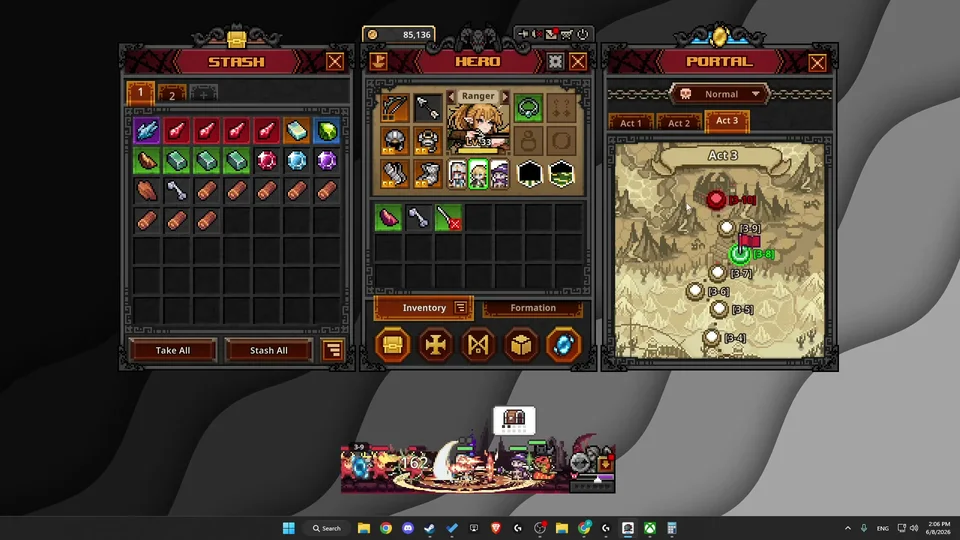
Players can farm Soulstones naturally as rare item drops from standard monsters and stage boss chests. In Act 1, monsters and chests across stages 1 to 8 yield a baseline drop rate below 1%, making it an exercise in idle grinding. Similarly, early stages in Act 2 from stages 1 to 4 drop stones at low percentages, with giant flies in stage 2-4 offering a recognized farming target.
Targeting late act encounters provides alternative chances through stage chests. According to community testing by creator Ned HELP, clearing stage 1-8 or 1-9 grants a boss chest with an estimated 13% drop chance, while stages 2-8 and 2-9 feature stage chests offering approximately an 11% yield — maps highlighted in our best map to farm guide. Additionally, developer updates patched the initial clear logic to guarantee a Soulstone drop upon your first clear of stage 1-9.
Purchasing Soulstones on the Steam Community Market for Fast Progression
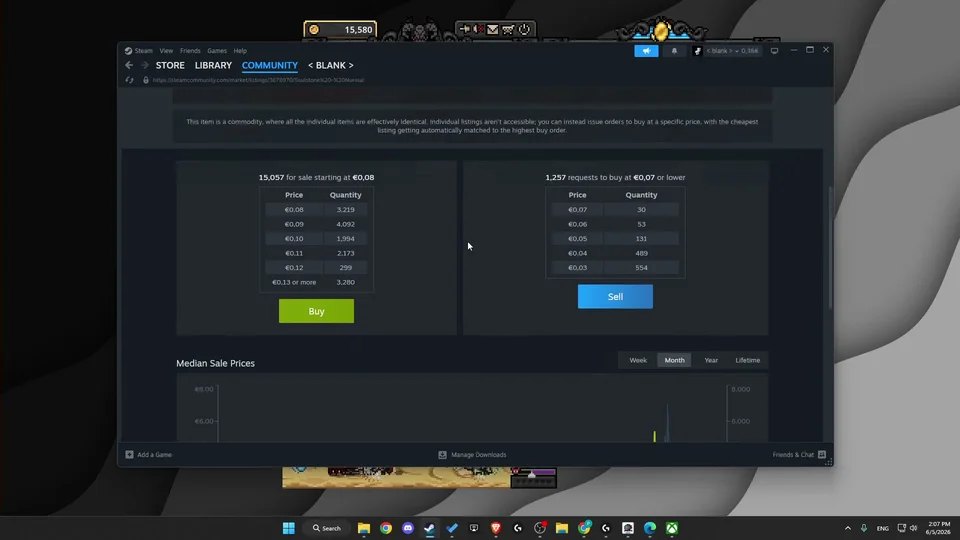
Because Soulstones are fully tradeable commodities within the Steam ecosystem, players who experience unfortunate drop streaks can acquire them directly from the Steam community market, utilizing the trade methods explained in our market trading guide. Searching for Soulstone listings on the market reveals readily available listings across normal, nightmare, torment, and hell ranks.
Normal difficulty stones frequently sell for approximately 7 to 8 cents. Players who farm surplus tradeable drops can sell unwanted gear on the market and reinvest those platform funds into entry tickets without spending external money. However, community guides advise against selling stones if you plan to progress immediately, as repurchasing them costs extra time and transaction fees.
Challenging Act Bosses Through the Portal With Loss Protection Mechanics
To initiate a boss challenge, click the red circular Portal button located in the bottom right corner of your screen. Navigate to the final locked stage of your desired act, which displays a chained lock icon indicating the encounter requires a Soulstone. Commencing the battle initiates the encounter against the Act Boss.
Crucially, TBH: Task Bar Hero includes built-in loss protection. If your heroes are defeated during the boss fight, your Soulstone is not consumed. The chamber remains unlocked with its chained status, allowing you to re-gear, adjust team compositions, and retry repeatedly. The Soulstone is only consumed from your possession once the Act Boss is successfully eliminated and the victory reward sequence concludes.

Material Stacking Rules and Stash Storage Management for Soulstones
Beginning in Ver 1.2.5, material management received substantial improvements. All material items, including decoration components, coins, and Soulstones, can stack together in groups of up to 5 per regular inventory slot. Dragging identical unstacked stones over each other merges them into a single stack, while holding Shift and left-clicking splits stacked items individually.
Furthermore, in Ver 1.3.0, the dedicated Material Stash accommodates Soulstones alongside crafting supplies, allowing each dedicated slot to hold up to 999 items and freeing regular inventory space for active equipment drops. Note that Soulstones cannot be placed into Cube Synthesis, preventing accidental destruction during bulk gear merging operations described in the Cube guide.
Sources
- How To Get Soulstones In TBH: Task Bar Hero — Ned HELP (20260615)
- How to Get Soulstones in TBH: Task Bar Hero — How to Easy (20260530)
- What To Do With Soulstones in TBH: Task Bar Hero — GPSOLVED (20260608)
- How To Get Soulstones in TBH Task Bar Hero (All Methods Explained) — GPSOLVED (20260605)
- Task Bar Hero Steam Patch Notes & Relic Update [Ver 1.3.0]