TBH Task Bar Hero Cube Guide: Leveling, Synthesis, Alchemy, and Crafting Mechanics
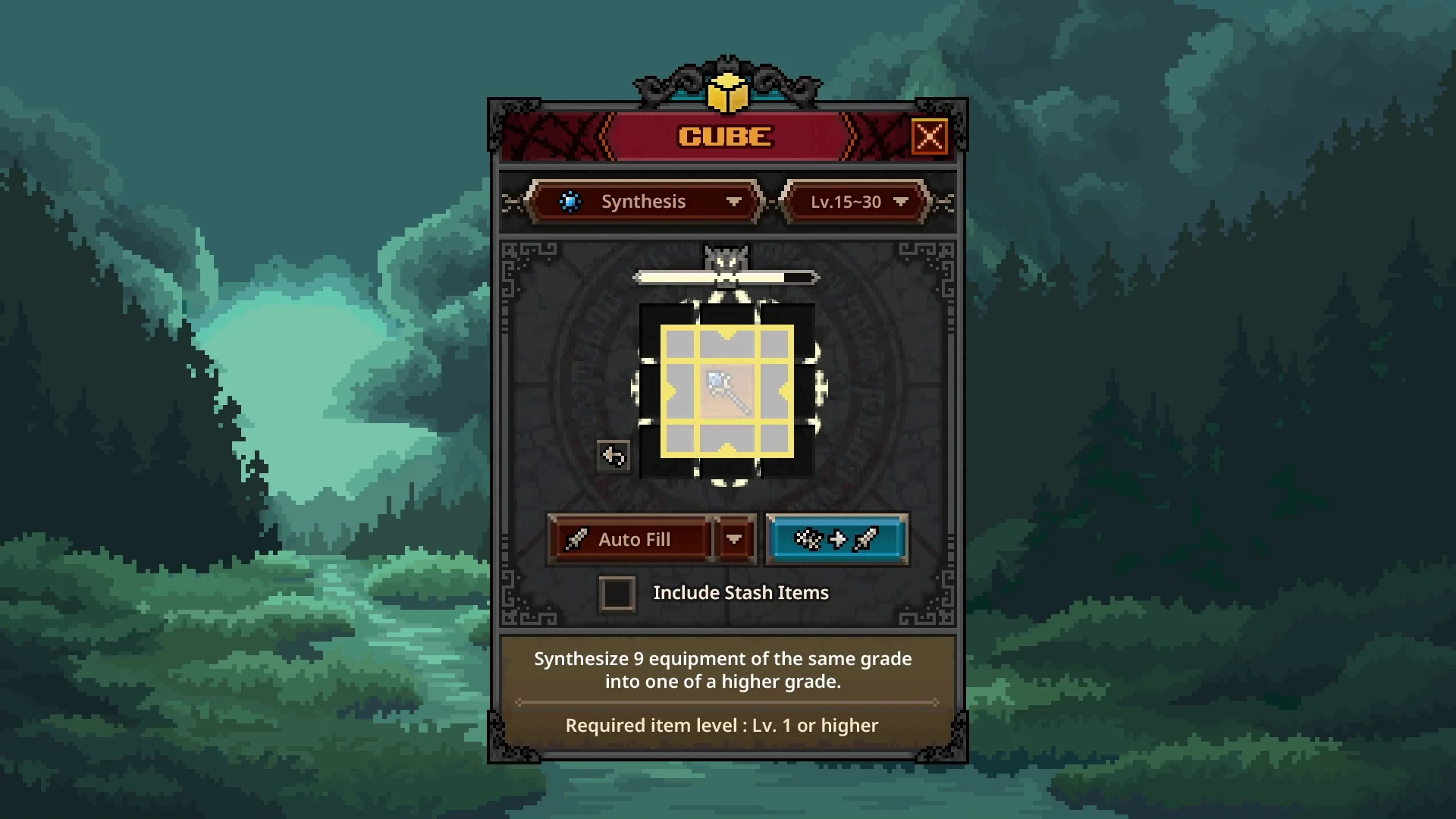
TBH: Task Bar Hero relies on the Cube to drive equipment progression, item synthesis, and currency generation across all character classes.
Unlocking the Cube and Navigating the Primary Crafting Interface
In TBH: Task Bar Hero, the Cube serves as the central engine for character itemization and gear progression. According to creator testing by How to Easy, players unlock the Cube menu around character level 4. The primary interface organizes operations into dedicated tabs including  Synthesis,
 Alchemy, and
 Crafting, with advanced capabilities for
 Decoration,
 Engraving,
 Inscription, Removal, and
 Offering added as your account expands.
The table below lists Cube transmutation mechanisms and recipes from the game's files.
| Mechanism | Unlock Level | Description |
|---|---|---|
| Synthesis | Level 1 | Synthesize 9 items of the same grade into one of a higher grade. |
| Alchemy | Level 1 | Convert any item into gold. - Materials : Any 1~9 items - Result : Items consumed, gold obtained |
 Corrosion | Level 30 | You can gain Contamination through Corrosion. |
| Decoration | Level 8 | Grants special stats to equipment. - Materials : Equipment with a Decoration slot x1 + Decoration Material x1 - Result : Random stat based on material |
| Engraving | Level 15 | Grants special stats to equipment. - Materials : Equipment with an Engraving slot x1 + Engraving Material x1 - Result : Random stat based on material |
| Inscription | Level 25 | Grants special stats to equipment. - Materials : Equipment with an Inscription slot x1 + Inscription Material x1 - Result : Random stat based on material |
| Crafting | Level 5 | Craft specific item types. Select an item type, then add the required materials. |
| Offering | Level 10 | Offer a tribute to obtain items worthy of it. |
 Attunement | Level 10 | Rerolls the options of a Reliquary or Relic. |
 Extraction | Level 10 | Extract stats from items to create materials. |
Reaching Cube level 10 unlocks player access to the Steam community market for buying and selling tradeable items — covered in our market trading guide. The interface remembers your last active recipe tab when reopened, though players can configure settings to default directly to Synthesis upon opening the device.
Synthesis Rules Combining Nine Pieces of Gear for Higher Rarities
Synthesis operates by combining nine gear pieces of the exact same grade to produce a random item of the subsequent tier. For example, feeding nine common items yields uncommon equipment, advancing through rare, legendary, and immortal brackets. You can populate the grid manually by dragging gear from your bags or by pressing the auto fill button to load eligible spare items rapidly.
When synthesizing endgame gear, Ver 1.3.0 updated synthesis success rates: the chance to upgrade Immortal grade items to Arcana increased from 49.9% to 80%, while the chance to upgrade Arcana grade to Beyond increased from 33.28% to 50%. Lower tier combinations generally provide a 95% chance for a single grade upgrade with an additional chance to advance two full tiers at once.
Alchemy Transmutation Generating Gold Currency and Cube Experience
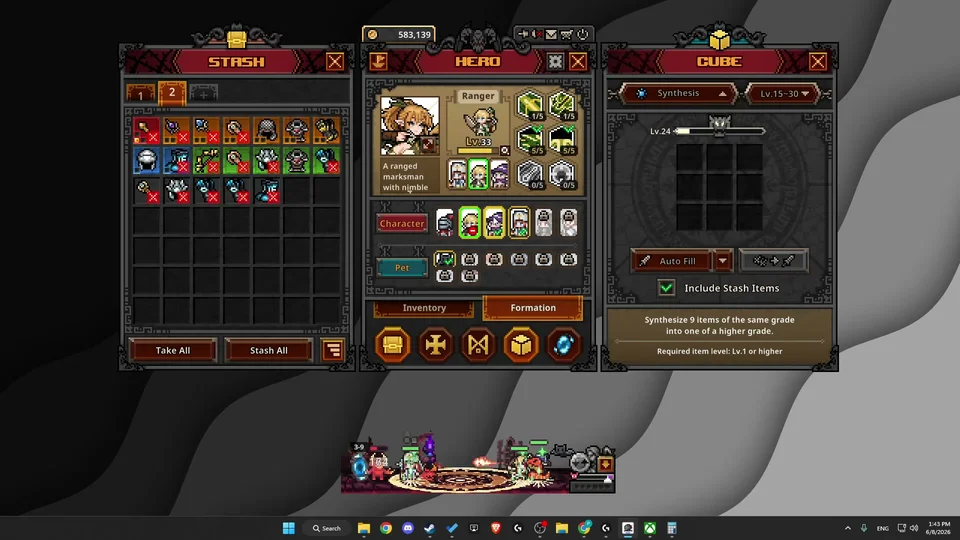
Alchemy converts surplus inventory equipment directly into raw gold currency while generating permanent Cube experience. Placing gear into the Alchemy chamber allows players to liquify unwanted drops into liquid funds to finance talent trees and character progression. Creator GPSOLVED highlights that using Alchemy is the fastest way to level up your Cube rank.
Players should prioritize Synthesis when seeking direct equipment upgrades, reserving Alchemy for periods when gold is urgently required to upgrade talents or clear cluttered bag space. Processing higher-grade items yields significantly more experience towards advancing your Cube level.
Crafting Recipes Equipment Slots and Material Requirements by Level
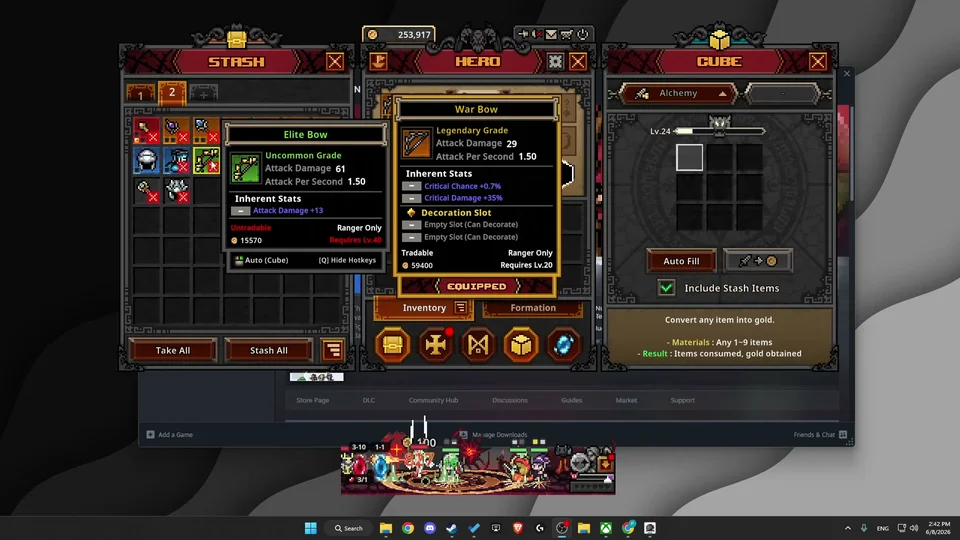
The Crafting tab fabricates specific equipment categories divided across designated level brackets, such as level 20, 30, and level 30 to 40 ranges. Selecting an item type enables targeted production for main weapons, sub weapons, or armor pieces including helmets, armor chests, gloves, and boots. Fabricating body armor requires green crafting materials like leather and copper nuggets, while off hand equipment consumes a combination of green and gray components.
Accessory crafting draws from specialized minerals, requiring a Stardust ingot,  Jade Stone, and
 Amber Gem to generate randomized rings or earrings within the chosen level tier. Advanced gear modification further utilizes Decoration and Engraving on legendary equipment — detailed in the Cube decorations guide — while Inscription requires rare materials reserved exclusively for arcana, beyond, celestial, divine, and cosmic grades. Note that removing installed enhancements via Removal permanently destroys the socketed material.
Efficient Cube Leveling Within the Ten Level Item Window Mechanics
To level your Cube rapidly, items processed through Synthesis or Alchemy must fall within 10 levels above or below your active Cube level. For example, a player with a level 24 Cube earns optimal experience by processing gear between level 15 and level 30. Inserting items 15 or more levels above your rank or substantially below your rank penalizes experience gains severely.
Players can farm optimal gear brackets by targeting specific Portal stages. Running normal difficulty from Act 3 stage 8 through nightmare difficulty Act 1 stage 8 consistently drops items within the level 15 to 30 bracket. Higher rarity inputs yield substantially increased experience rewards, allowing focused batches to advance the Cube multiple levels simultaneously.
Boss Chest Offering Recipes and High Tier Reliquary Conversions
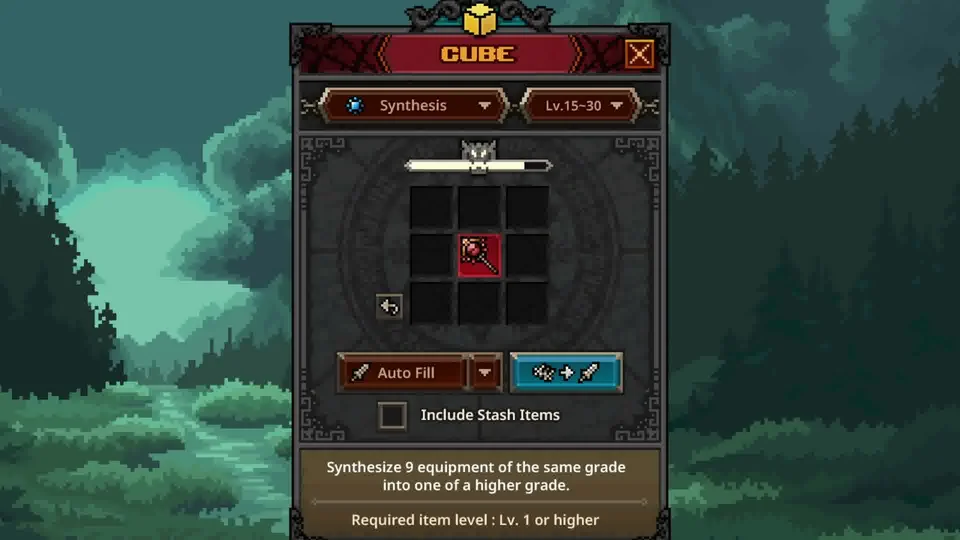
The Offering menu enables players to submit special offering pieces obtained by defeating an Act Boss to receive tiered gear rewards. Sacrificing an offering piece into the recipe yields randomized loot probabilities, offering up to a 35% chance for legendary gear and a 21% chance for immortal rewards, with a 2.4% baseline for common items.
Beginning in Ver 1.3.0, players can also offer contaminated reliquaries or contaminated relics into the Cube offering recipes to obtain purified randomized reliquaries and relics — mechanics detailed in our relic system guide — alongside newly introduced attunement recipes that expand character power beyond conventional equipment slots.
Cube Troubleshooting and Item Server Malfunctions
When the Cube will not accept items, the primary cause is attempting to process gear outside the valid 10-level window or failing to provide nine items of the exact same rarity in Synthesis. Mixed rarities or items separated from the active level bracket prevent recipes from activating.
Additionally, having a completely full inventory previously prevented crafting and synthesis even when combining items would free inventory slots, a bug resolved in hotfix updates. Platform server outages with the Steam item server can also introduce temporary malfunctions during chest opening and Cube transmutations, requiring players to wait for connection stability.
Sources
- How The Cube System Works in TBH Task Bar Hero — How to Easy (20260530)
- Task Bar Hero TBH Fastest Way To Level Up Your Cube! — CaliBoii (20260612)
- How To Level Up Cube Fast in TBH: Task Bar Hero - (Full Guide) — GPSOLVED (20260608)
- Synthesis Guide For TBH: Task Bar Hero — Ned HELP (20260612)
- Task Bar Hero Steam Patch Notes & Relic Update [Ver 1.3.0]