TBH Task Bar Hero Decoration Guide: Socketing Elemental Gems and Removing Slotted Decorations
In TBH: Task Bar Hero, equipment progression expands beyond baseline attack and defense stats as your party enters advanced acts. Slotted equipment allows heroes to socket powerful elemental gems and decorations directly into weapons, armor, and accessories using the Cube interface.
Unlocking Cube Decoration Features and Leveling Operations Through Fast Alchemy
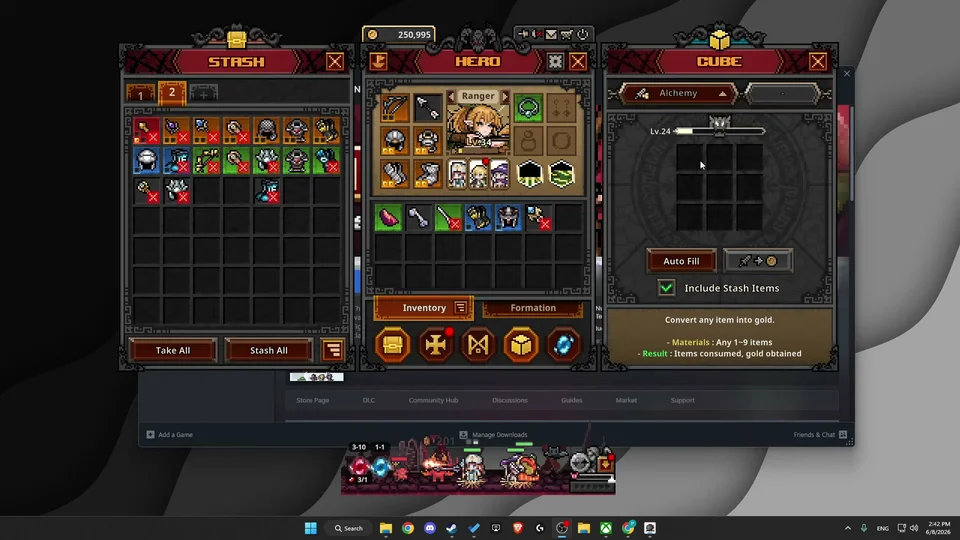
The  Decoration feature unlocks once your Cube reaches level 10. Found as the fourth operational tab located beneath crafting, alchemy, and synthesis — detailed in our comprehensive Cube guide — this station enables custom socketing. The fastest method to level up the Cube involves running
 Alchemy recipes by auto-filling unwanted common and rare equipment drops. Note that items more than 21 levels above your current Cube level cannot be processed in Alchemy, so maintain consistent leveling to match incoming equipment tiers.
Selecting Socketed Equipment and Matching Elemental Decoration Gems for Combat
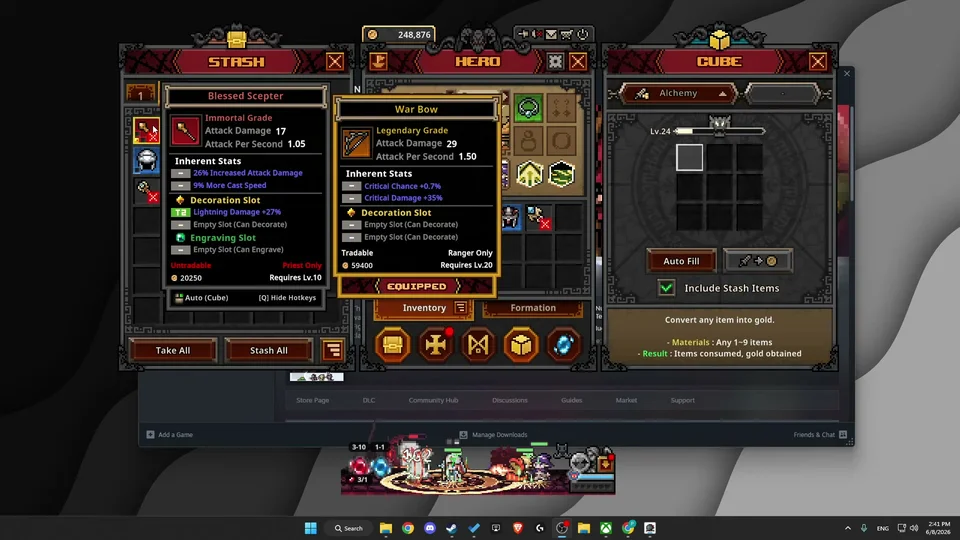
To decorate equipment, place eligible gear into the central slot of the Cube decoration menu alongside your chosen elemental gem. Equipment must feature an open socket hole to accept decorations; gear lacking visible socket openings cannot be decorated.
When socketed into a weapon, gems grant combat bonuses such as increased weapon attack damage percent and elemental damage. Conversely, inserting gems into armor grants elemental resistances, while socketing accessories like earrings provides cooldown reduction and health pool increases. This dual utility lets players fine-tune builds against high-act combat encounters, which pairs naturally with late-game bonuses unlocked through the relic system.
Elemental Affinities and Attribute Multipliers Across Weapons Armor and Accessories
Each elemental gem family delivers distinct stat modifications depending on the equipment slot. Socketing a  Minor Ruby into weapons yields 20 to 30 percent fire damage, whereas slotting it into armor awards 5 to 10 percent fire resistance against flame attacks.
Similarly, socketing a  Minor Sapphire provides cold damage or cold resistance, while a
 Minor Topaz grants lightning attack or lightning resistance. For defensive utility,
 Emerald gems grant chaos resistance. Slotting a
 Minor Amethyst yields physical damage scaling on offensive weapons, expanded health pools on armor, and cooldown reduction when placed in accessory slots.
The table below lists elemental decoration gems and socket bonuses from the game's files.
| Decoration Gem | Rarity | Weapon Bonus | Armor Bonus | Accessory Bonus |
|---|---|---|---|---|
| Minor Ruby | Common | Fire Damage +2% ~ +3% | Fire Resistance +10% ~ +15% | Attack Damage +1 ~ +2 |
| Minor Sapphire | Common | Cold Damage +2% ~ +3% | Armor +25 ~ +50 | Critical Chance +10% ~ +15% |
| Minor Topaz | Common | Lightning Damage +2% ~ +3% | Armor +10% ~ +15% | Cast Speed +8% ~ +10% |
 Minor Emerald | Common | Attack Speed +5% ~ +6% | Damage Absorption +10% | Movement Speed +10% ~ +15% |
| Minor Amethyst | Common | Physical Damage +2% ~ +3% | Max HP +10 ~ +30 | Cooldown Reduction +10% ~ +25% |
 Ruby | Rare | Fire Damage +3% ~ +4% | Fire Resistance +20% ~ +30% | Attack Damage +3 ~ +6 |
 Sapphire | Rare | Cold Damage +3% ~ +4% | Armor +50 ~ +100 | Critical Chance +15% ~ +20% |
 Topaz | Rare | Lightning Damage +3% ~ +4% | Armor +20% ~ +30% | Cast Speed +10% ~ +15% |
| Emerald | Rare | Attack Speed +6% ~ +7% | Damage Absorption +15% | Movement Speed +15% ~ +20% |
 Amethyst | Rare | Physical Damage +3% ~ +4% | Max HP +30 ~ +60 | Cooldown Reduction +25% ~ +40% |
Removing Slotted Decorations via Cube Removal Before Trading Market Equipment
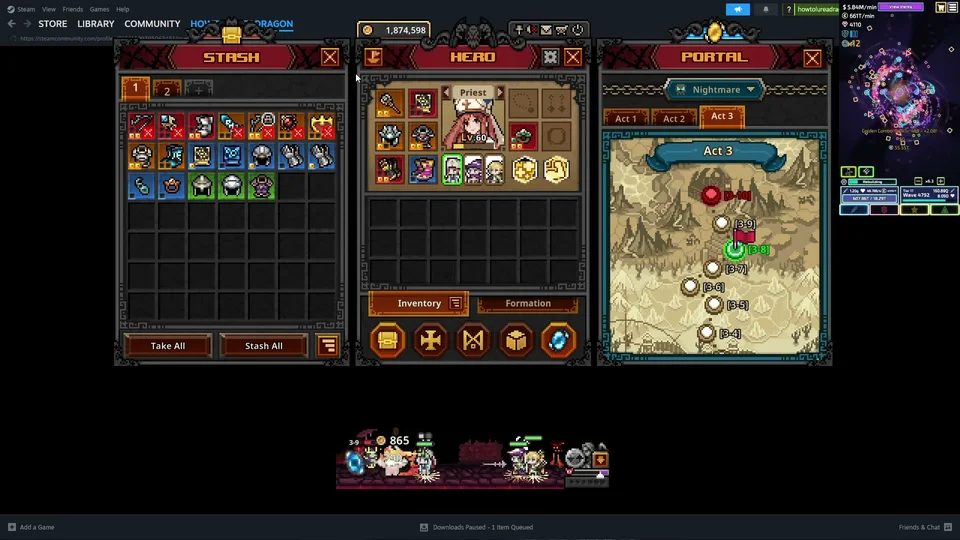
Players can clear active sockets at any time using the Removal tab in the Cube menu. Before altering or listing equipment on the community market, you must first unequip the item and place it in the removal interface — see the market trading guide for trading rules. Clearing slotted decorations or engravings costs 400 gold, while tier 1 decorations carry a separate removal cost.
Clearing a socket frees up the item slot but permanently destroys the slotted gem. Because removed decorations cannot be retrieved or reused, preserve top catalysts such as founder stones and chaos stars strictly for cosmic and divine tier equipment rather than expendable early gear.