Half Sword Fighting Techniques for Half-Swording Thrust Stances and Armor Penetration
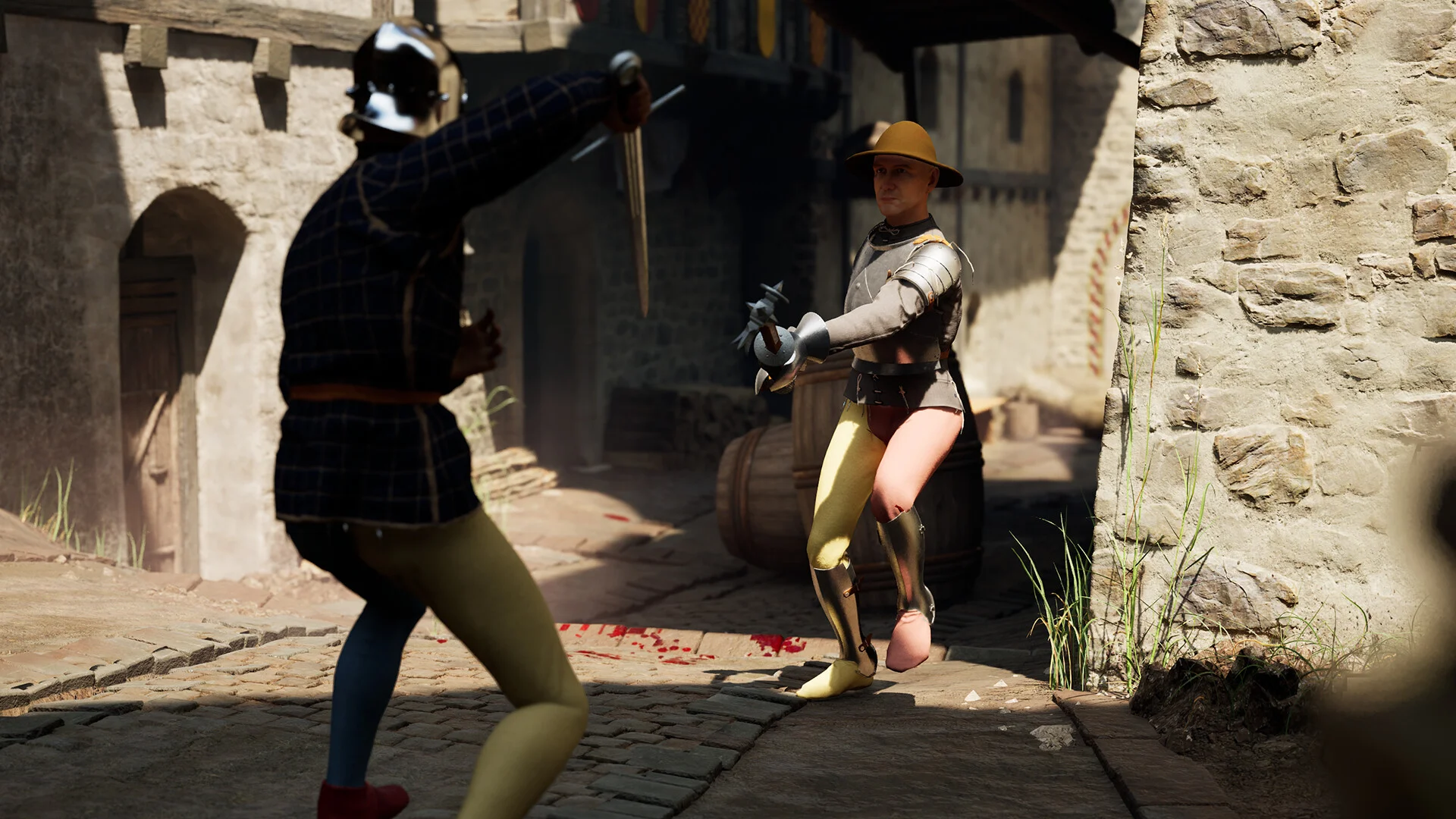
Combat in Half Sword relies on adaptive grip switches, thrust mode transitions, and disciplined spacing. Employing half-swording against armored knights and weaving thrusts between slashes enables precise strikes against tough opponents.
Half-Swording Grips and Armor Vulnerabilities
In Half Sword, battling armored opponents like the 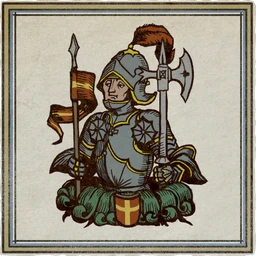 Knight in the gauntlet requires precision rather than wild swinging. Clicking or holding the right mouse button engages half-swording, gripping the blade with both hands to steer the point into unarmored gaps like the neck, armpits, and crotch. Half-swording polearms holds them horizontally, while hafted polearms and maces are wielded in both hands or horizontally depending on length. When facing heavy plate armor, blunt weapons like halberds, war staffs, or a pollaxe can knock down or knock out opponents with direct head strikes.
The table below lists medieval weapon specifications and classes from the game's files.
| Weapon | Class |
|---|---|
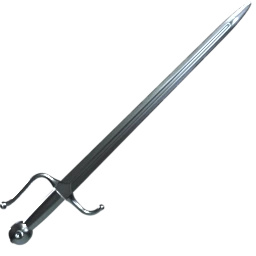 Arming Sword | Sword |
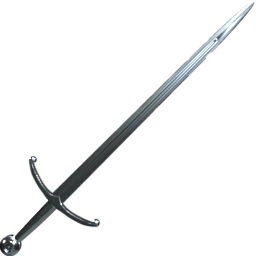 Two-Handed Sword | Sword |
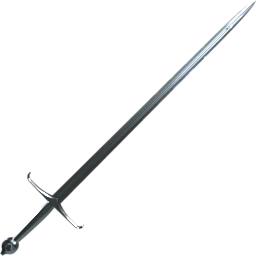 Longsword | Sword |
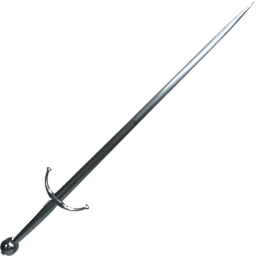 Great Sword | Sword |
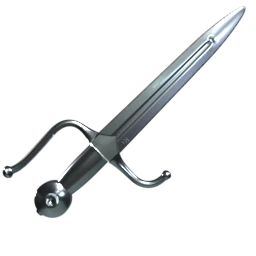 Dagger | Dagger |
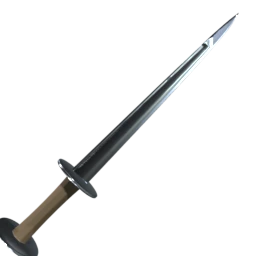 One-Handed Dagger | Dagger |
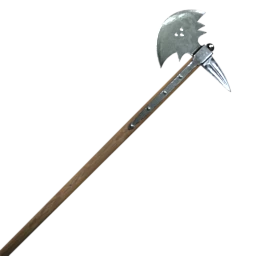 Great Axe | 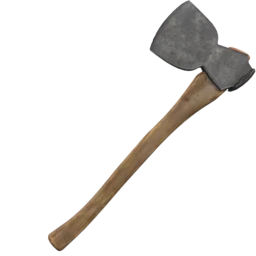 Axe |
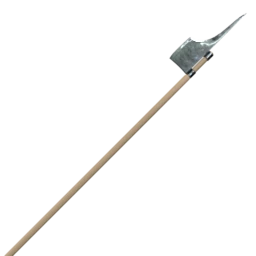 Poleaxes | 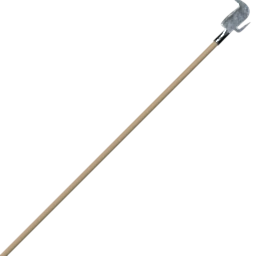 Polearm |
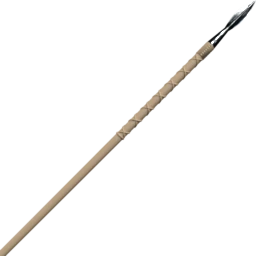 One-Handed Spear | Polearm |
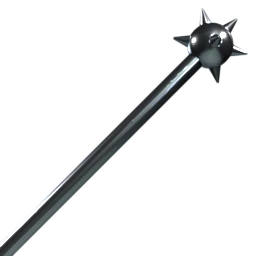 Big Mace | Mace |
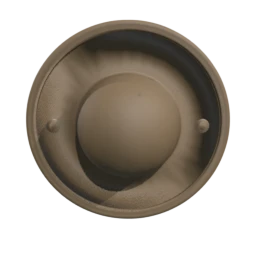 Buckler | 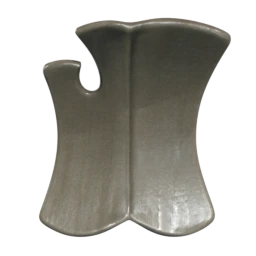 Shield |
Thrust Mode Controls and Combo Transitions
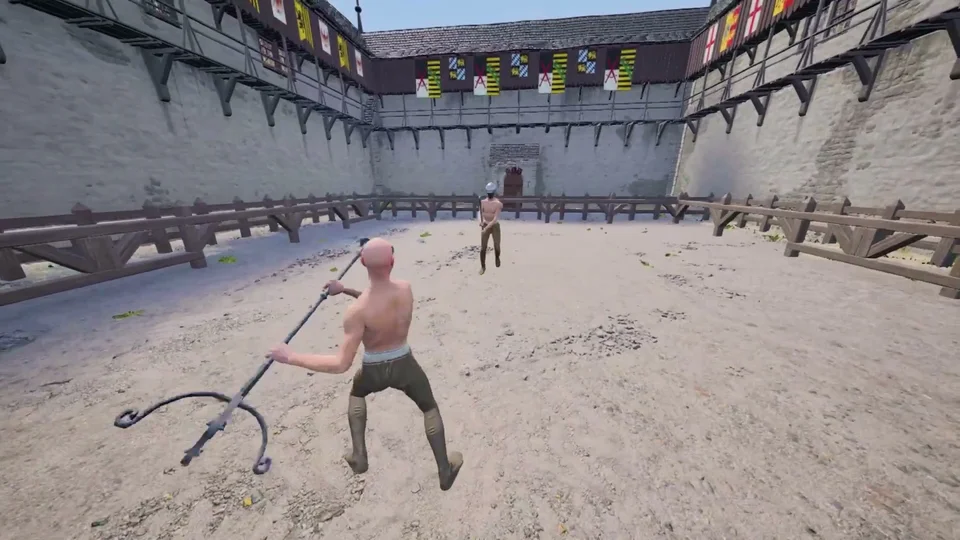
Holding the Alt key straightens your held weapon into thrust mode — detailed in the controls guide — aligning the tip directly at your target. Alternatively, double-clicking and holding either mouse button also activates thrust mode. Sliding the left or right mouse button jousts the weapon forward for an impaling stab. Activating thrust mode between slashes increases striking power and disrupts advancing opponents.
Defensive Footwork and Tactical Kicking
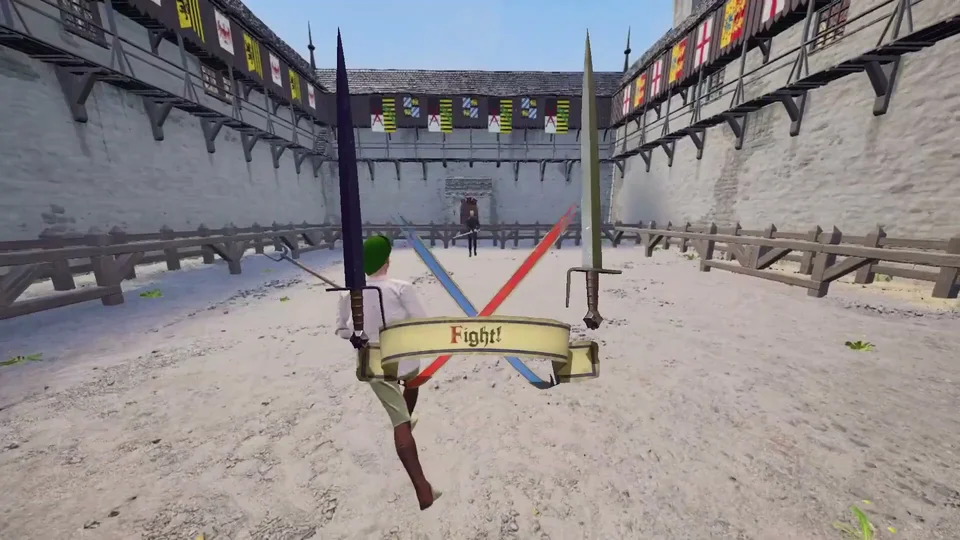
Tapping WASD while holding Shift enables evasive strafing, though wearing heavier armor makes strafing harder. Pressing the spacebar raises your rear leg in a kick to stun opponents, knock away shields, and reset distance, while holding Shift and aiming your camera upward delivers a high kick targeting an opponent's jaw. Looking away from an opponent, kicking, and immediately looking back creates a momentum-driven spin kick that can parry weapons and disarm enemies.
Attack Canceling and Weapon Spacing
According to advanced community combat strategies from creator Hast3E, swinging your weapon right as an enemy prepares to strike executes an attack cancel that breaks opponents out of static guard stances and coaxes them backward toward arena fences. To evade incoming spear thrusts, dodge diagonally using Shift plus A and W; when wielding a spear yourself, angle your camera directly above their head to land consistent head strikes.