Half Sword Controls Guide for Combat Stances Movement and Physics Attacks
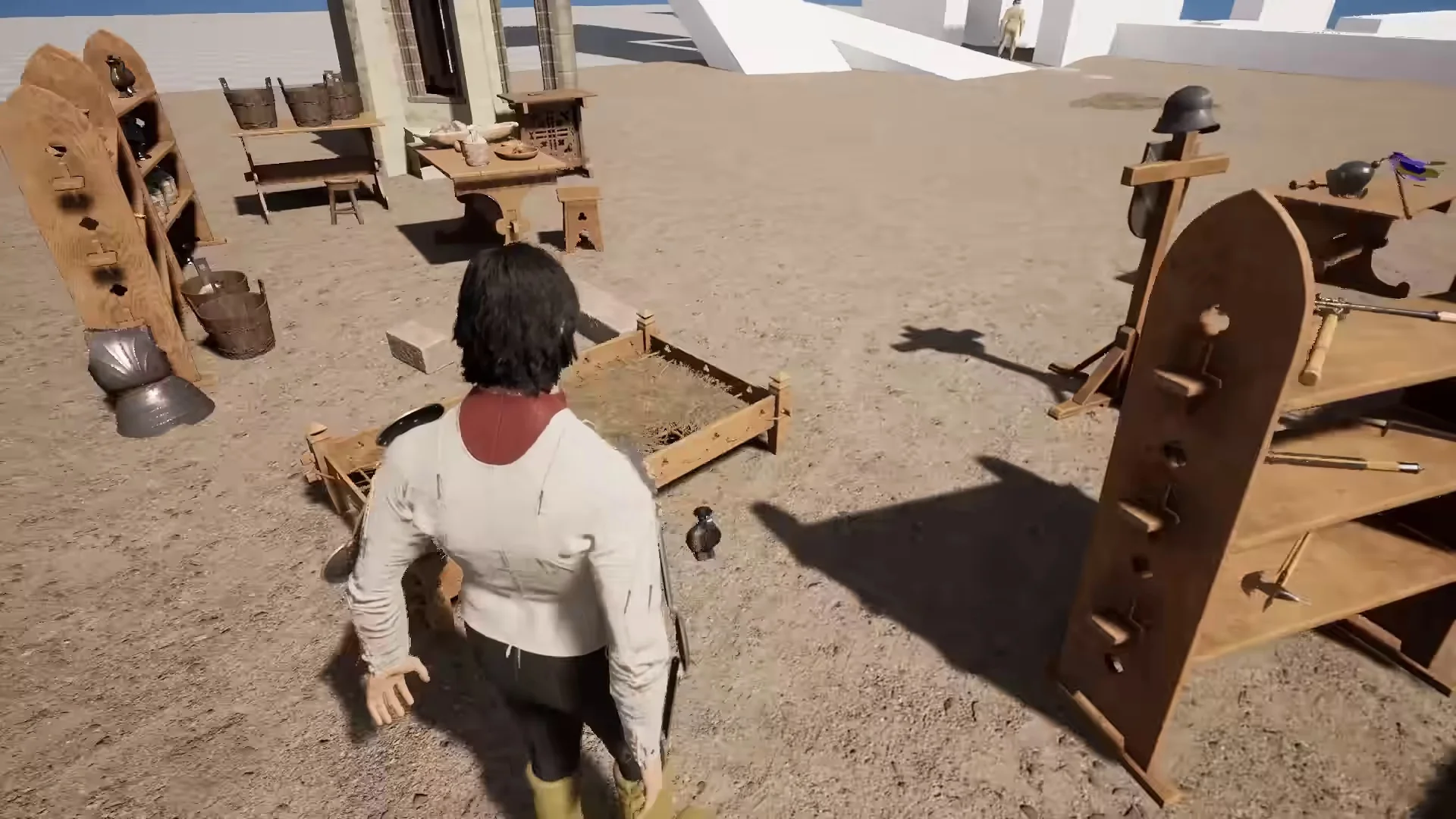
Mastering combat controls in Half Sword requires learning physics arm manipulation, switching into half-swording stances, and coordinating tactical footwork.
Arm Manipulation and Directional Swings
Combat in Half Sword relies on a unique physics-driven control scheme where mouse inputs directly manipulate individual limbs. Holding down the left mouse button and dragging the cursor across the screen swings the right arm. Because controls assign the left mouse button to the right arm and the right mouse button to the left arm, adjusting to these inverted mechanics is the initial hurdle for new duelists. Moving the mouse deliberately rather than erratically flailing prevents wasting stamina and delivers cleaner impacts.
Half-Swording Stance and Thrust Mode
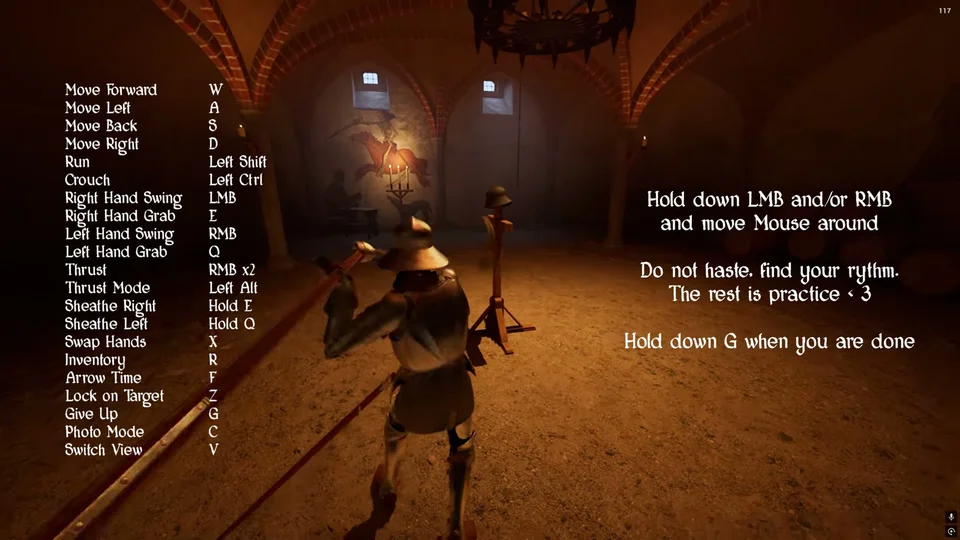
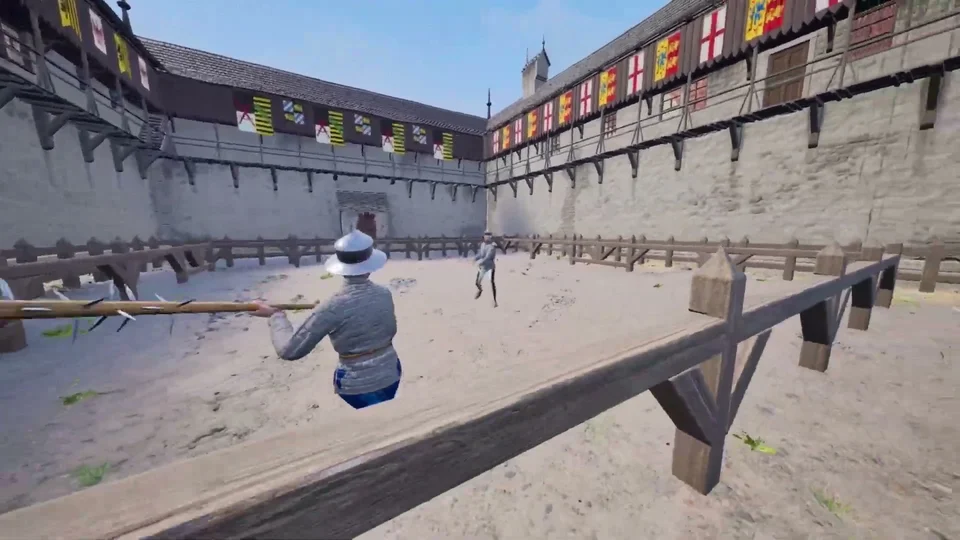
Pressing or holding down the right mouse button shifts swords into a half-swording stance. This historical fencing technique places both hands on the weapon, gripping the blade directly to steer thrusts through enemy armor plating or wrestle opponents in tight quarters. While half-swording proves devastating in close range, it reduces attack reach against distant adversaries. On hafted polearms and maces, half-swording holds the shaft horizontally or with both hands.
To align weapons for forward piercing strikes, duelists can hold down the Alt key to enter Thrust Mode. Sliding either mouse button while in this stance jousts weapons forward into an impaling stab. Players can also double-click and hold either mouse button to snap into thrust mode instantly. Blending thrusts between wide slashes produces greater stopping power against incoming attackers.
Kicking, Dodging, and Tactical Footwork
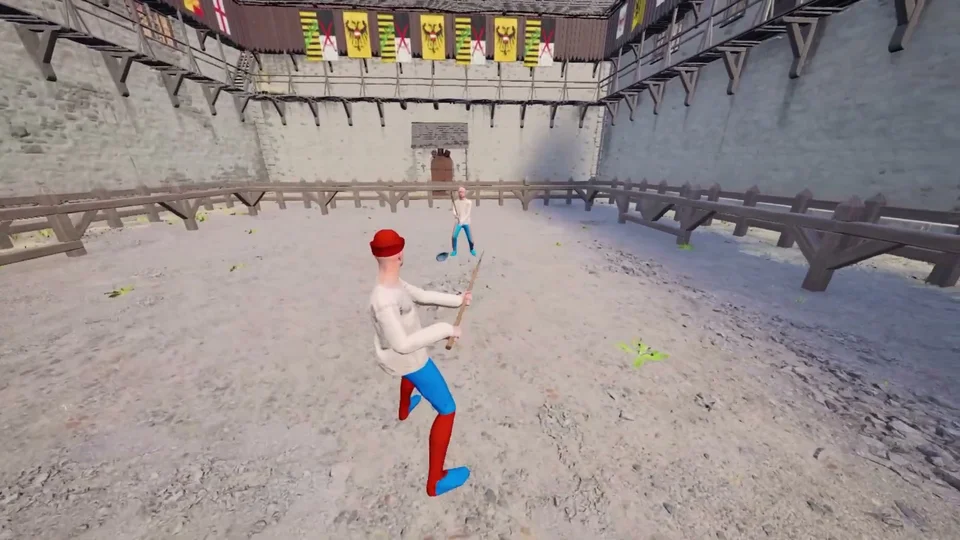
Pressing the Space bar raises whichever leg trails furthest back to deliver a swift front kick. Kicking consumes stamina, but it stuns aggressive hostiles, breaks spacing, and shoves away raised shields. Delivering kicks against grounded foes also provides a reliable method to knock them unconscious. Tilting the camera upward while holding Shift and kicking drives the foot higher into the opponent's jaw.
Holding Shift while tapping or holding the WASD keys allows fighters to dodge and sidestep incoming swings. Dodging expends stamina, and heavier armor sets decrease strafe agility. In addition, holding Space allows characters to squat down before releasing to jump a short distance upward, adding downward force to airborne strikes.
When knocked to the ground, directional movement dictates your recovery. If lying on your back, moving forward pulls you upright, whereas lying on your chest requires directing movement behind to push up. Crawling occurs when moving in directions that do not assist recovery; staying grounded too long triggers a 10-second countdown warning before failing the match. In hopeless situations, holding G for 3 to 4 seconds drops your weapons to forfeit and beg for mercy. Tapping the forfeit key repeatedly instead executes a fake forfeit, tricking hostiles into backing away and buying time to stand.
Equipping, Inventory Wheel, and Utility Keys
Tapping E or Q commands character hands to reach for weapons resting on the ground or grab nearby enemies. If already armed, pressing these keys drops held weapons, while holding E or Q draws or holsters sidearms across the waist. Large polearms cannot be sheathed at the waistline. Pressing X swaps weapons between hands, which helps when altering grip directions on two-handed weapons or moving gear away from an injured hand.
Pressing R brings up the radial inventory wheel while slowing down time, allowing players to assign weapons to either hand using left or right mouse clicks. Fighters cannot walk while the inventory wheel remains active. For tactical awareness, pressing Z focuses camera tracking onto the nearest opponent, holding Ctrl crouches down to reach fallen hostiles, pressing F activates Arrow Time to slow combat at the cost of stamina, and pressing V switches into first-person view, which assists when aiming a crossbow.