How to Equip Armor in Half Sword Unlocking Slots and Equipping Plates
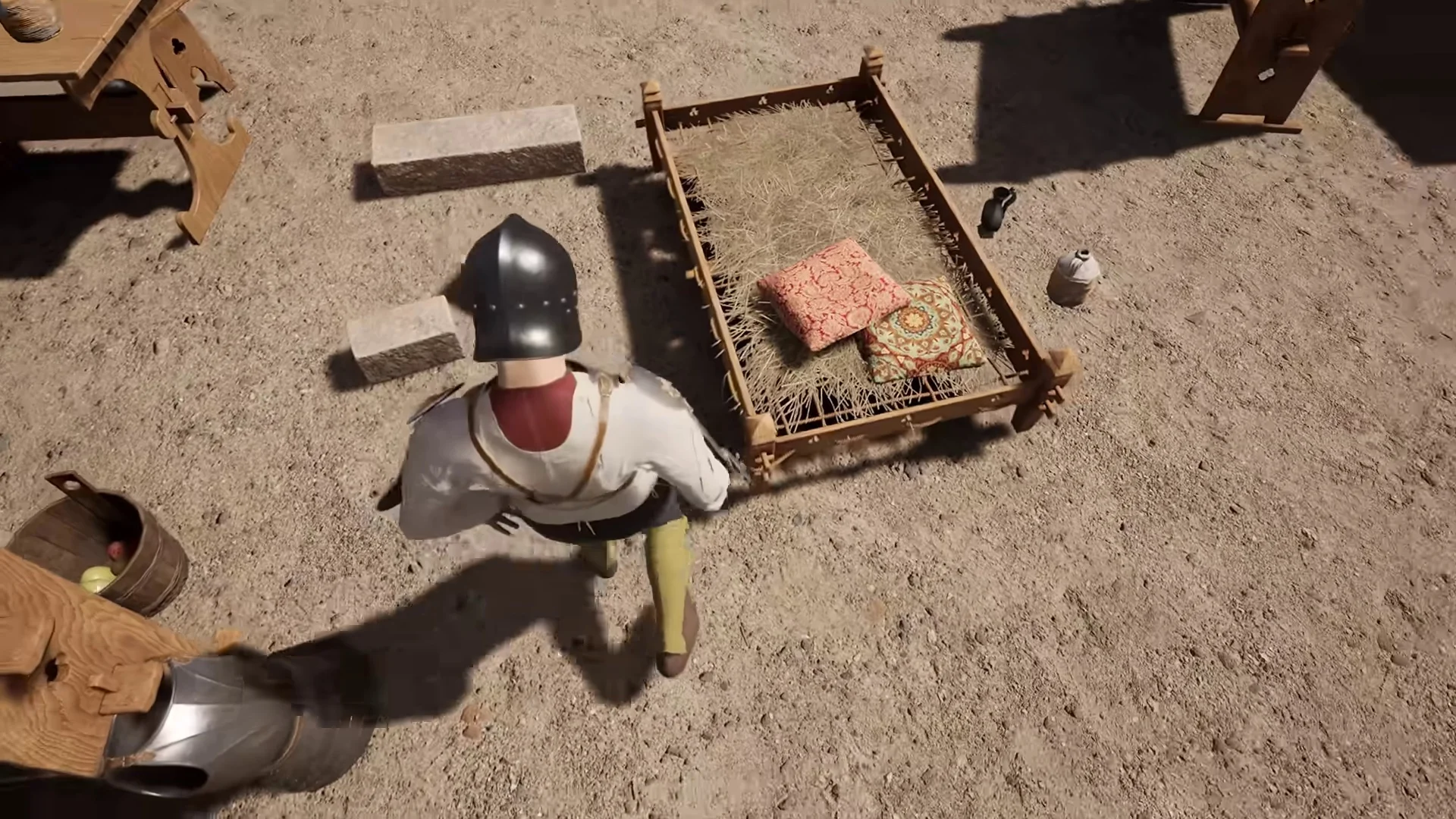
Equipping plate defense in Half Sword requires specific undergarments to unlock armor attachment points. By selecting an arming doublet, clearing built-in chain attachments at the armorsmith, and scavenging pieces from defeated foes, fighters can assemble full plate protection.
Undergarment Requirements and Slot Unlocking
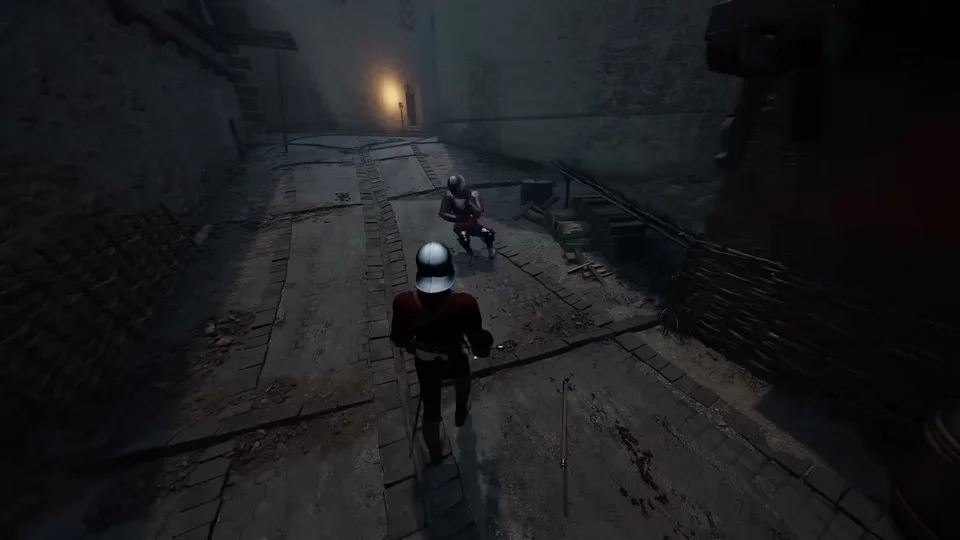
In Half Sword, protective plates cannot be strapped over ordinary shirts or standard tunics. To equip plate armor, fighters must wear an 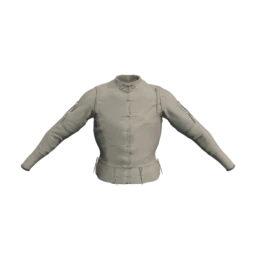 arming doublet featuring attachment points, indicated by the vine pattern. If an arming doublet has built-in chainmail, those chains occupy the slots; taking the garment to the armorsmith removes the chains and frees the mounting points for heavier plates.
Scavenging Armor from Defeated Combatants
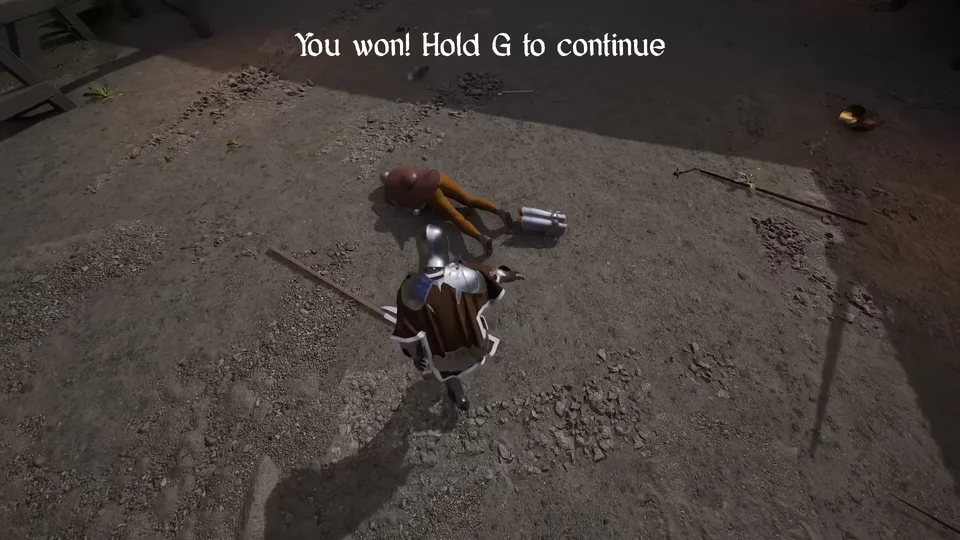
Rather than relying solely on merchant trade, fighters can loot armor directly from fallen opponents. After knocking down an enemy, grab their body and hold the grab control to search for gear. Once a desired item is selected, holding the control again puts the armor piece directly onto your character, allowing immediate battlefield re-equipping.
Loadout Retention and Shopkeeper Insurance
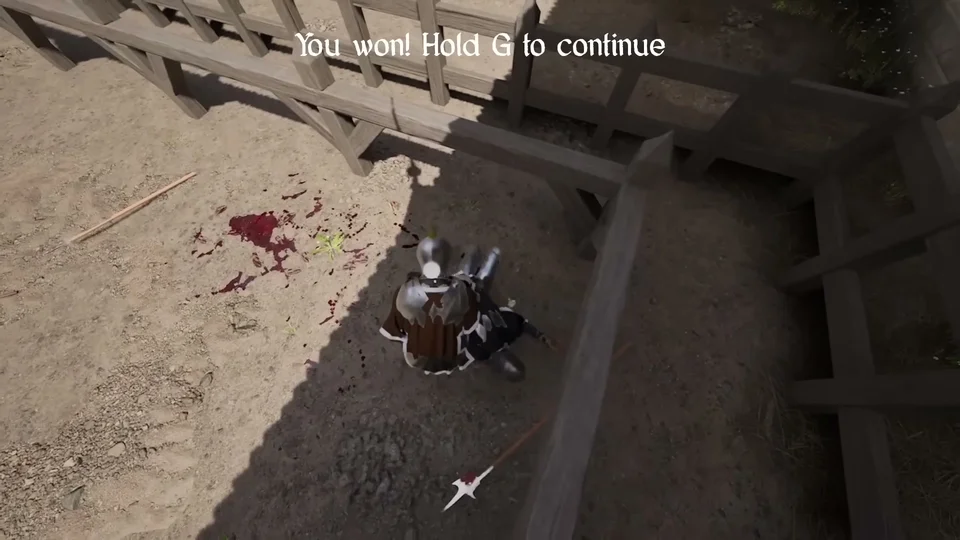
Equipment retained at the end of a round carries over directly onto the tavern loadout screen. Unequipping these items places them into personal inventory. Crucially, uninsured items left on the ground or lost when dying vanish permanently. Visiting the shopkeeper to insure valuable armor ensures that lost equipment returns to your inventory.
Armor Types, Helmet Modifications, and Rank Restrictions
According to community mod breakdowns, armor is categorized across 9 body zones, including helmets, leg guards, and hand armor. The standard 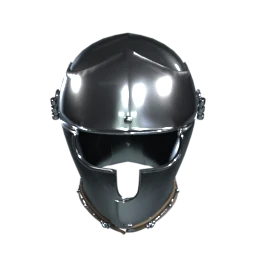 Armet provides extensive cranial protection and supports 3 modifications: Visor, Plume, and Feathers. Other headpieces like the cylindrical
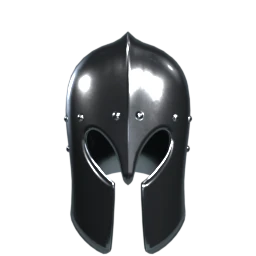 Barbute, Eisenhut, and
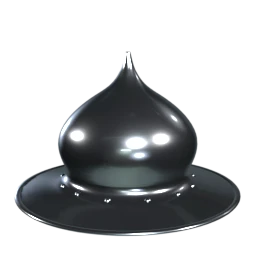 Kettle helmets support 1 modification: a Strap. Certain equipment sets depend on rank standing: golden armor worn by the
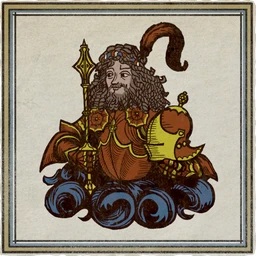 Baron requires beating the game. For torso protection, a full
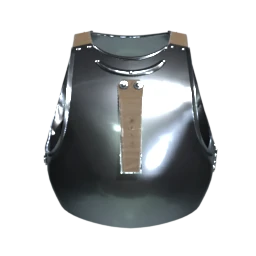 Cuirass shields the chest, stomach, and back across
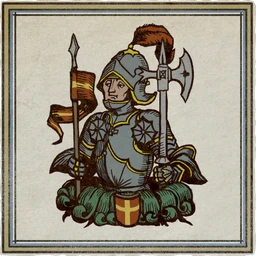 Knight, Man-at-Arms, and
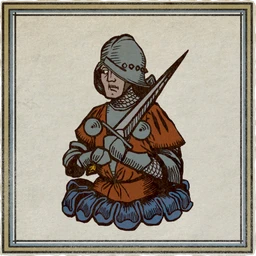 Veteran tiers. The lighter
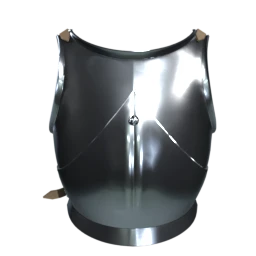 Breastplate protects the front across
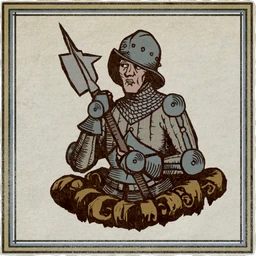 Soldier and Veteran tiers while leaving the back bare, whereas the U-shaped Plackard appears exclusively in Veteran tier with exposed upper chest areas.
The table below lists defensive armor pieces and harness slots from the game's files.
| Armor Piece | Slot | Material | Coverage |
|---|---|---|---|
| Barbute | Head | Steel | Head |
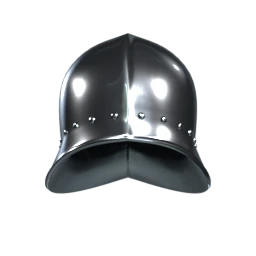 Open Sallet | Head | Steel | Head |
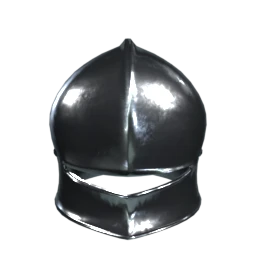 Sallet | Head | Steel | Head |
| Breastplate | 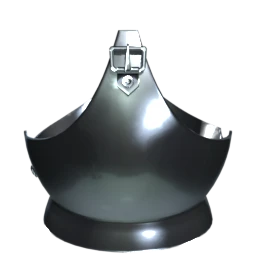 Chest | Steel | Chest |
| Cuirass | Chest | Steel | Chest |
| Arming Doublet | Chest | Linen | Chest |
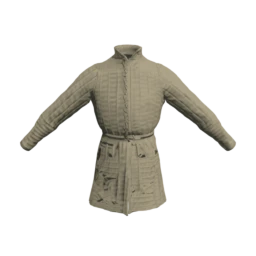 Gambeson | Chest | Linen | Chest |
Weight Penalties and Combat Vulnerabilities
Wearing heavier armor carries practical physical consequences in combat. Carrying greater armor and weapon weight drains more stamina during exertion and makes strafing maneuvers noticeably harder to perform. Furthermore, plate defense remains vulnerable to specialized tactics: opponents can half-sword their blades at close range to slip thrusts through gaps in plate, or use blunt-force weapons like halberds and war staffs to deliver head strikes that knock armored fighters unconscious.