Dressmaker Guide to Increasing Garment Quality with Grain Stitching and Fit
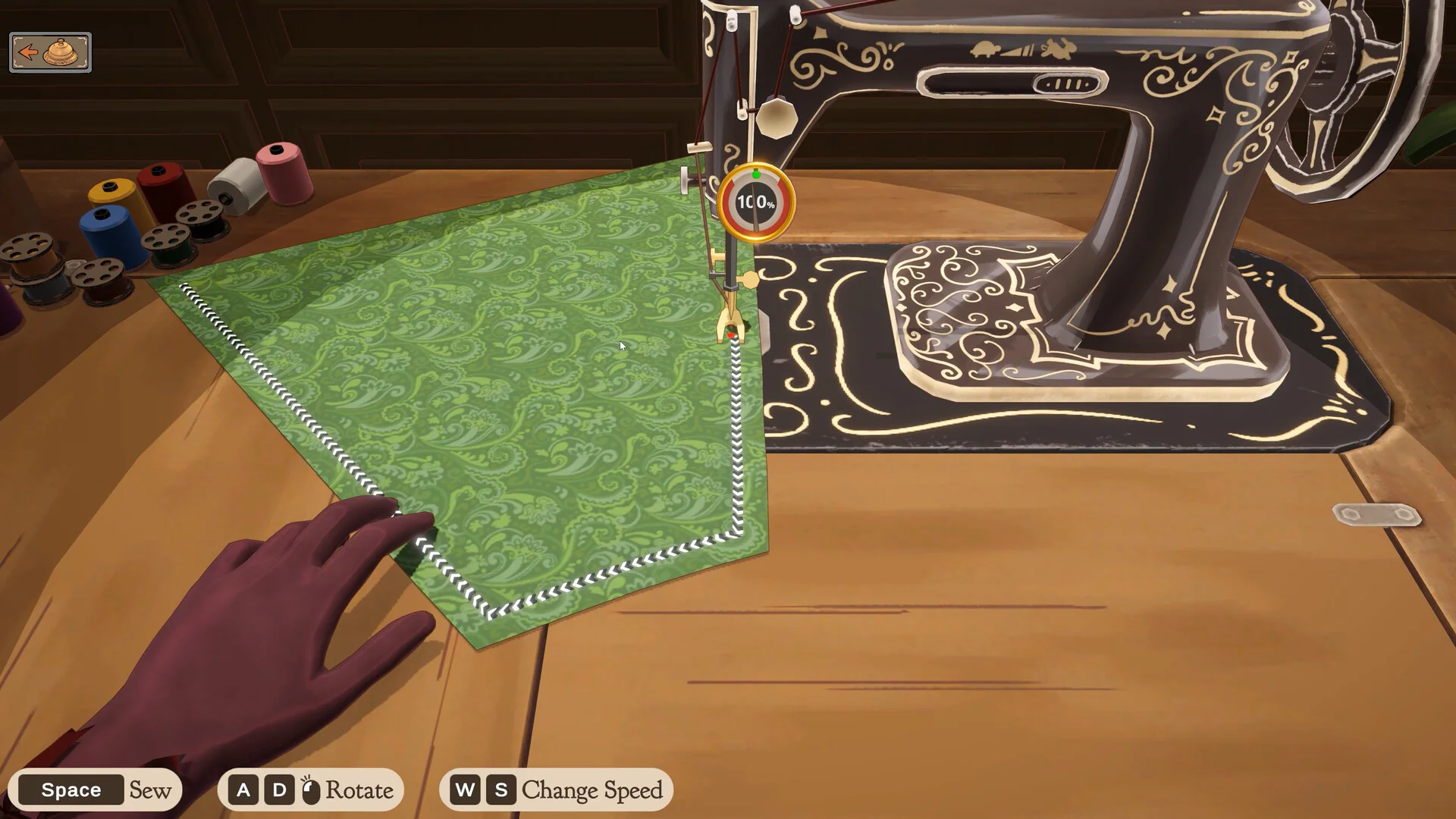
Achieving top quality ratings in Dressmaker requires balancing cutting table grain orientation, mannequin proportion adjustments, and machine stitching control.
The Breakdown of Quality in Dressmaker
A client commission in Dressmaker calculates overall quality through three precise components: 30% from cutting grain alignment, 20% from mannequin sizing fit, and 50% from machine stitching precision. For off-the-rack garments created without a client, fit is excluded, redistributing the score into 40% grain and 60% stitching. Higher quality directly boosts sale payouts as outlined in our workshop profit guide. Neither fabric expense nor accessories alter quality; a cheap fabric (like  Burlap) scores just as well as an expensive one. In Build 443, color and fabric requirements boost small components like collars and sleeves rather than using raw area.
Mastering Grain Alignment During Cutting
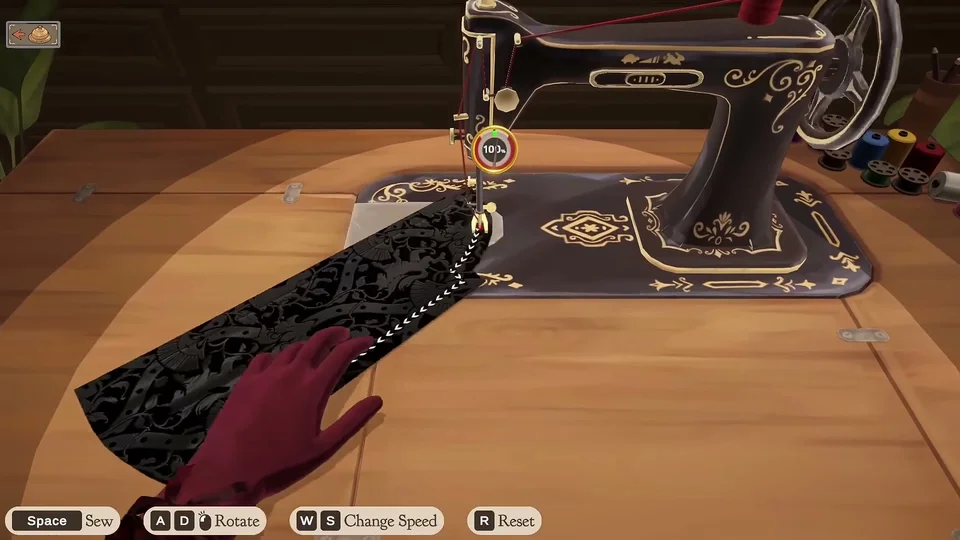
Every paper pattern piece displays a directional grain arrow. To secure maximum grain score, spin the scroll wheel to rotate the chosen panel in 9-degree increments until its arrow aligns horizontally along the bolt length, pointing either left or right. One mousewheel click away from straight grain (9 degrees) reduces grain quality to 88%, two clicks (18 degrees) leaves it at 61%, and turning past 22.5 degrees drops the score to 0 unless close to cross-grain, where it caps at 75%. Bias-cut panels receive full marks in either orientation. Every piece counts equally toward the grain average, so small cuffs carry equal weight to full skirts — master these mechanics on the board with our cutting table controls guide.
Stitching Accuracy, Speed, and Needle Recovery
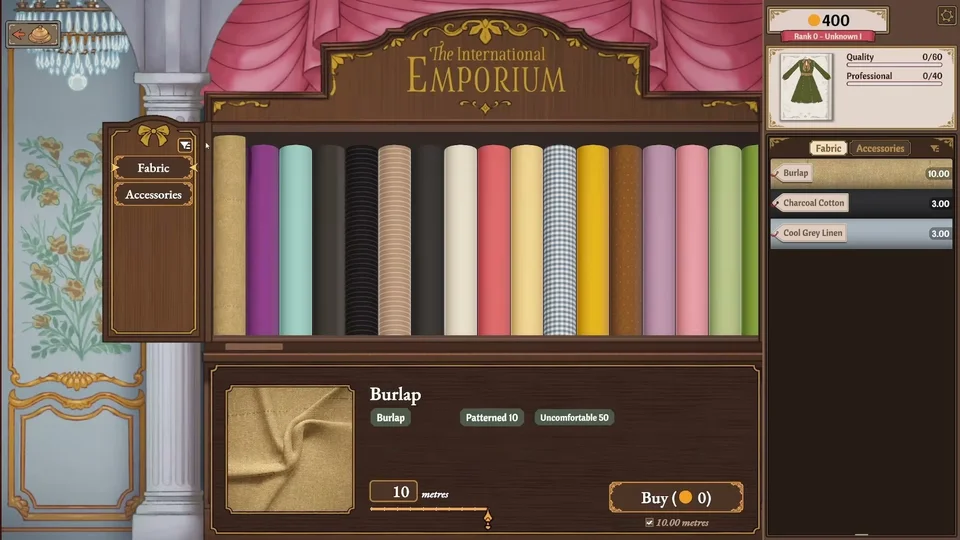
Stitching represents half of your entire commission quality. At the sewing machine, press Space to sew, use A and D to rotate the piece, use W and S to change sewing speed, and press R to reset. Regulating speed with S makes staying on the line easier. Every stitch is evaluated on its distance from the marked seam path. If your needle wanders too far from the line, the machine stalls, the fabric resets to the previous valid stitch, and the seam suffers an immediate 10-point penalty. Pressing R resets the seam from the start, restoring lost points. Players can also turn on Sewing Assist under the Gameplay tab in the pause menu (press Esc) to automatically steer fabric toward the seam line and help achieve 100% sewing quality.
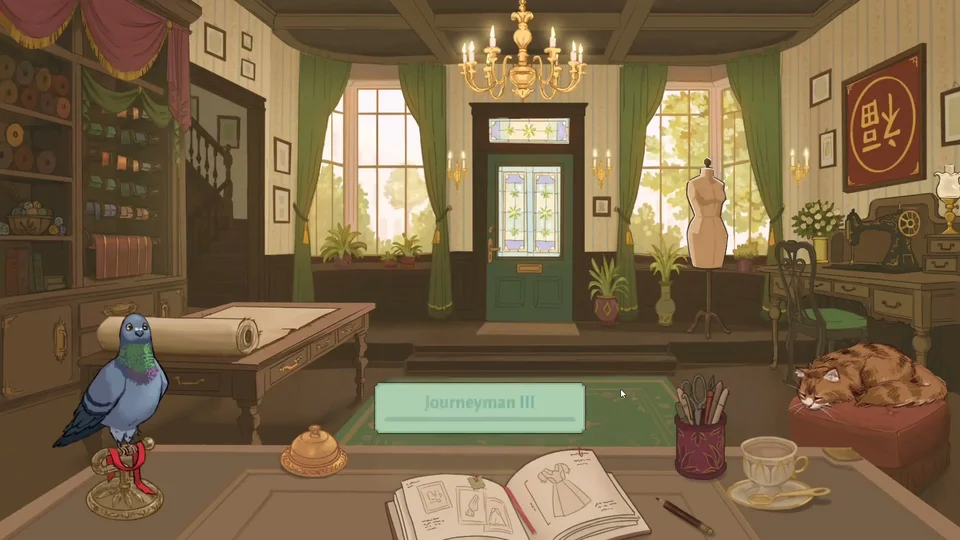
Mannequin Fit, Measuring Accuracy, and Multipliers
If your cuts and stitching are clean but quality remains capped below expected values, mannequin fit is almost always the cause. A fit value of 0 limits total commission quality to a maximum of 80 points. Because the scoring algorithm benchmarks mannequin dimensions against the client's true physical proportions rather than inaccurate player measurements, adjust the gears using arrow keys or the mouse wheel to match authentic customer figures to preserve the full 20% fit bonus — consult our mannequin sizing guide for gear steering tips. Both quality and prestige feature multipliers, increasing sale payouts as atelier reputation grows. Only one client order, 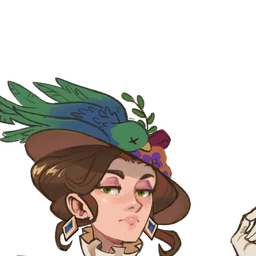 Not Haughty, caps required quality at at most 70.
Sources
- October Patch Notes - Build 443
- Dressmaker Tips and Tricks for Beginners 🧵(Cozy Sewing Game) — Emiiary (20260925)
- How to Make Money FAST in Dressmaker! 💰 — Fleurs (20260927)
- Everything The Game DOESNT Teach You - DRESSMAKER — lunarDuet (20261002)
- Dressmaker quality: grain, stitching and fit - Dressmaker Wiki
- Dressmaker grain quality: line up every piece - Dressmaker Wiki