Dressmaker How to Finish a Dress and Complete Client Commissions
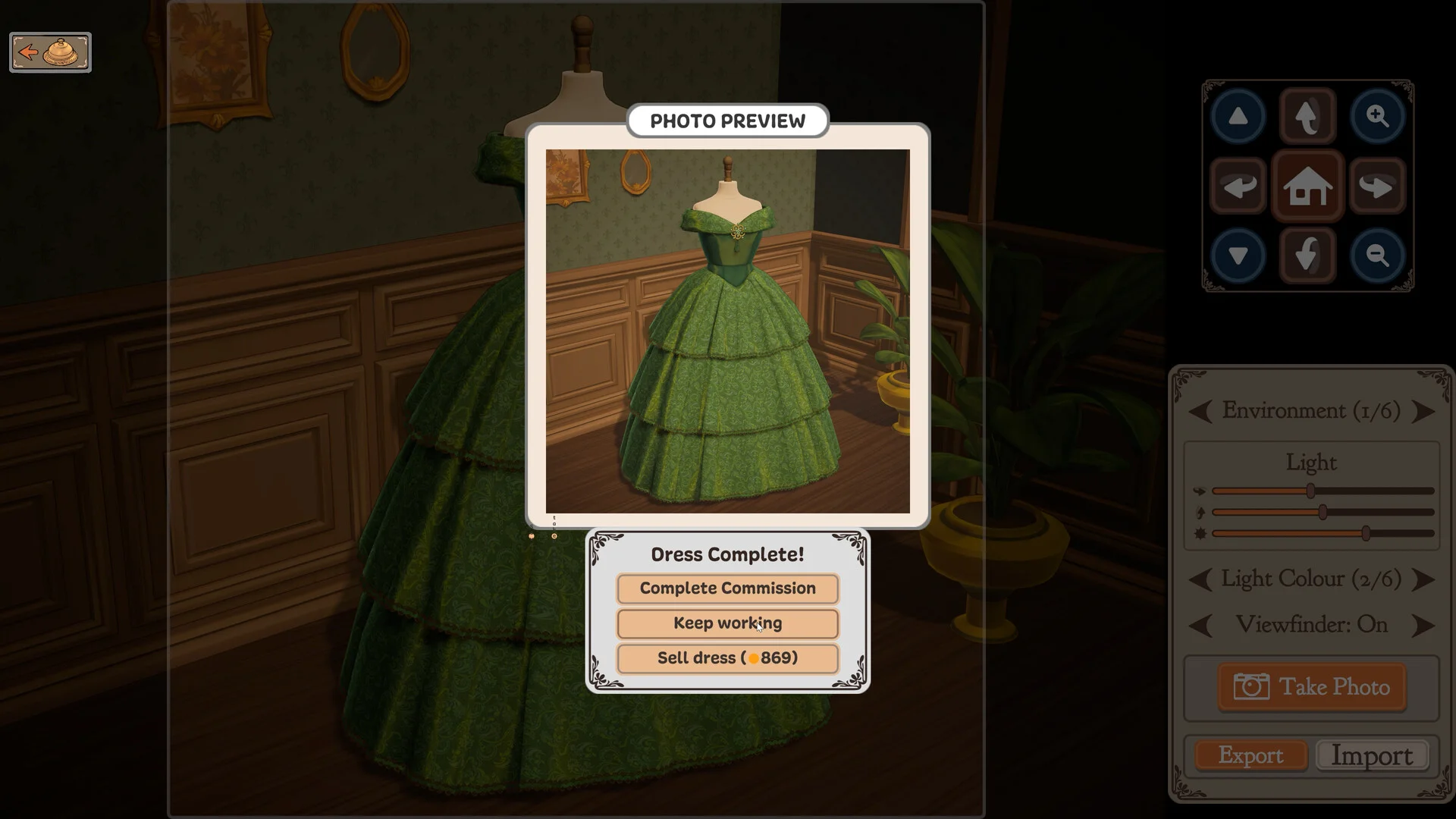
Finishing a dress in Dressmaker and turning in a client commission requires mounting every cut pattern piece and stitching all connected seams before the final delivery prompt appears.
Conditions for the Finish Dress Prompt
In Dressmaker, unlocking the Finish Dress action requires two strict conditions: every single cut pattern component must be attached to the mannequin, and every available seam must be fully stitched. Client requirement goals do not prevent this prompt from appearing; they are strictly evaluated when handing over the finished garment. Unpicking seams with the seam ripper causes the prompt card to disappear until all stitching is completed again.
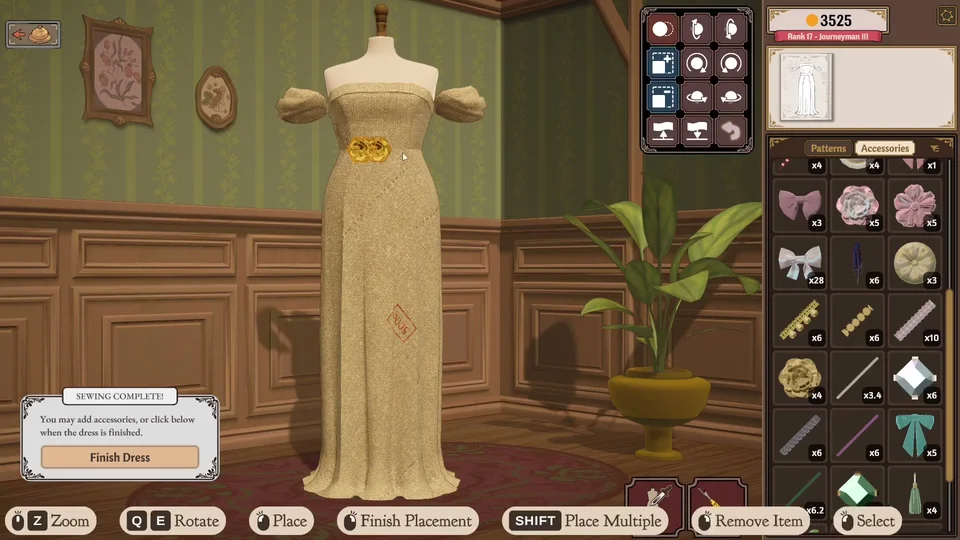
Tracking Missing Pattern Components
When the completion button fails to appear, a pattern piece may still be lying on a fabric you used. Inspect each fabric roll utilized in your design within the cutting room (such as a  Green Plaid bolt) — if you need help finding shears or navigating rolls, refer to our cutting table controls guide. A piece laid on a fabric stays with that fabric and only displays while that textile is actively viewed. You can click Return all panels to inventory to send every loose piece back into your inventory in one go. Ensure no piece remains on the fabric, and check that the Patterns tab on the mannequin workspace contains zero leftover cut pieces. If a piece seems missing, flipping to another sketchbook page and back or reloading your save sets the dress up again, returning all unmounted pieces to inventory.
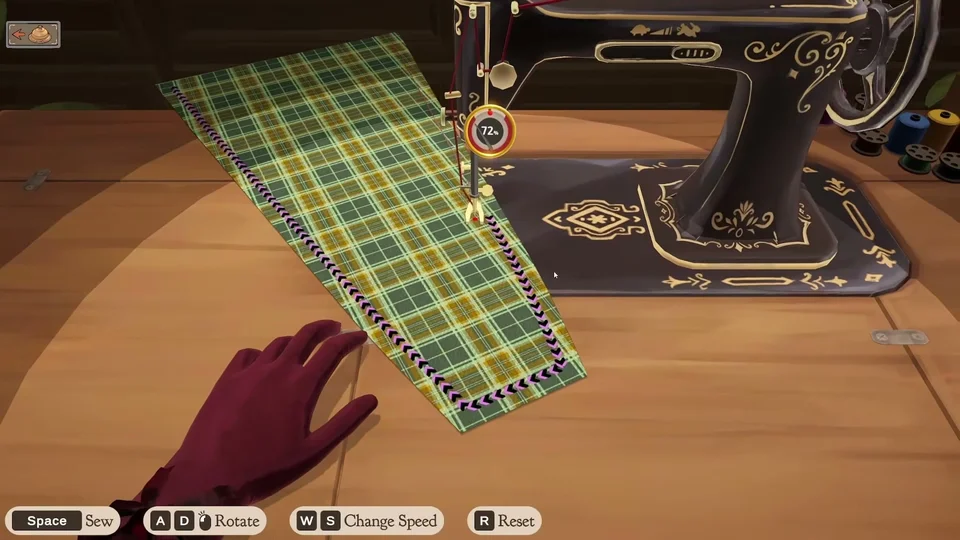
Locating Unstitched Seam Buttons
Garments incorporate four pattern categories: bodice (such as the 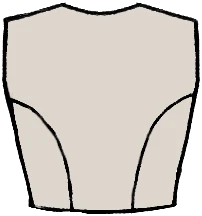 Princess Bodice), skirt (such as the
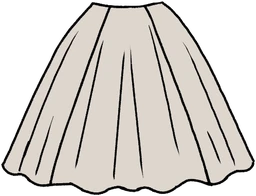 Circle Skirt), sleeve (such as the
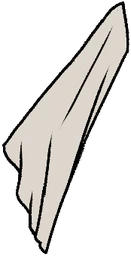 Bell Sleeve), and collar (such as the
 Peter Pan Collar). Every individual pattern piece belongs to a specific location on the mannequin, and joining seams display a stitch button only after both neighboring panels are mounted. Note that sewing buttons hide while browsing the Accessories menu; you must switch back to Patterns to look for them. Rotate the dummy to check for unstitched seams until no sew button remains anywhere on the dress.
Commission Delivery, Off-Rack Sales, and Rewards
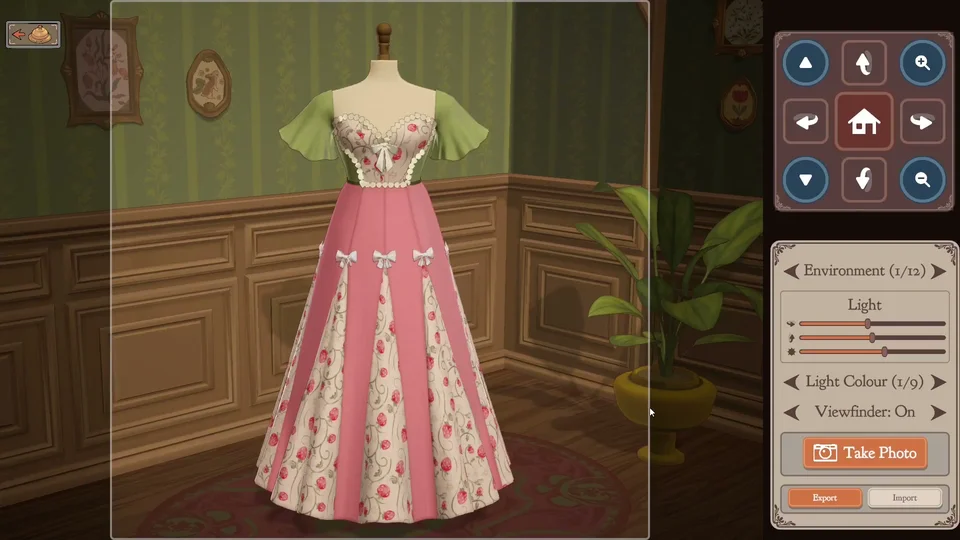
Following the completion of the final seam, the Sewing Complete notification appears alongside Finish Dress. Press Finish Dress and take your photo to open the second card with Complete Commission, Keep working, and Sell as off-rack. In Build 443, the Sell button was relabeled to **Sell as off-rack** to eliminate confusion, and Gift Dress only appears once gifting is unlocked later. To sell an uncommissioned gown once unlocked, finish the dress and click Sell as off-rack as explained in our off-the-rack dressmaking guide. If you are completing a client order, you must choose Complete Commission; selling or gifting leaves the commission open with no dress. If the gown misses requirements, the game warns you, allowing you to hit Cancel and refine the dress on the mannequin. Fulfilling all client demands yields +1 friendship star and +1 prestige, while failing yields +0.25 of each and still awards the commission budget. For 18 story commissions, failing a dress reopens the order so you get another try — if an open order seems misplaced in your sketchbook, check our guide on recovering lost commissions.