Dressmaker How to Recover and Return to Disappeared Client Commissions
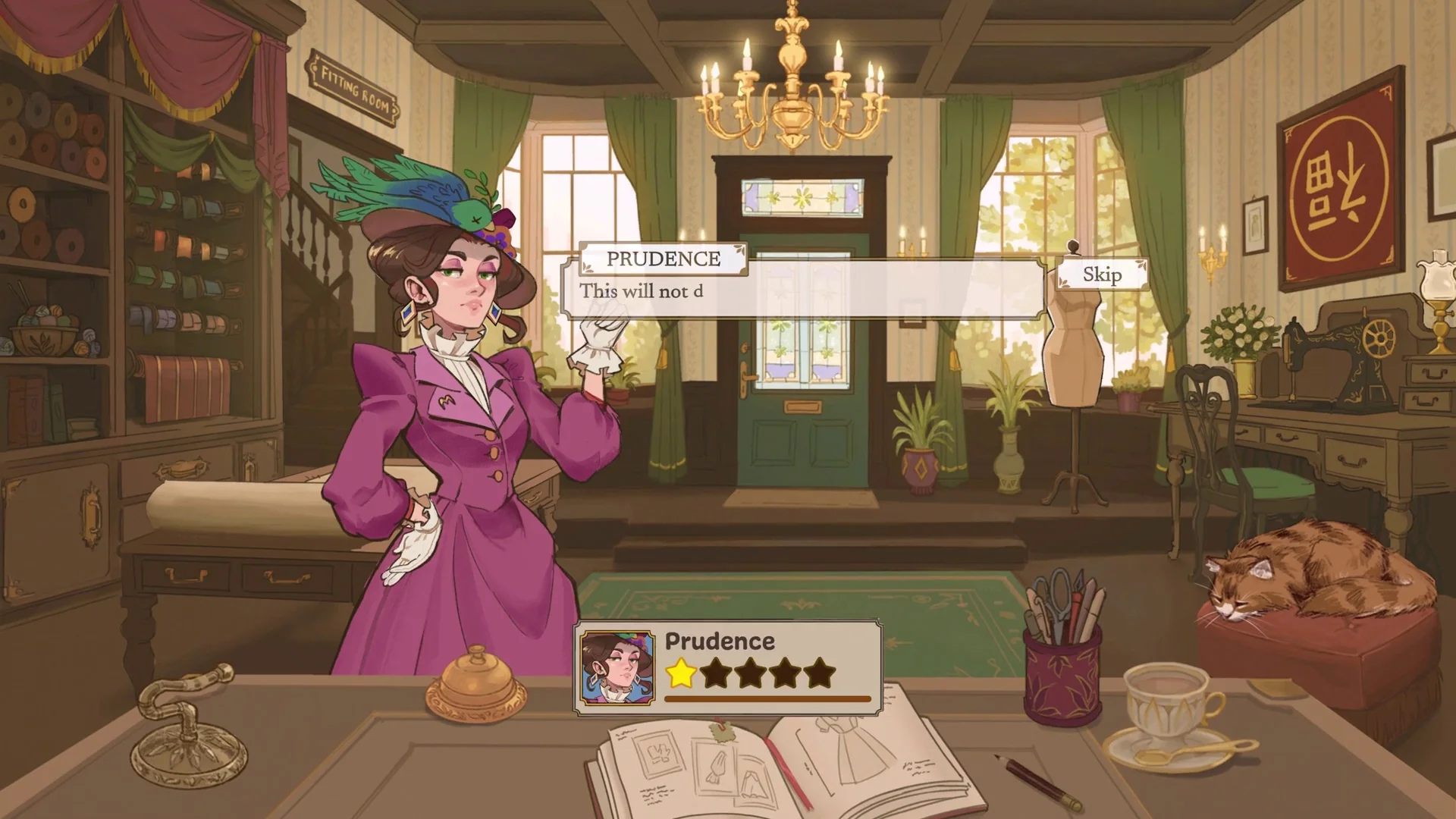
If your client commission seems to have vanished in Dressmaker, understanding sketchbook paging mechanics ensures you can quickly locate and complete your order.
Why Commissions Seem to Disappear
A common concern among Dressmaker players is opening the sketchbook to find an ongoing client commission seemingly gone. Reassuringly, active assignments are never deleted automatically; only handing over a finished project with Complete Commission clears an order from your books — see our guide to finishing dresses for full delivery details. The journal simply reopens to whichever page you browsed last, such as an archived record or the new dress tab.
Sketchbook Navigation and Page Order
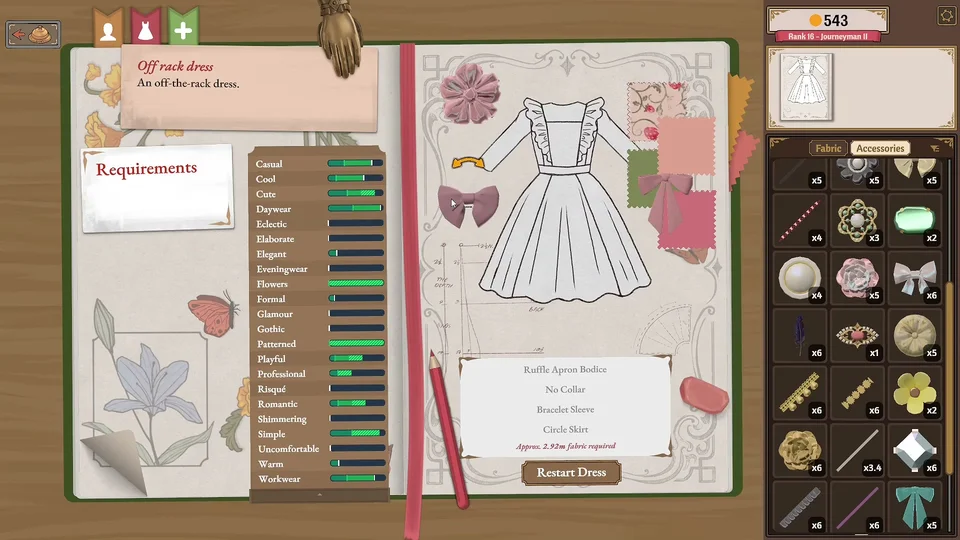
Three navigation tabs rest at the top left of your journal: a silhouette head for friendships, a dress icon for your active dress, and a plus icon for initiating uncommissioned designs once off-the-rack garments unlock. Turning forward, sketchbook contents follow a strict sequence: client friendships first, archived finished garments in chronological sequence, and finally open commissions ordered by start date, concluding with the blank draft screen. Use the bottom-right page corner or D key to turn forward, and the bottom-left page corner or A key to turn back. Build 443 also returns you to your previous scene when clicking back from the sidebar sketchbook, and adds a button to delete unwanted off-the-rack drafts alongside a randomise button for dress components.
Recovering Buried Story Commissions
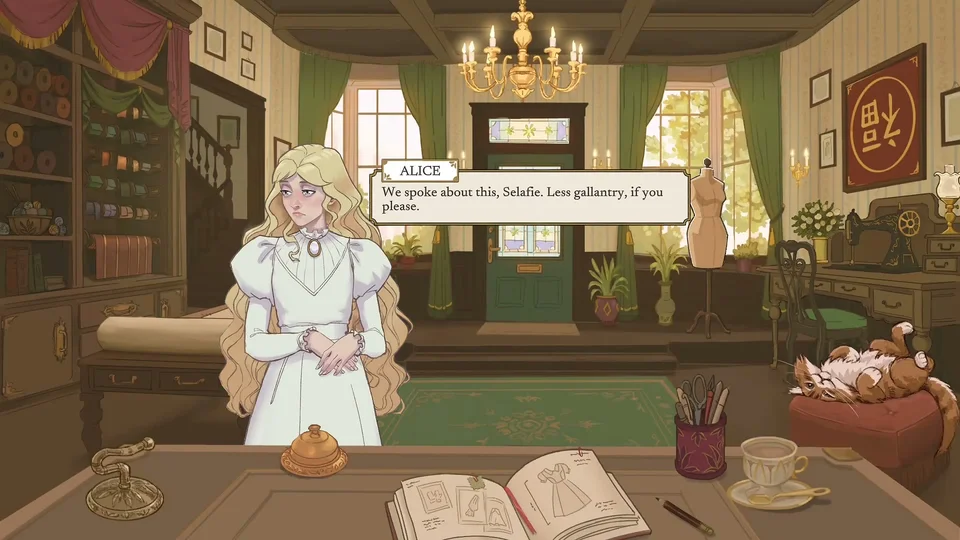
When you accept a pigeon delivery or press Create New Dress, that new project takes priority as your current dress, pushing your main story task a few pages backward. The dress tab only jumps to the newest project. To return to your client commission, turn backward using the bottom-left page corner or the A keyboard key until the desired client order reappears. Designing custom boutique dresses without client constraints is covered in our off-the-rack dresses guide, whereas commissions provide natural income by satisfying specific customer requests. An open pigeon commission does not hold up your story progression or block the shop bell.
Why Ringing the Service Bell Brings Nobody
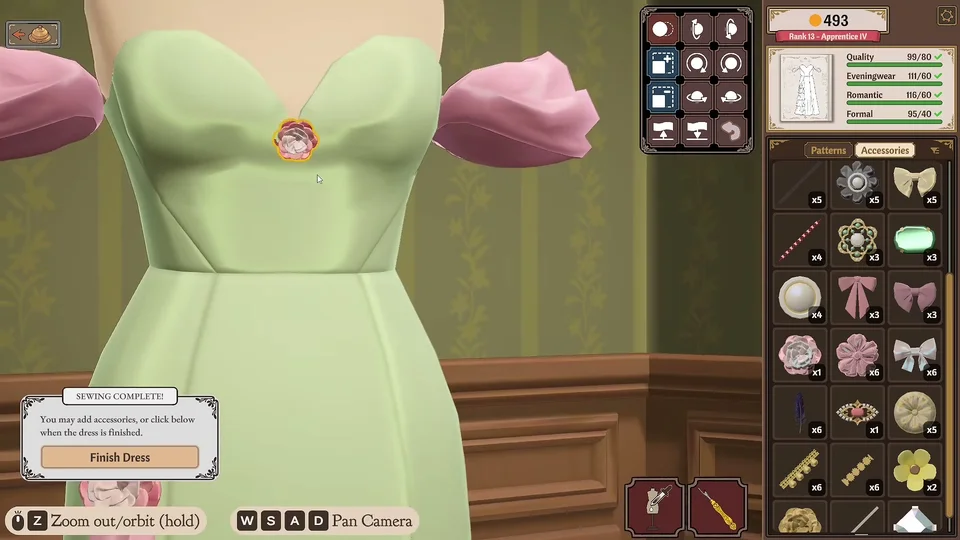
If you ring the reception desk bell and no customer arrives, an unfinished story commission is still lingering somewhere in your sketchbook. The bell sounds with every click, but clients only respond when the bell is actively flashing. Flashing occurs strictly when zero story assignments remain open and the next narrative visitor is waiting in queue. Story commissions arrive one at a time. Players often notice this after  Fierce Funeral, when off-the-rack dresses unlock right before
 Respectful Funeral. Avoid clicking Restart Dress on an open commission, as that resets your garment progress — and explore our Dressmaker money-making guide to optimize income while waiting for story clients.