Probably Stolen: How to Rotate and Flip Items for Storage
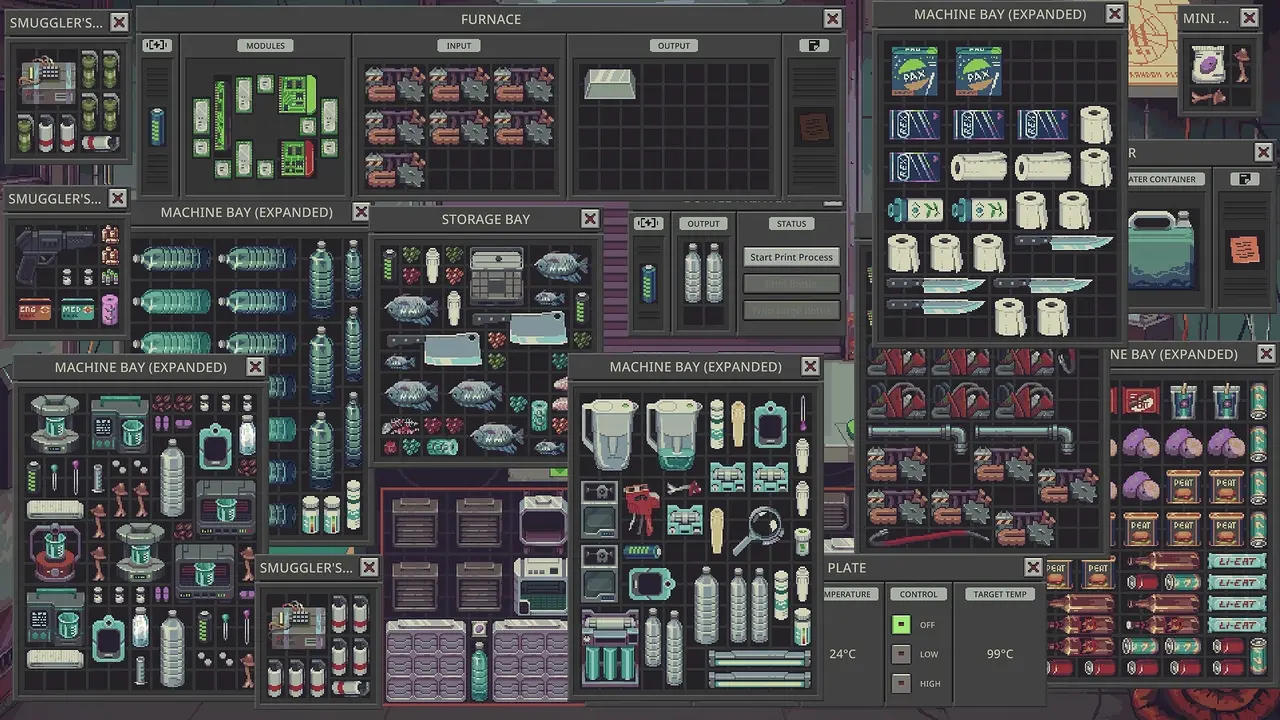
Fitting odd-shaped loot and machine upgrades into tight grid bays in Probably Stolen requires more than basic rotation. Combining E/Q rotation with right-click flipping, multi-select dragging, sorting menus, and scrap-upgraded toolboxes keeps your counter and 17x10 storage bays organized.
Rotating and Flipping Items and Machine Modules
While the loading overlay mentions basic controls, many shopkeepers miss how rotation and flipping work together in Probably Stolen. When holding any item with the left mouse button, press E or Q on your keyboard—or roll the mouse scroll wheel—to rotate the piece left or right. To flip an item across its axis while holding it, right-click with your mouse.
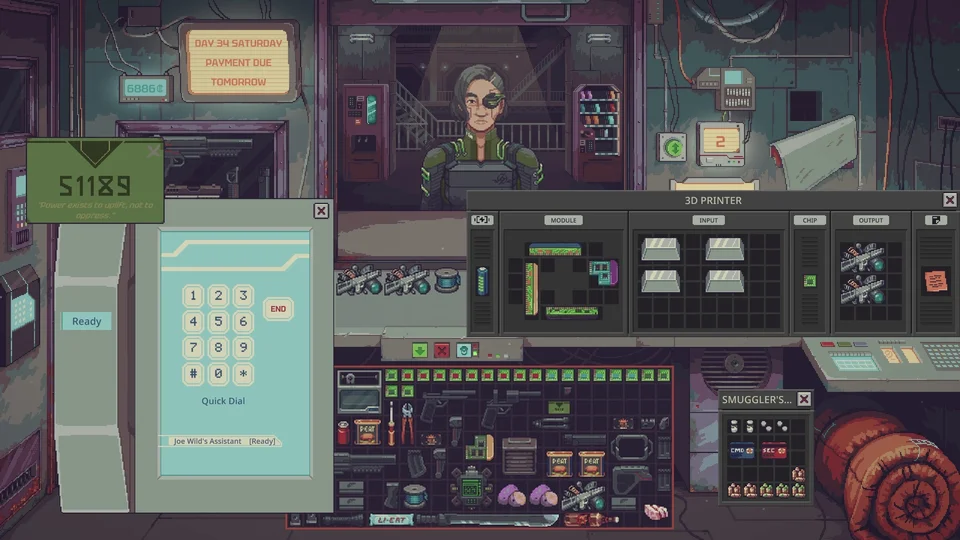
On a symmetrical item like an ordinary knife, flipping only changes the direction it lies. On asymmetrical items like an L-shaped dollar pipe, flipping creates extra clearance around neighboring equipment. Flipping is essential when slotting weirdly shaped modules into your machinery—such as 3D printer bays in gunsmithing: many modules must touch a defined wall of the module bay to grant their bonuses, and you can use up to two expansion kits on a machine to open additional module slots. When a rotated module refuses to fit against the required wall, flipping it mirrors the shape so it slots cleanly into place.
Quick Transfers, Multi-Select, and Sorting Menus
Fast inventory shortcuts save time during busy trading days. Shift-clicking an item sends it straight to your display case, while Alt-clicking moves it onto the counter. Hovering over an owned item and pressing the Delete key sends it directly to the trash bin, the fastest method for clearing radioactive waste barrels. If you pick up a loaded container inside your grid, click unload to empty all items out of it at once.
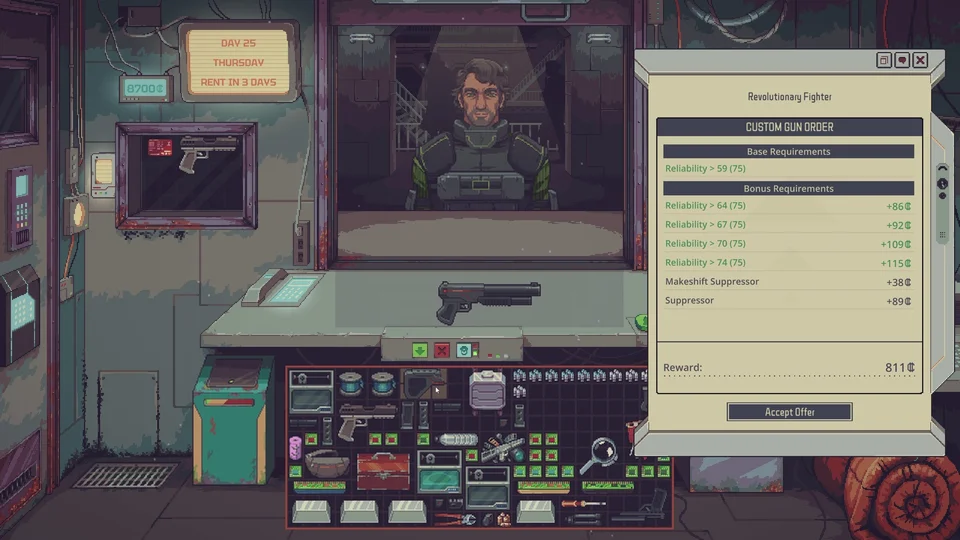
You can also hold the left mouse button and drag across your grid to select multiple items at once; a multi-selected group can be applied simultaneously onto a target object or positioned cleanly inside the same inventory grid. To tidy cluttered shelves, right-click any empty inventory slot to open the sorting menu, which lets you sort the top or bottom sections by small items first or big items first. By default, the auto-rotate option during sorting is disabled for new players.
Storage Bay Dimensions, Toolboxes, and Fridge Expansion
Expanding your shop's grid capacity requires choosing the right bay sizes and utility containers. Behind the shop poster sits a hidden 2x2 space that works as a built-in smuggler's bay. Standard storage bays occupy 3x3 tiles while machine bays use 4x4 tiles, and extended storage bays provide a 17x10 grid for general stock.
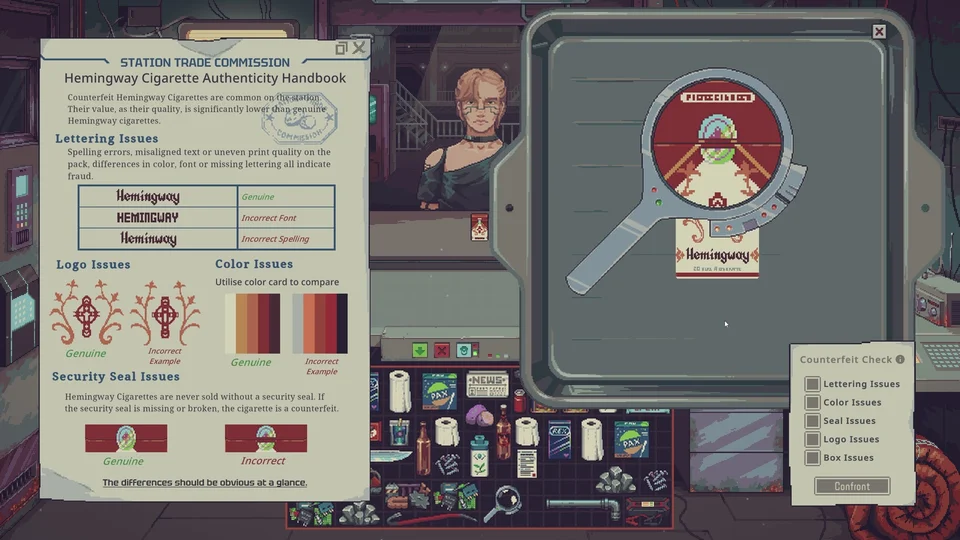
Around day 14, you can purchase a toolbox from Dr. Jackson and upgrade it with scrap metal; each scrap metal adds one slot to the toolbox and assigns a number hotkey (such as pressing 2 to trigger an aqua scan in the second slot). You can also purchase a fridge to chill beverages overnight for higher sale prices—earning the chilled markup described in our bargaining guide, though wine and unsealed water do not gain chilled bonuses—and each piece of scrap metal expands the fridge's chill zone by five squares plus its freeze zone by three squares.