Desktop Wallet Heroes Trading Guide: Steam Inventory Listing and Account Requirements
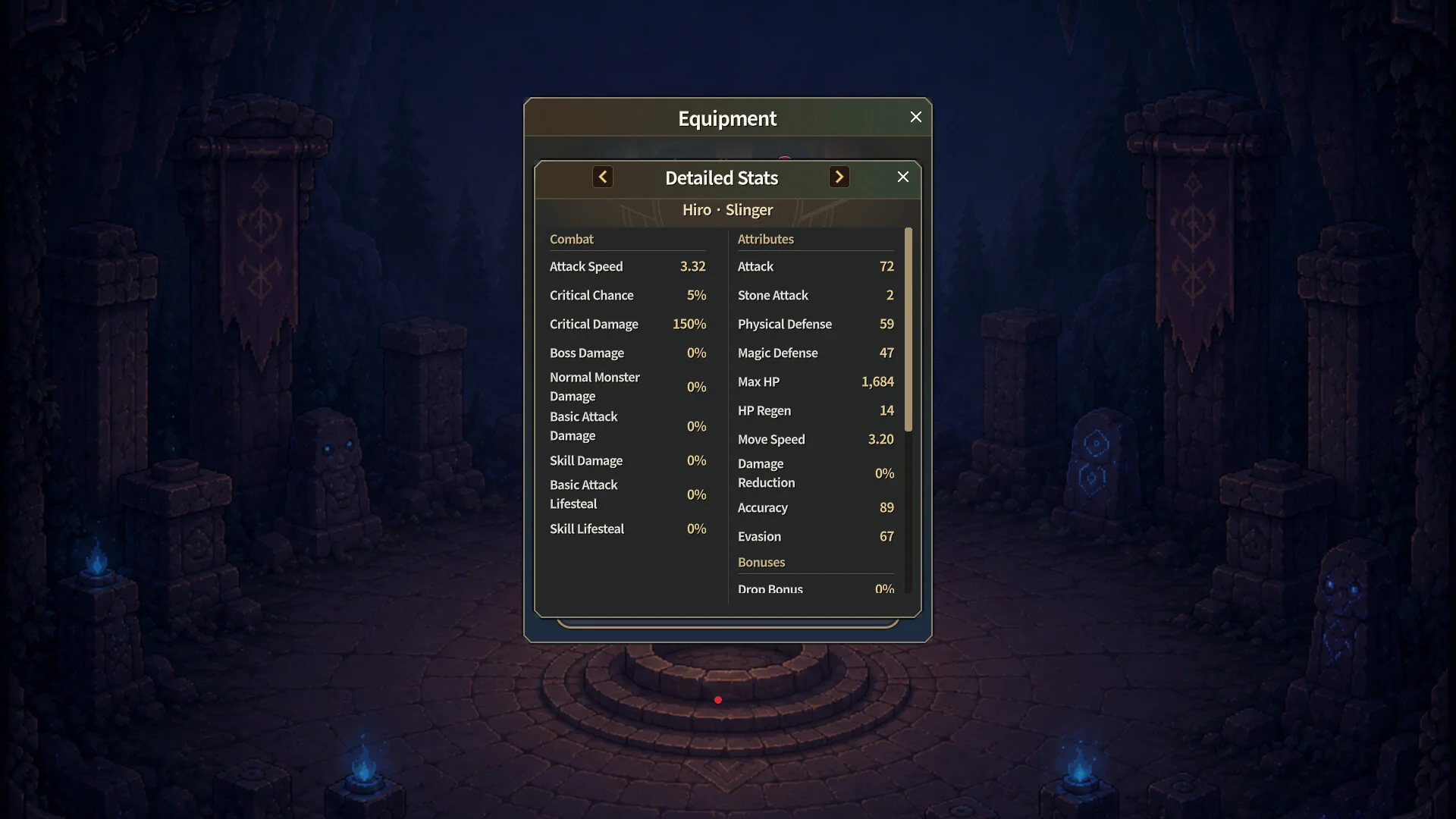
Trading valuable item drops on the Steam Community Market provides Desktop Wallet Heroes players with a direct avenue to convert idle hunting rewards into market currency.
Unlike conventional idle games that keep economy systems contained in-game, Desktop Wallet Heroes integrates with the Steam Community Market. Developer SUPERCAT introduced direct listing capabilities, enabling players to transfer eligible item drops directly into their Steam inventory without tedious marketplace waiting procedures. Tradable weapons, armors, and currency items can be exchanged with other players across the global Steam community.
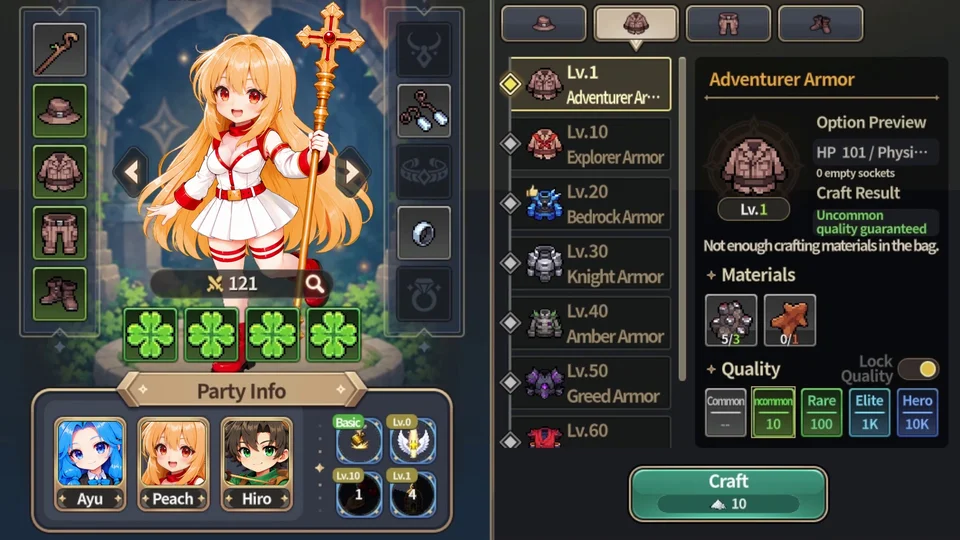
Accounts begin with baseline trading slots, limiting the number of concurrent marketplace registrations. Additional capacity is unlocked through the Constellation system by activating stellar nodes such as Trade Slots IV and Trade Slots V, alongside cosmic blessings like the Polaris Blessing, Antares Blessing, and Spica Blessing. Expanding your trade capacity enables high-volume farming without bottle-necking your sell queue.
To protect the community marketplace against automated bots and illicit account farming, strict account verification gates are enforced. Players participate in the Chat Level Up Event, where reaching chat milestones authenticates active participation and helps satisfy security criteria. Items improperly flagged during language transitions have also been addressed through recent maintenance hotfixes, ensuring clean catalog displays.
Successful market traders align their sales pipeline with automatic stage progression. While heroes farm underground zones described in our beginner setup guide, players sort incoming drops in the workshop. High-tier items are registered for community trade, while non-tradable duplicates are broken down through our equipment decomposition routine.