Desktop Wallet Heroes Beginner Guide: Starting Overlay Battles and Party Management
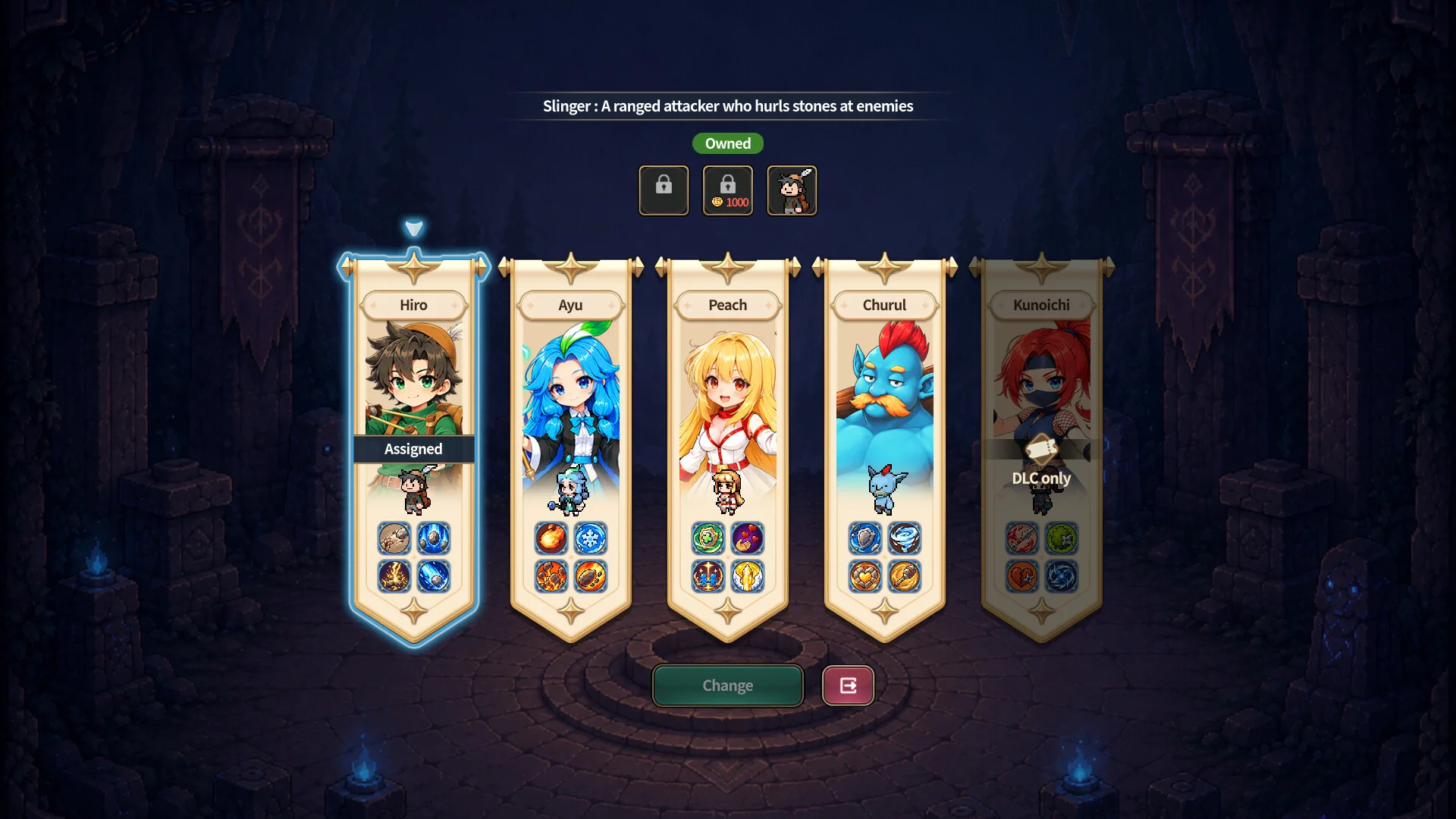
Desktop Wallet Heroes brings automated cavern combat to your computer screen, allowing players to level heroes, gather loot, and conquer underground bosses without interrupting daily workflow.
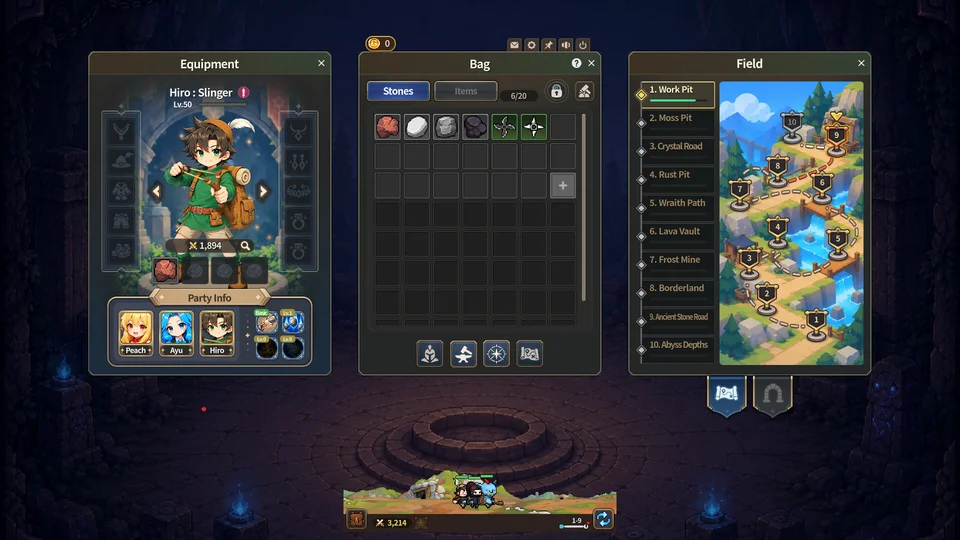
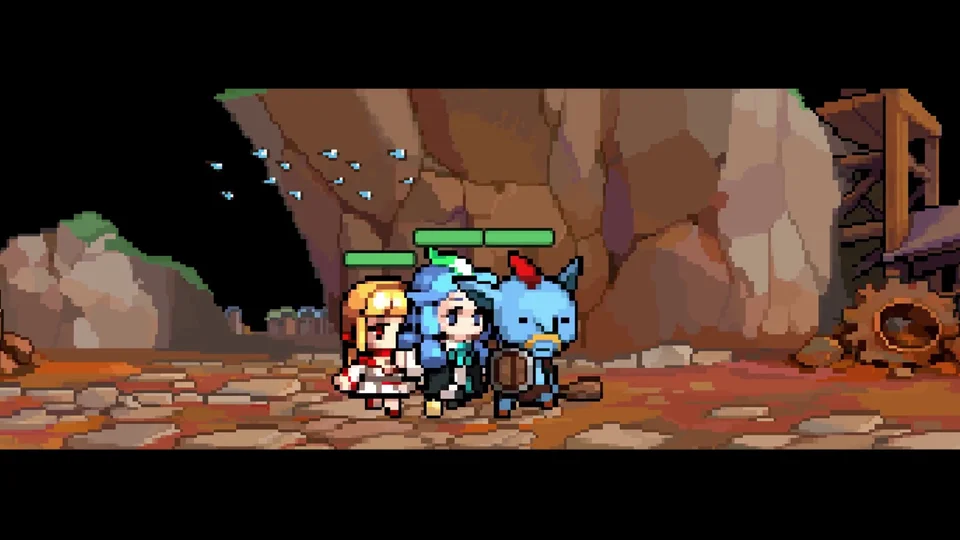
Desktop Wallet Heroes runs as an overlay idle RPG directly on Windows desktop screens. Released by Korean developer SUPERCAT in November 2026, the game is designed to occupy the lower portion of your display while you browse or work. Characters move autonomously from left to right along underground cavern tunnels, engaging monsters without requiring constant manual input.
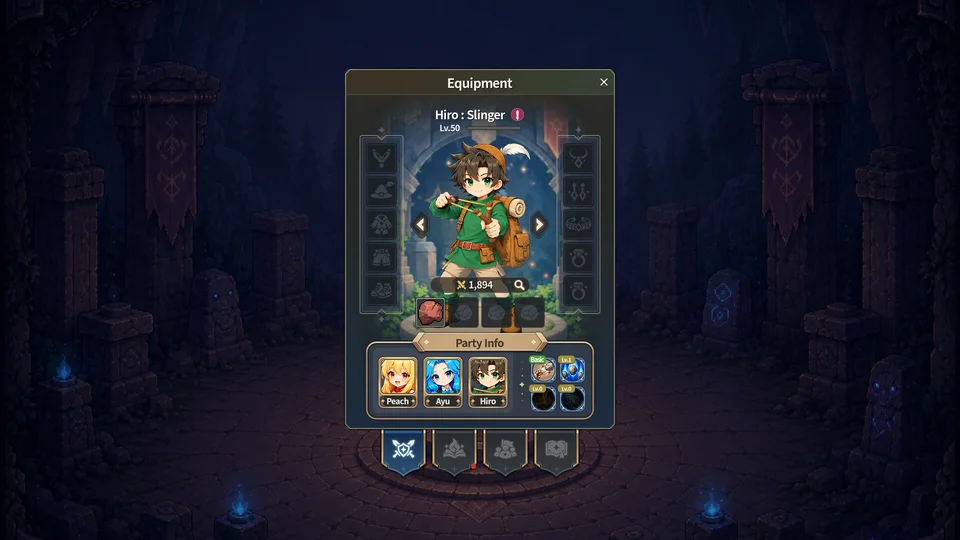
Your roster accommodates up to five active combatants across frontline and backline positions.  Churul serves as the primary frontline tank with an advance speed of 237.5 and an elevated 1.4 hit point weighting. Ranged physical damage comes from
 Hiro, who attacks from backline line 4 with an auxiliary skill range of 350. Melee burst damage is provided by
 Kunoichi at line 1, supported by magical area damage from
 Ayu at line 3. Finally,
 Peach provides frontline hybrid support from formation line 2. Maintaining this formation ensures squishy damage dealers remain protected while tanking units absorb boss strikes.
Progression advances through numbered mining districts, from starter tunnels toward deeper crystalline shafts. When heroes defeat district guardians, stages advance automatically. Following official developer patch updates, reaching Stage 2-10 unlocks an automated collection toggle for Reward Chests located in the upper-right corner of the reward screen. Once activated, the system automatically opens one chest every 15 seconds until inventory space runs out, preventing missed item drops while multitasking.
As battles yield weapons, helmets, armor, and accessories, inventory space gradually fills. When bags reach capacity, automated chest claiming pauses until excess gear is cleared. You can process surplus loot through the workshop described in our equipment and decomposition walkthrough. Preparing items for community sale is covered in our Steam trading guide.