Desktop Wallet Heroes Equipment Guide: Enhancing Gear and Workshop Decomposition Loot
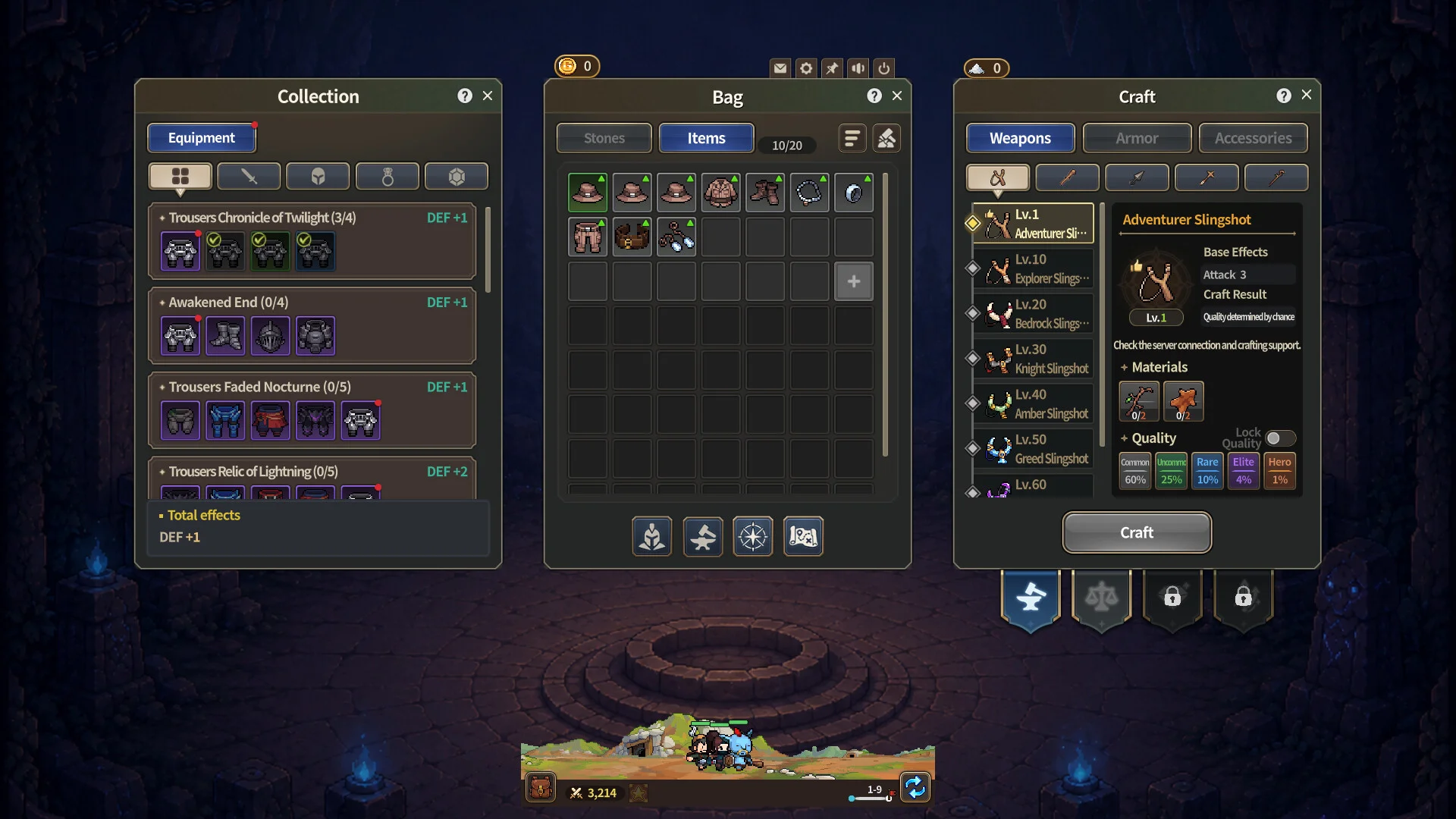
Equipping and upgrading gear is the cornerstone of progression in Desktop Wallet Heroes, where efficient item decomposition fuels steady party power growth.
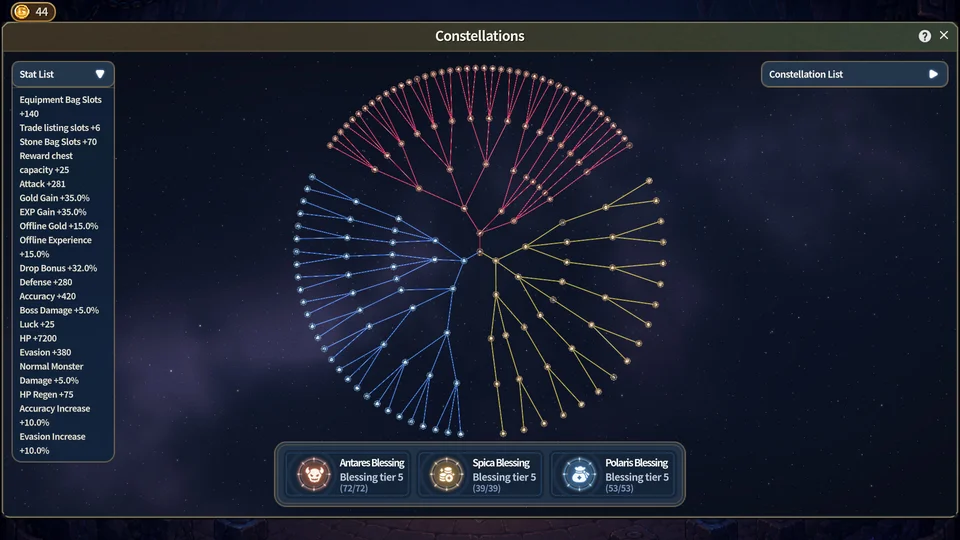
Each adventurer in Desktop Wallet Heroes equips distinct gear types across dedicated gear slots, including weapons, headgear, body armor, and accessory trinkets. Equipment directly amplifies combat statistics such as physical attack, magical power, and defensive resistance. Balancing stats according to combat roles is vital: frontline tank  Churul prioritizes maximum health and damage mitigation, while backline dealers like
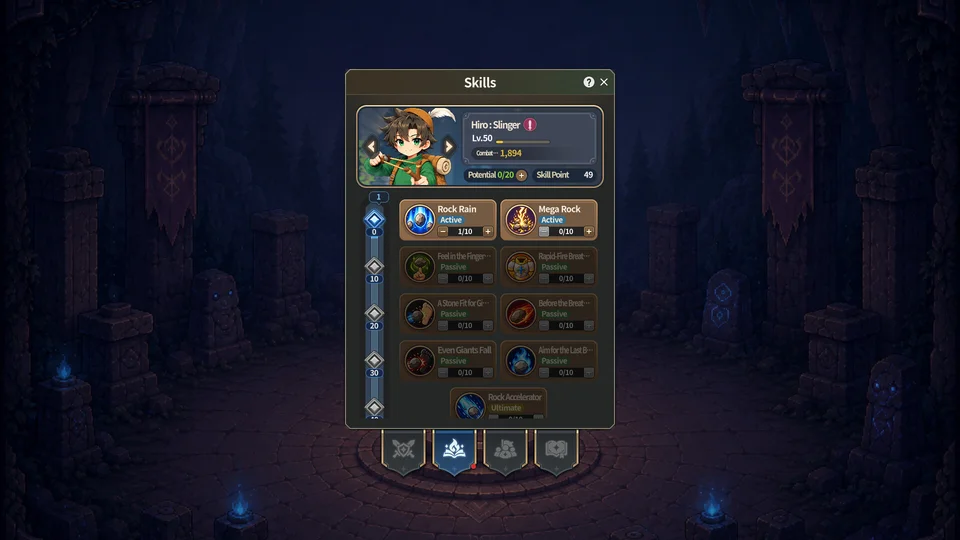
 Hiro and
 Ayu demand attack power and critical strike chance. For initial party arrangements, refer back to our starter party guide.
The central hub for gear upgrading is the Workshop. Inside this facility, players can drag weapons and defensive gear into designated enhance, refine, and trade windows. Following recent interface fixes by SUPERCAT, dragged item alerts and prompt tooltips now properly clear when switching across menu tabs or closing windows. Enhancing equipment increases base statistics progressively, with higher upgrade ranks consuming increased quantities of gold and reinforcement catalysts.
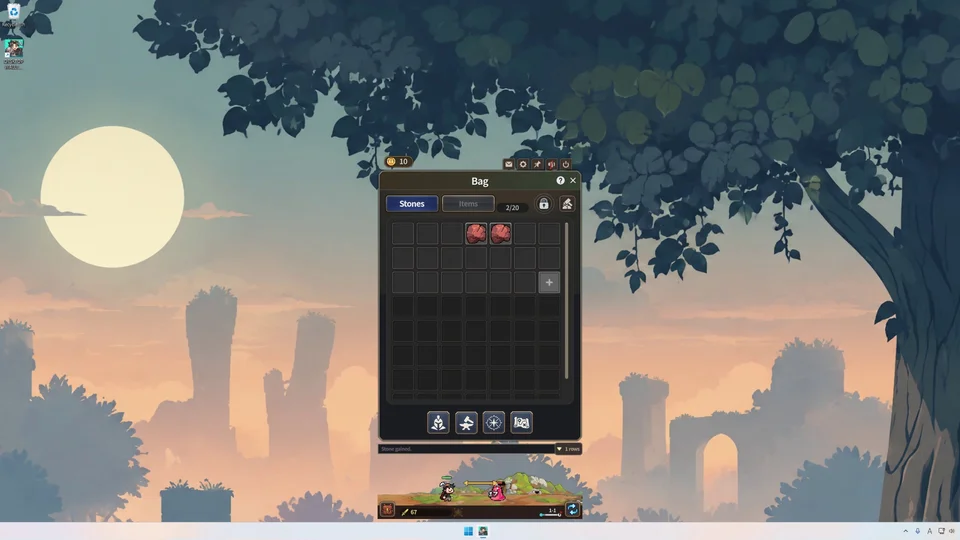
As idle hunting runs continuously, bag slots fill quickly with duplicate common and uncommon gear. Instead of discarding items, players can break down unwanted loot in the decomposition tab. Deconstructing surplus equipment reclaims refinement dust and upgrade stones required for high-tier gear evolution. Maintaining clean bag storage also ensures that automated chest collection from Stage 2-10 never stops prematurely due to a full inventory.
Certain rare items and equipment variants carry tradable attributes suitable for transfer to your Steam inventory. Before decomposing items with distinctive affixes, review market eligibility details covered in our trading system walkthrough to avoid accidentally dismantling high-value drops.