CPM 2 PC Controls and Settings Guide: Gamepad, Mouse, and Optimization
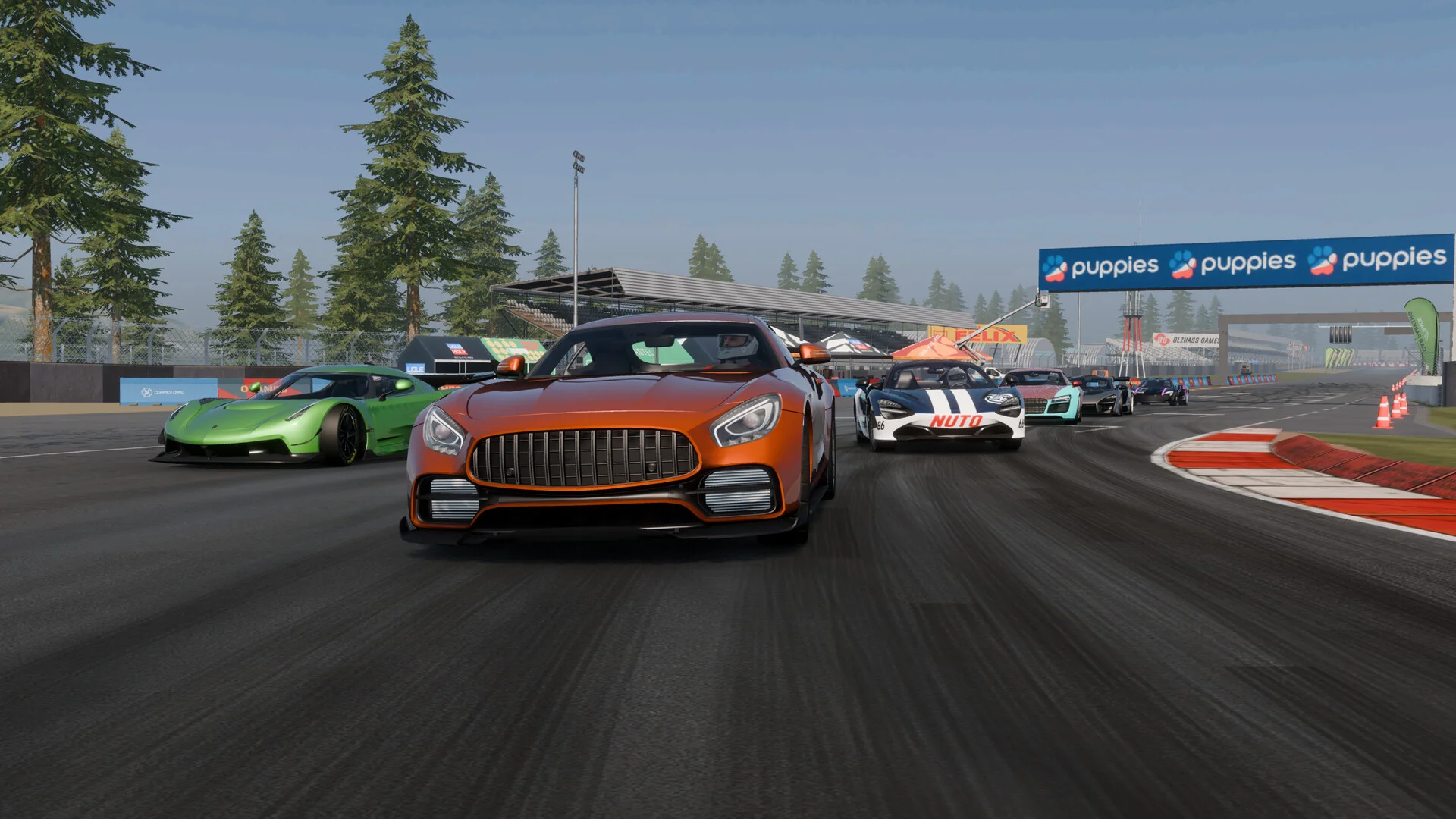
Navigating PC settings and configuring controls in CPM 2 enables smooth keyboard, mouse, and gamepad driving while optimizing graphics and multiplayer stability.
Control Mode Selection and First Launch Setup
Upon launching CPM 2 on PC for the first time, players are prompted by a Control Type Selection window to establish their driving preferences. Drivers can choose between Arcade or Realistic transmission control modes. Realistic mode incorporates manual clutch shifting for authentic powertrain behavior, whereas Arcade automates gear engagement for accessible cruising. General menus and garage interfaces fully support direct mouse interaction, allowing players to navigate tabs and claim progression bonuses directly — pair your controls setup with our best starter car guide when choosing your first vehicle. For powertrain optimization after setting up your controls, review our gearbox and gear ratio tuning guide.
Mouse Steering and Steering Assist Calibration
PC players can steer their vehicles with precision using mouse control. In Settings under Controls, players can toggle Mouse Steering and fine-tune directional steering sensitivity sliders to match their hardware. Furthermore, the Steering Assist feature is located under Settings within the Car menu, complete with an independent steering sensitivity adjustment slider. Following major client patches, the developers strongly advise pressing the Settings Reset button in the car parameters menu to calibrate Steering Assist correctly and eliminate control conflicts.
Gamepad Controls and Stick Shifting Mechanics
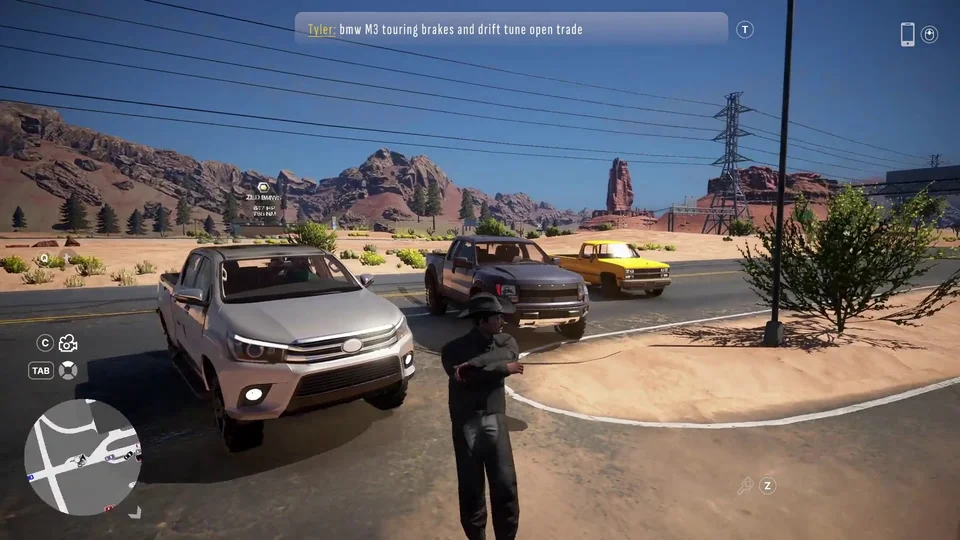
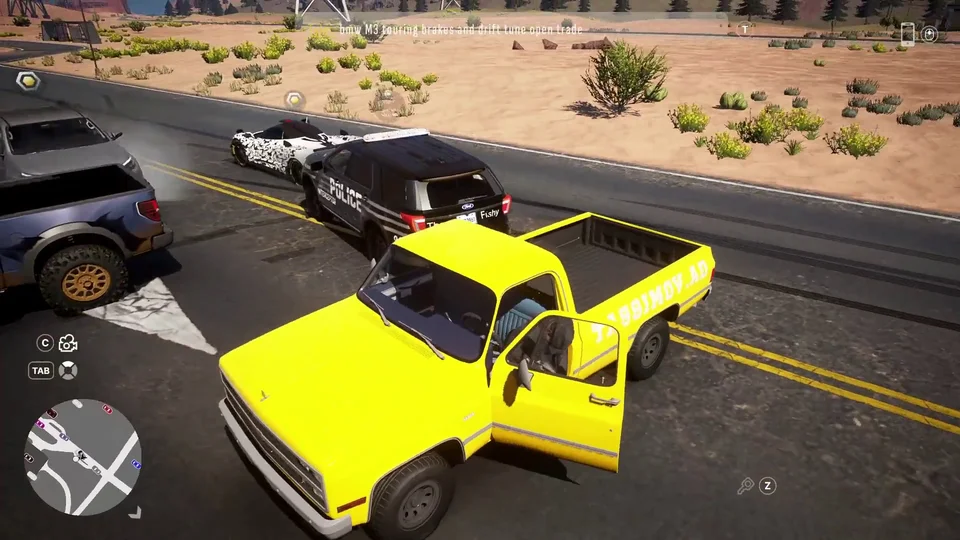
CPM 2 includes native gamepad support on Steam PC without requiring secondary mapping tools. While dedicated steering wheels and pedal peripherals are not natively supported during Early Access, standard USB and wireless controllers deliver responsive analog steering and drift control. When driving with a gamepad, holding the R1 shoulder bumper allows players to shift manual transmission gears up and down directly with the analog thumbstick. Additionally, directional pad inputs handle camera angle adjustments, giving drivers rapid situational awareness in dense traffic.
Graphics Optimization, Server Rooms, and Safe Exiting
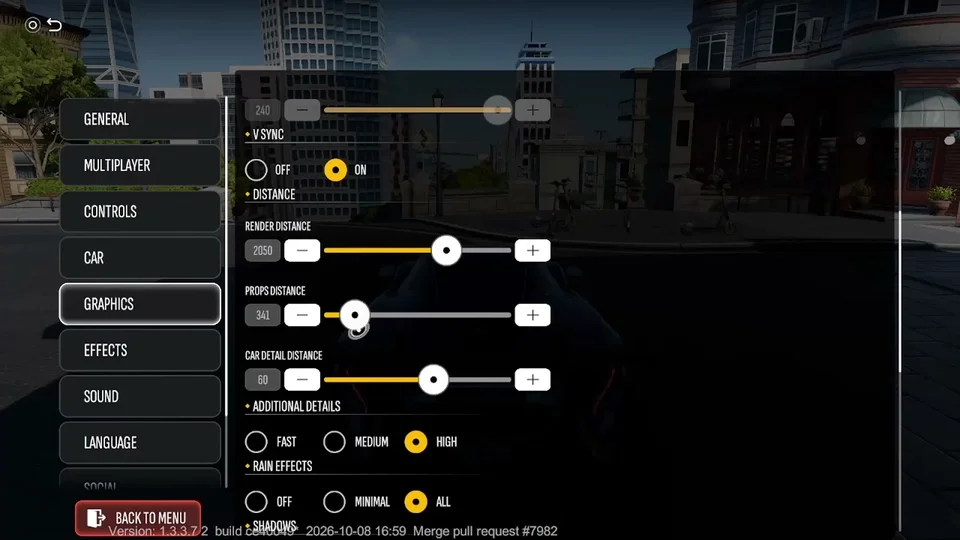
The PC version introduces expanded graphical options to take advantage of desktop performance. In graphics settings, players can extend the render distance slider up to 3000, broadening visual sightlines across the metropolis and mountain highways. In Settings under General, players can enable the Online Counter to view the real-time player population in their active multiplayer room, where server rooms frequently host nearly 800 players on the English server — populated rooms make finding buyers easy when using trade strategies from our how to make money guide. To ensure persistent profile data and prevent progress loss across PC and mobile devices, always terminate sessions using the Exit Game option in Settings rather than abruptly closing the application.