How to Level Up in PC FISH: Aquarium Expansion and Progression
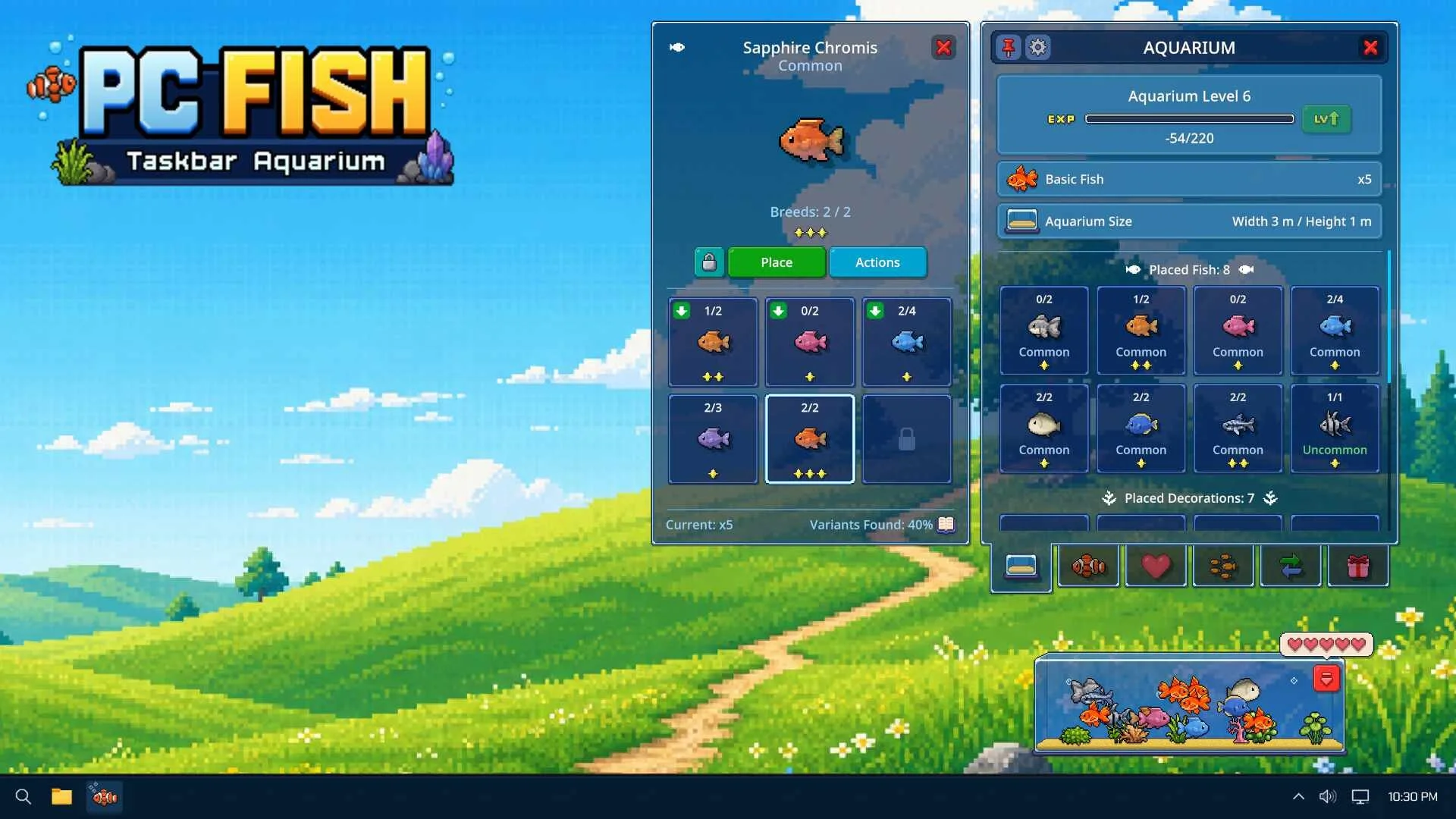
Leveling up in PC FISH expands your desktop aquarium dimensions, unlocks new placement slots for decorations and fish, and activates the Level 4 Trade Hub.
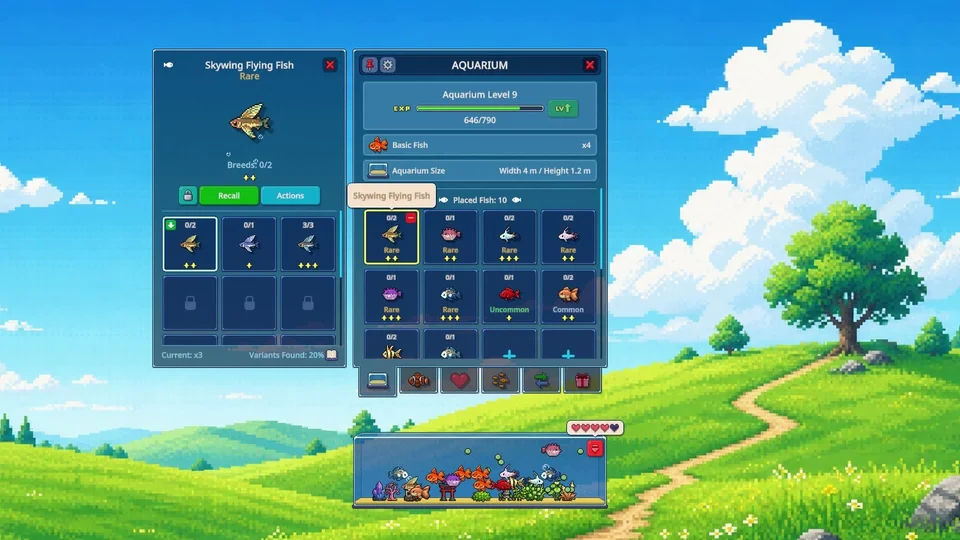
When you start your journey, your baby Goldfish gradually grows by consuming plankton that appears inside the tank, following the passive nutrition rules in our fish feeding guide. Once your juvenile fish reaches adulthood, your aquarium receives its initial level up. Gaining experience points through maturing fish and breeding allows you to advance your aquarium level smoothly.
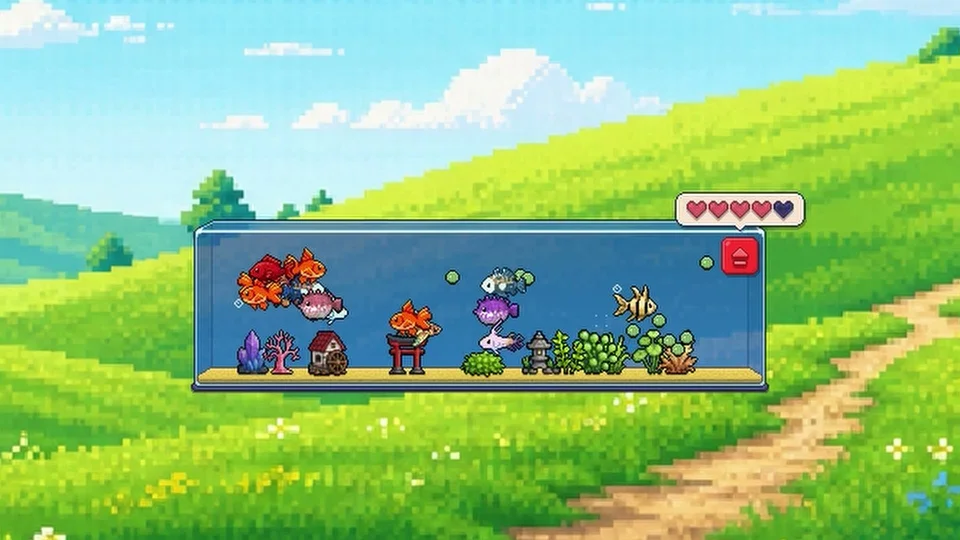
Each time your aquarium levels up, the tank expands along your screen and provides more room for your aquatic life. Leveling up increases the dimensions of the tank and unlocks additional placement capacity for fish and decorative items.
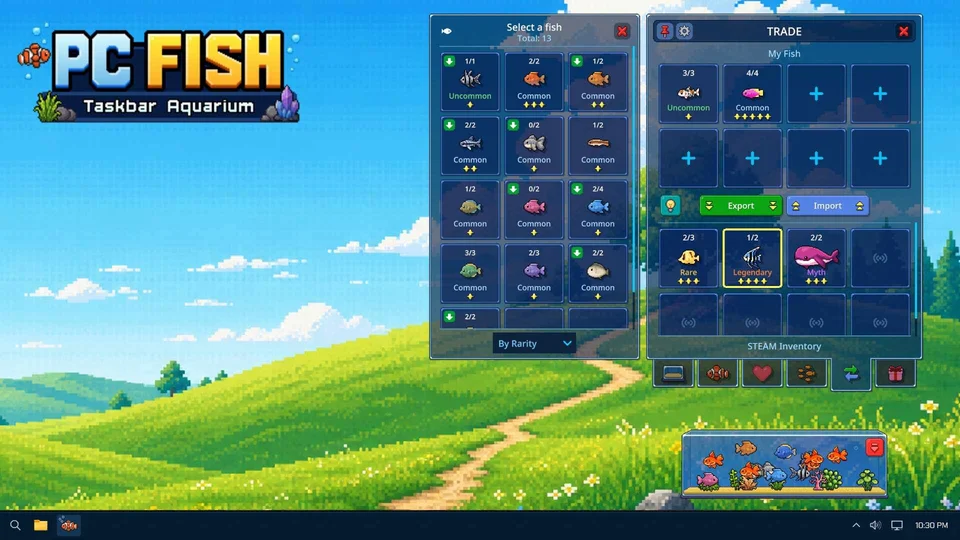
Reaching Level 4 unlocks the Trade Hub, enabling players to connect their in-game aquarium with external market features. From the trade interface, you can register eligible fish directly to your Steam inventory. Registered fish can then be traded with friends or listed on the Steam Community Market.
Adult pairs can be bred five times per day using heart resources. Each successful breeding attempt introduces new specimens to your collection while contributing toward your experience milestones. With newly acquired goldfish now arriving as adults, players can engage in breeding cycles without waiting through prolonged juvenile periods.
Beyond standard breeding, dedicated collectors can utilize the merge system to combine surplus specimens. Merging requires gathering multiple fish of specified star ratings to create higher-tier species and seasonal variants. Preserving your progress is supported by data restore safeguards that retain your aquarium level and layout. To review initial setup instructions, check out our beginner starter guide, or redeem promotional codes via our event coupon redemption guide.