PC FISH Beginner Guide: Starting Your Taskbar Aquarium and Raising Fish
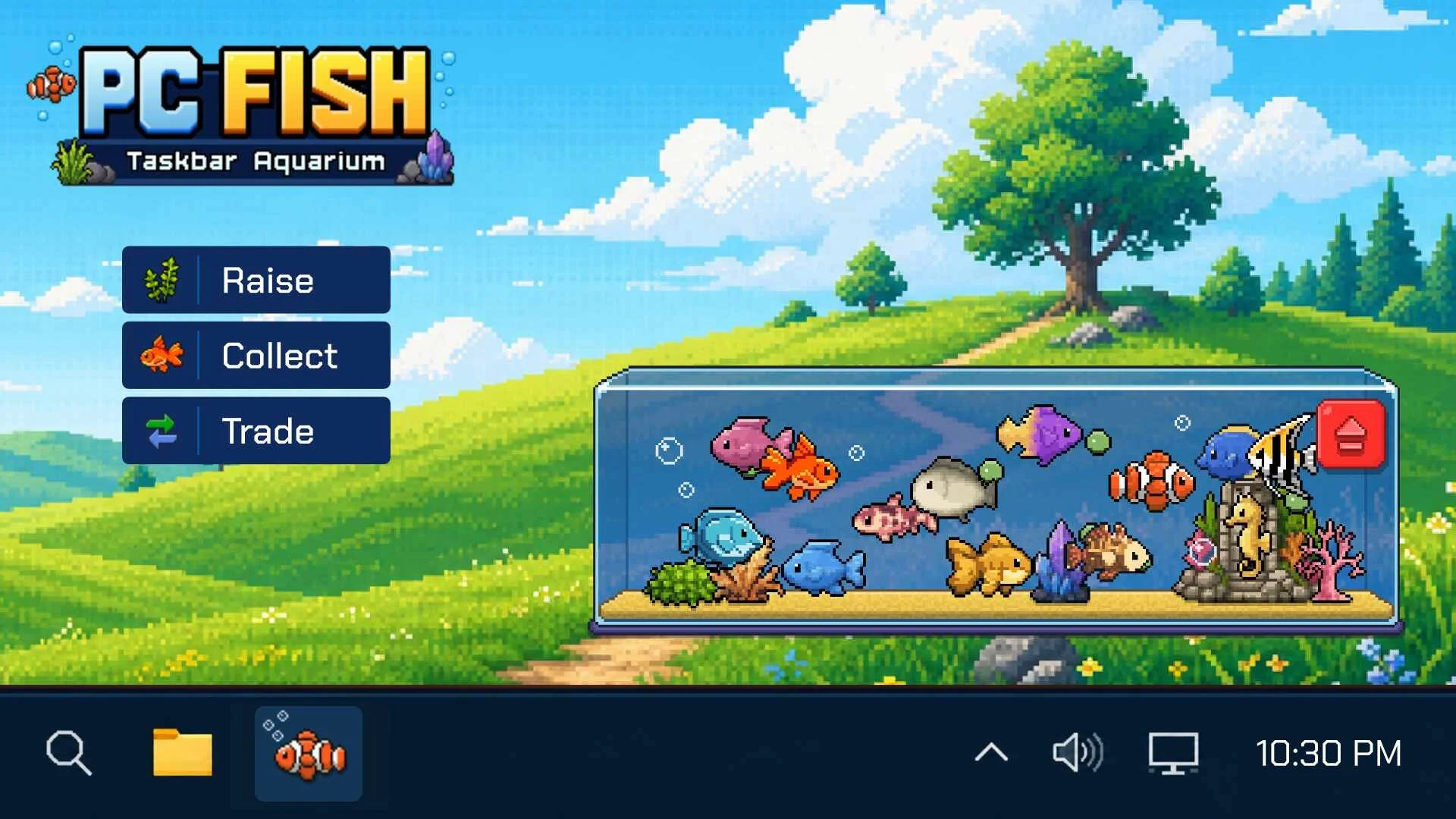
PC FISH brings a peaceful desktop aquarium to your screen, where you raise baby goldfish, feed them floating plankton, breed new species, and customize your tank layout.
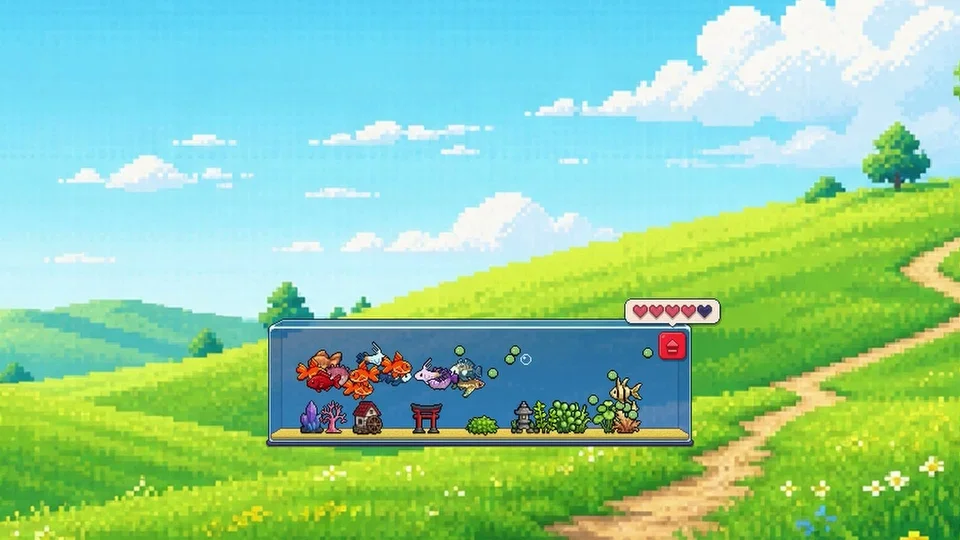
PC FISH operates as an ambient desktop companion that lives along your taskbar or anywhere on your screen. When launching the game on Windows, you begin with basic Goldfish swimming above a sandy substrate. The companion is designed to run quietly in the background while you work or browse, providing a calming aquatic environment with lo-fi music.
Juvenile goldfish grow gradually by consuming green plankton that floats across the tank. Feeding occurs automatically as the fish swim towards floating food particles in the water column, detailed in our plankton feeding walkthrough.
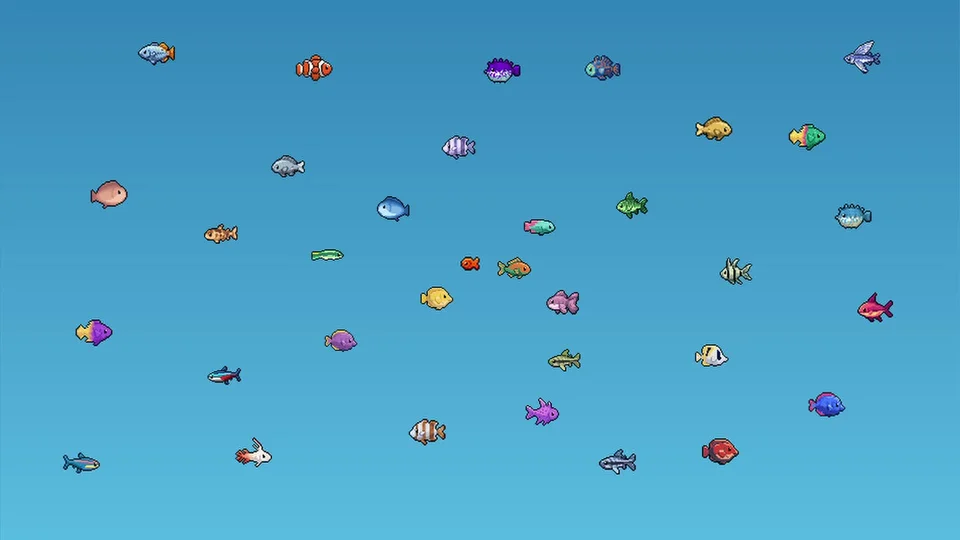
Once two goldfish reach maturity, you can select them to initiate breeding. Each breeding attempt uses a heart resource, with players able to breed five times a day. Breeding adult pairs introduces new aquatic species across various rarities, including common, uncommon, rare, and legendary fish, alongside discovering early specimens such as the Sapphire Chromis. As your fish collection grows, you unlock additional varieties to place inside your tank.
You can scale the interface through scaling options including 1x, 1.25x, 1.5x, and 2x. Additional toggles allow players to hide default goldfish and plankton, enable or disable notification dots, and turn on startup options to receive a special cat decoration, or redeem promotional codes via our event coupon guide.
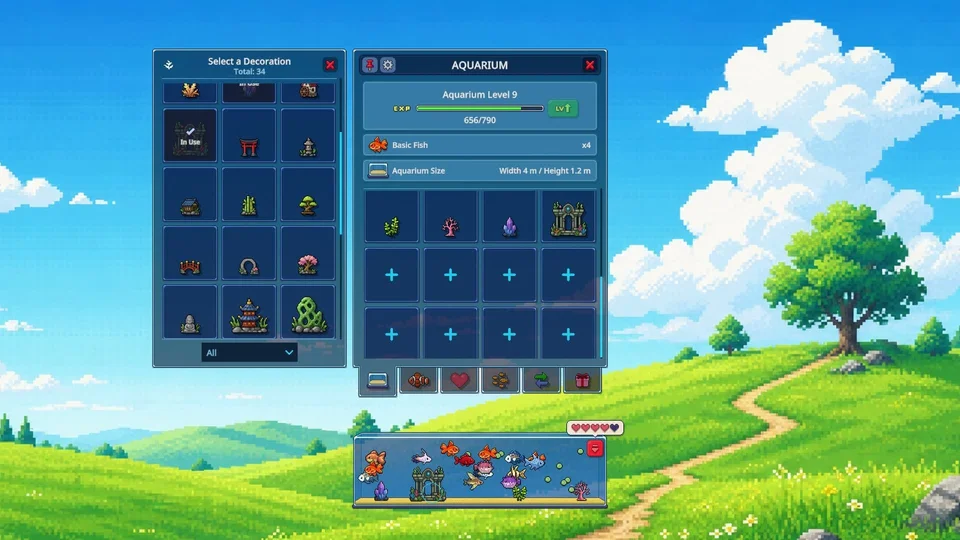
As your aquarium flourishes, leveling up grants more room for placing additional fish and underwater decorations. Once your aquarium reaches Level 4, you unlock the trade interface to register specimens to your Steam inventory for community trading. For deeper progression strategies, consult our level up guide.