Character House Desktop Companion Beginner Guide: Screen Placement and Companion Setup
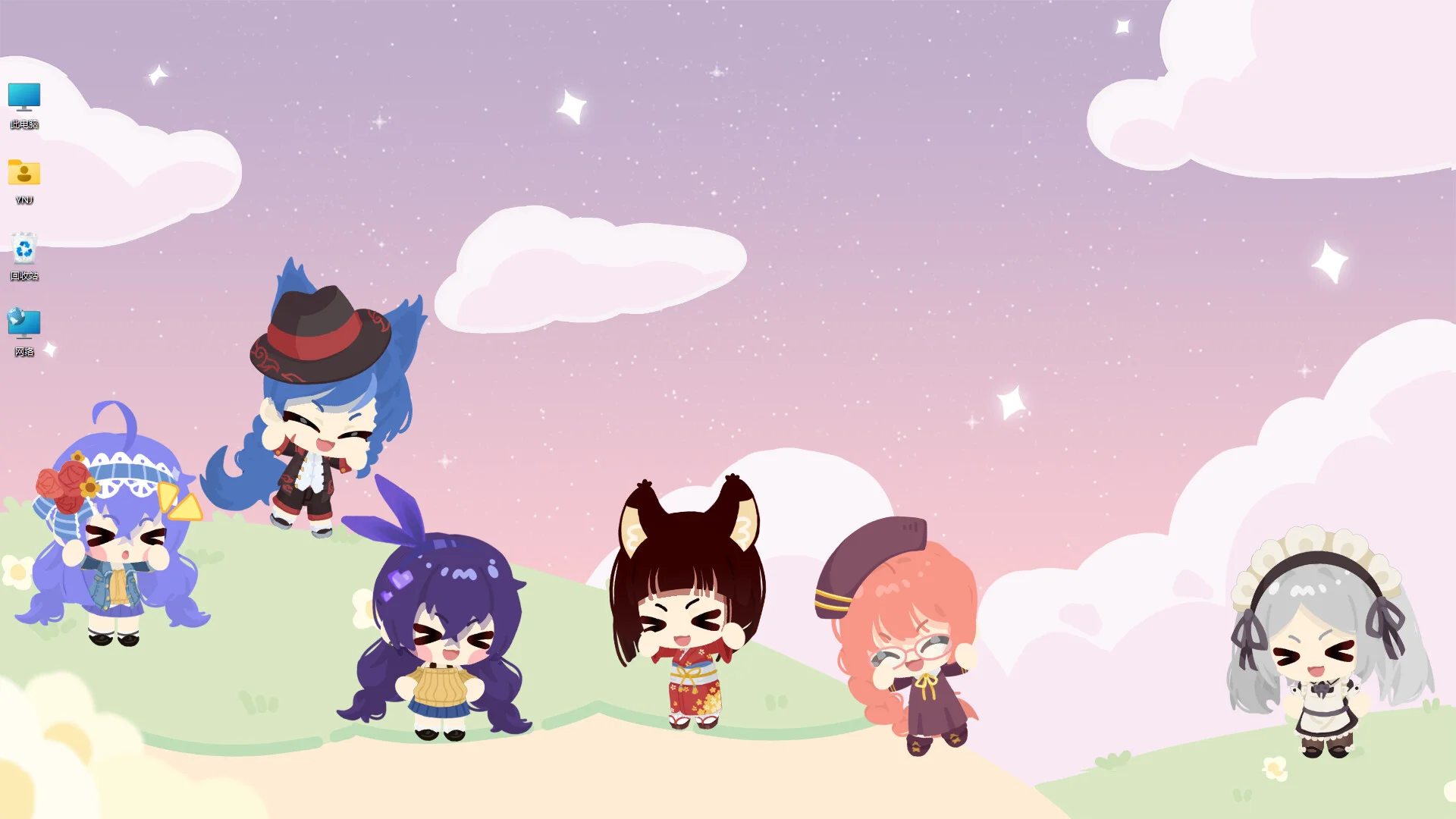
Character House -Desktop Companion- brings a customizable interactive pet to Windows screens, combining responsive keystroke animations, desktop window sitting, and relaxing idle companionship.
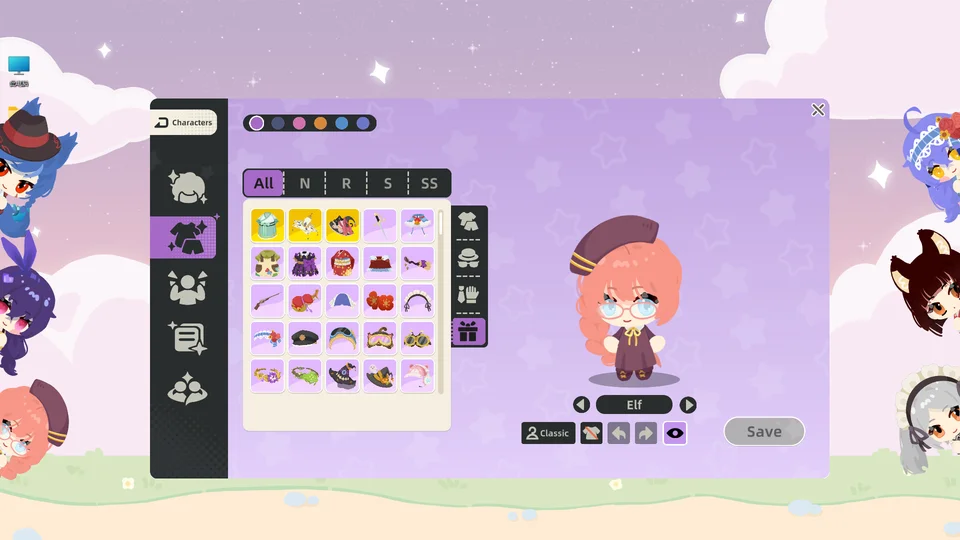
Character House -Desktop Companion- functions as an interactive desktop pet created by studio Yinengjie on the ElfArtWorld development framework. In the Character House Demo, your personalized companion resides directly on your Windows desktop, walking along window frames or resting quietly on the taskbar. Using the Quick Pin Toggle located directly on your taskbar icon, you can toggle Always on Top mode with a single click, allowing your companion to remain visible above productivity software or hide beneath fullscreen applications.
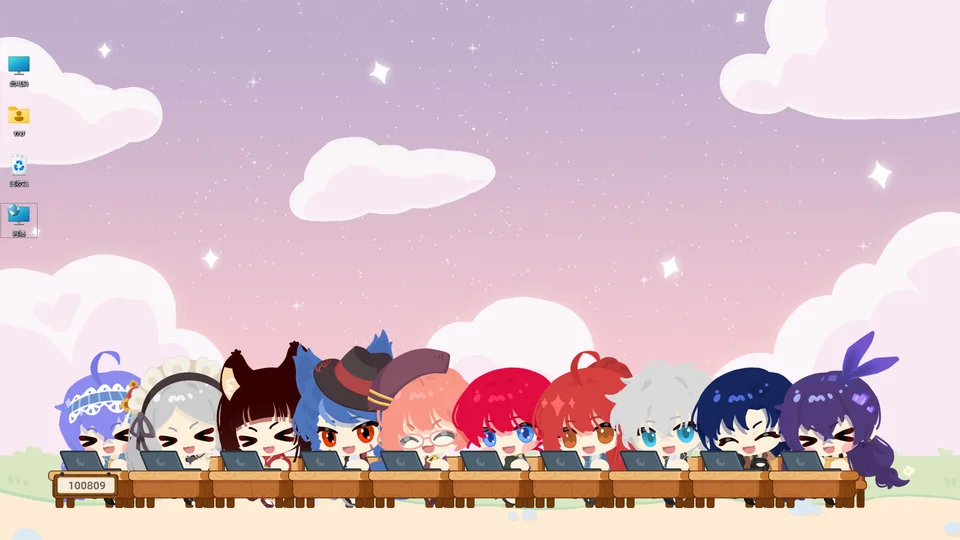
By default, your desktop companion reacts dynamically as you type, mirroring keystrokes with typing animations and playful gestures. The companion includes an on-screen keystroke and click tracker that increments by 1 with each input. If you prefer a completely passive background presence without active input tracking, navigate to settings and activate the Disable Counter feature. Turning off this toggle stops keystroke synchronization and input tallying while preserving normal idle behaviors.
If your companion accidentally tumbles off the screen edge during monitor resolution changes or multimonitor reorganizations, you never need to restart the application. The developers introduced a single-click recovery button directly on the taskbar. Clicking this recovery tool instantly teleports your companion back to the center of your primary display with full visibility restored.
Interacting with your companion by clicking or petting produces Interactive Gold rewards. According to underlying game data, interactions trigger coin drops across four fixed tiers: common 1 gold drops, 3 gold rewards, alongside higher 10 gold and 50 gold payouts. Accumulating coins allows you to purchase accessories and card packs detailed in our imagination and crafting walkthrough. For customizing your companion with imported external textures, consult our custom upload tutorial.