War of Genesis Idle Loot Gear Guide: Blacksmith Forging, Jewels, and Market Trading
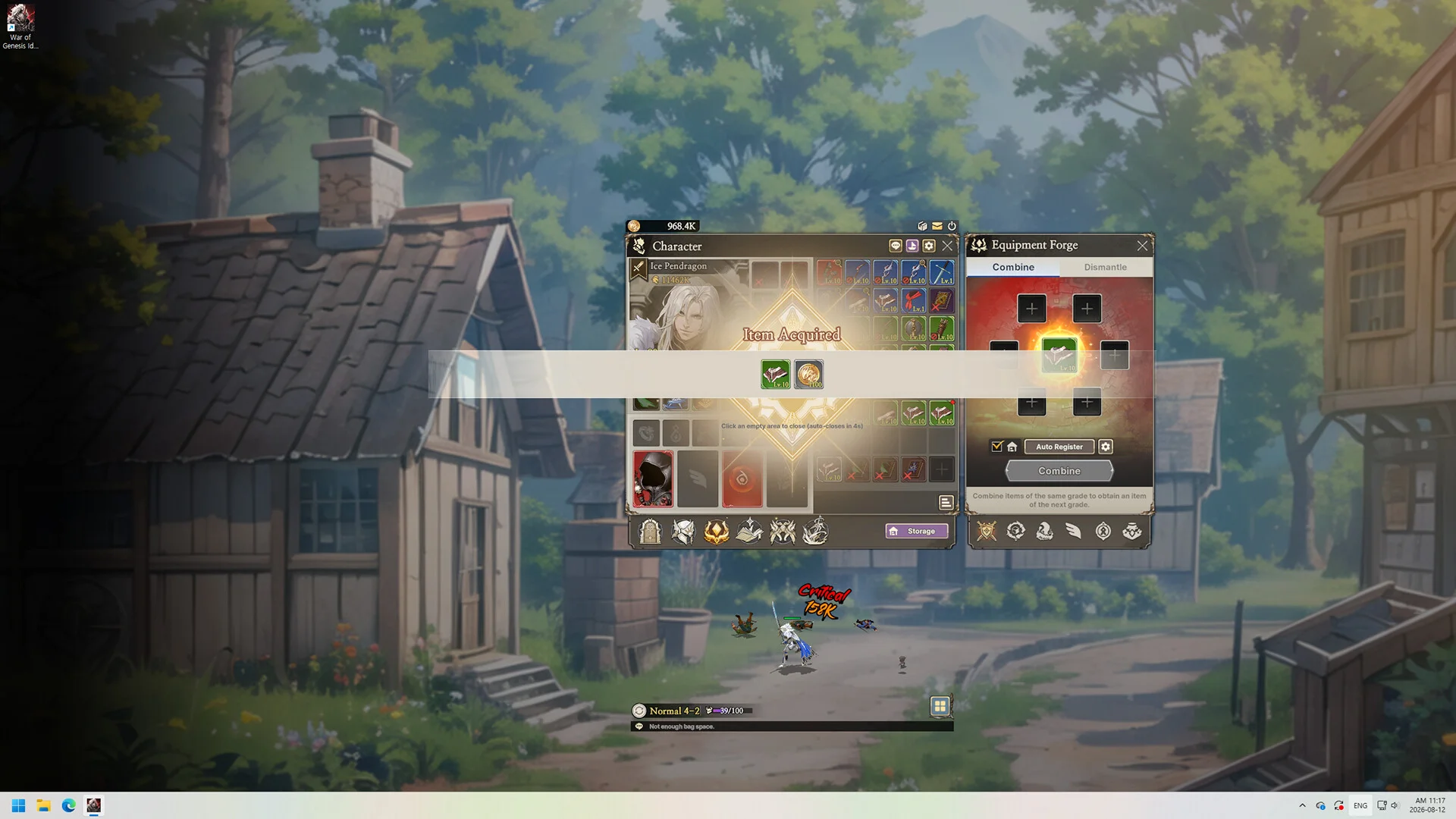
Master gear progression in War of Genesis Idle Loot by combining equipment at the Blacksmith, infusing jewels into sockets, refining relics, and trading valuable drops on the Steam Market.
Blacksmith Combination and Gear Fusion
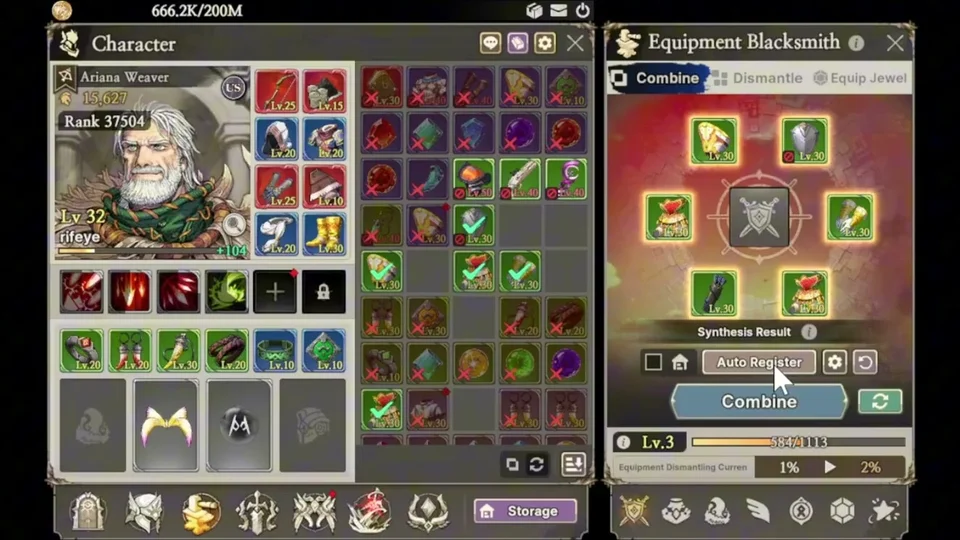
In War of Genesis: Idle Loot, automated desktop combat constantly yields fresh weapons, defensive armor, and secondary accessories with distinct stats and randomly rolled options. Managing this continuous influx of items centers on the Blacksmith forge, accessed through the main interface. When your bag fills with surplus loot, the forge provides three operational pathways: combine, dismantle, or equip jewel. Community playthroughs emphasize that dismantling low-tier loot yields only basic gold, making combination more advantageous for tier progression. By contrast, combining items fuses duplicate pieces into higher tier gear while granting account experience alongside gold earnings.
To streamline repetitive inventory handling during extended idle sessions, players unlock the Auto-Combine feature upon reaching User Level 17. Located at the bottom of the inventory panel, the auto-combine settings allow players to configure automatic fusion rules based on item tier, base item level, or identical equipment levels across weapons and armor. High-level adventurers can also incorporate level 105 equipment into synthesis formulas as they push into end-game brackets.
Jewel Socketing and Gem Fusion
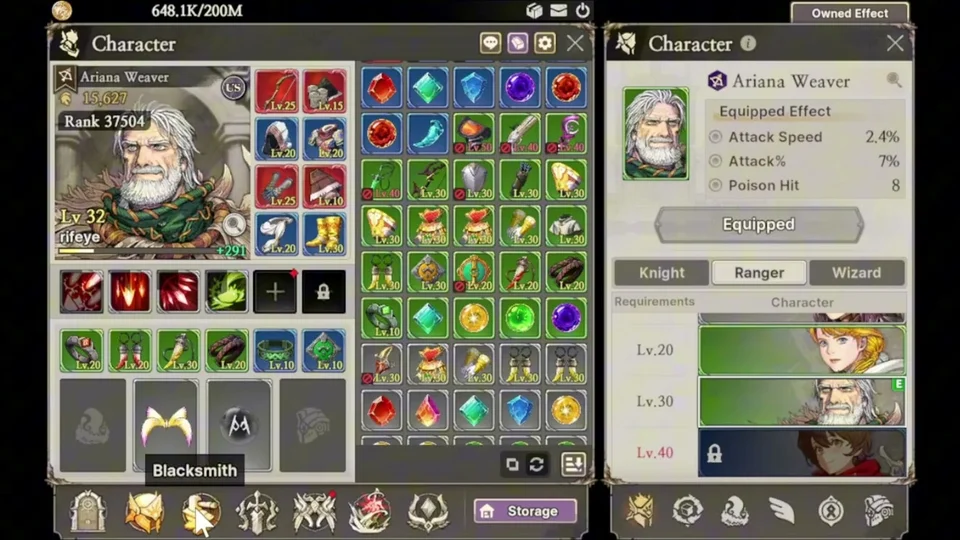
Equipment customization deepens through jewel sockets available on select high-rarity armor pieces. Gear drops can roll with dedicated jewel sockets, permitting players to embed attribute gems directly into equipment. Right-clicking any jewel in the inventory opens the dedicated socketing menu, allowing immediate infusion into an open slot. Because player testing indicates installed gems cannot currently be removed, saving high-tier jewels for superior gear is widely recommended.
Using the Jewel combination tab at the Blacksmith, players can fuse multiple low-tier gems into advanced attribute jewels. Recent quality-of-life updates have also introduced automated jewel fusion, allowing players to set a target jewel tier within the auto-combine settings to merge duplicate gems automatically.
Blacksmith Categories and Relic Enhancement
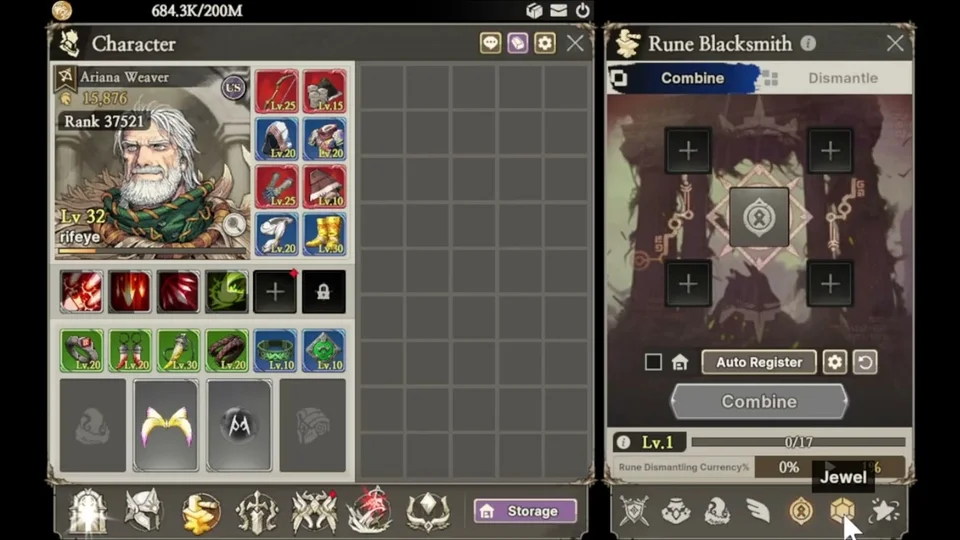
The forge interface organizes specialized categories, including Equipment, secondary Accessories, companion Pets, vanity Wings, stat Runes, embeddable Jewels, and the resource Refinery. Each category supports independent combination routines, letting players enhance specialized accessories or evolve utility companions like pets and wings for boosted account bonuses.
While dismantling common items provides minimal return, dismantling or combining Tier 3 equipment, accessories, pets, wings, and runes produces tier-specific relic materials. Players then spend these relic fragments to enhance relics, unlocking permanent combat attributes that persist across every hero class, including the Knight, Ranger, and Wizard.
The table below lists relic specifications and stat modifiers from the game's files.
| Relic Name | Affinity | Max Level | Description |
|---|---|---|---|
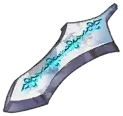 Patterned Blade Shard | Equipment | 100 | Rare Equipment Fragments can be used to obtain or enhance this relic. |
 Emerald Armor Charm | Equipment | 100 | Rare Equipment Fragments can be used to obtain or enhance this relic. |
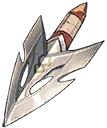 Hero's Arrowhead | Equipment | 100 | Epic Equipment Fragments can be used to obtain or enhance this relic. |
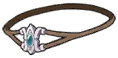 Great One's Helm Charm | Equipment | 100 | Epic Equipment Fragments can be used to obtain or enhance this relic. |
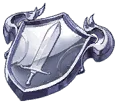 Knights' Shield Charm | Equipment | 100 | Legendary Equipment Fragments can be used to obtain or enhance this relic. |
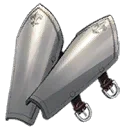 Titanium Greaves | Equipment | 100 | Legendary Equipment Fragments can be used to obtain or enhance this relic. |
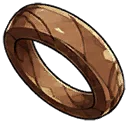 Old Wooden Ring | Accessory | 100 | Rare Gem Fragments can be used to obtain or enhance this relic. |
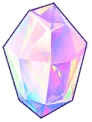 Radiant Crystal | Accessory | 100 | Epic Gem Fragments can be used to obtain or enhance this relic. |
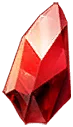 Unknown Essence | Pet | 100 | Rare Pet Essence Fragments can be used to obtain or enhance this relic. |
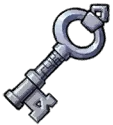 Armory Key | Wing | 100 | Rare Feather Fragments can be used to obtain or enhance this relic. |
Steam Community Market Trading
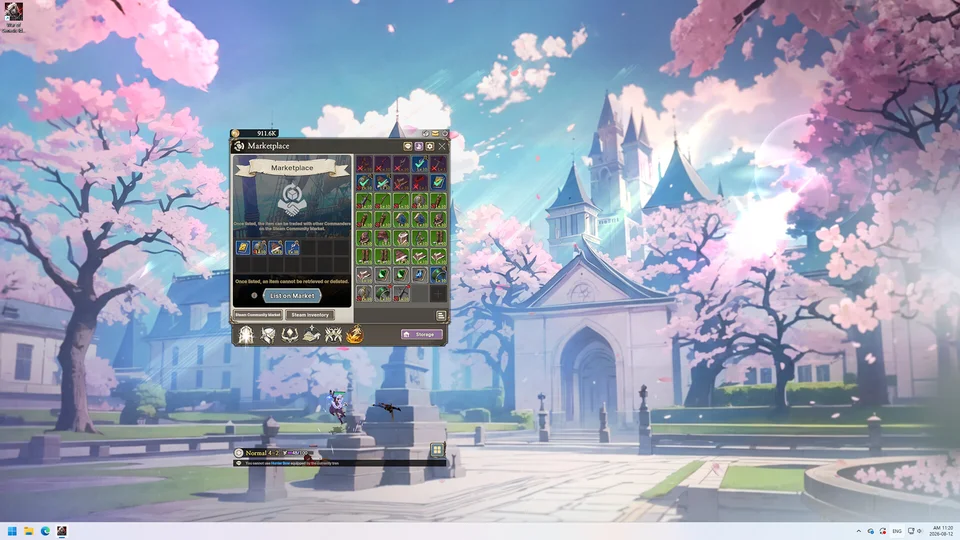
A defining characteristic of War of Genesis: Idle Loot is its integrated trading economy, connected directly to the Steam Community Market. Players can list valuable farmed drops for player-to-player commerce, transforming routine farming sessions into marketable assets. Listing an item requires spending one  Diamond, a scarce currency generated by the growth altar. Once registered through the in-game market interface, the player navigates to their Steam inventory to finalize the listing price.
Purchased or retrieved market assets are delivered straight to your inventory under recent updates, while previously held items can be claimed from the in-game marketplace storage list. Character progression strategies can be referenced in our companion progression systems guide.
Sources
- War of Genesis: Idle Loot Official Steam News and Updates
- War of Genesis: Idle Loot Beginner Guide – Systems, Blacksmith, and Jewels (rifeye)
- War of Genesis: Idle Loot – Everything You Need to Know Before Playing (DMC Gaming)
- War of Genesis: Idle Loot – This RPG Keeps Farming While You're Away (GhostArrow)
- War of Genesis: Idle Loot – Official Launch and Update Explained (GhostArrow)