SHRED A BILLION Co-op Guide: Shared Upgrades, Speed Boosts, and Vault Roles
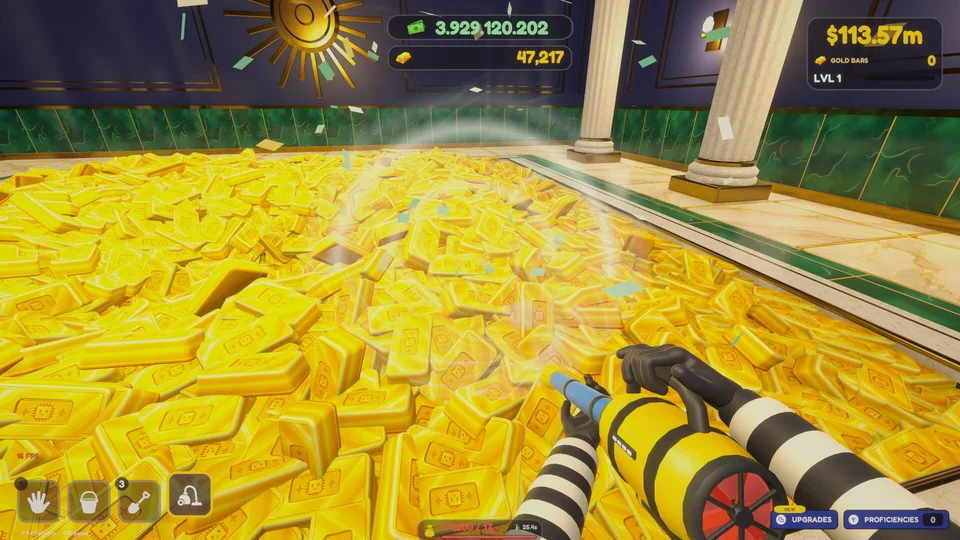
Maximizing warehouse disposal in SHRED A BILLION co-op demands pooling shared upgrade funds, timing synchronized 2x speed boosts, and dividing scooper and feeder labor.
Shared Upgrade Pools and Co-op Coordination
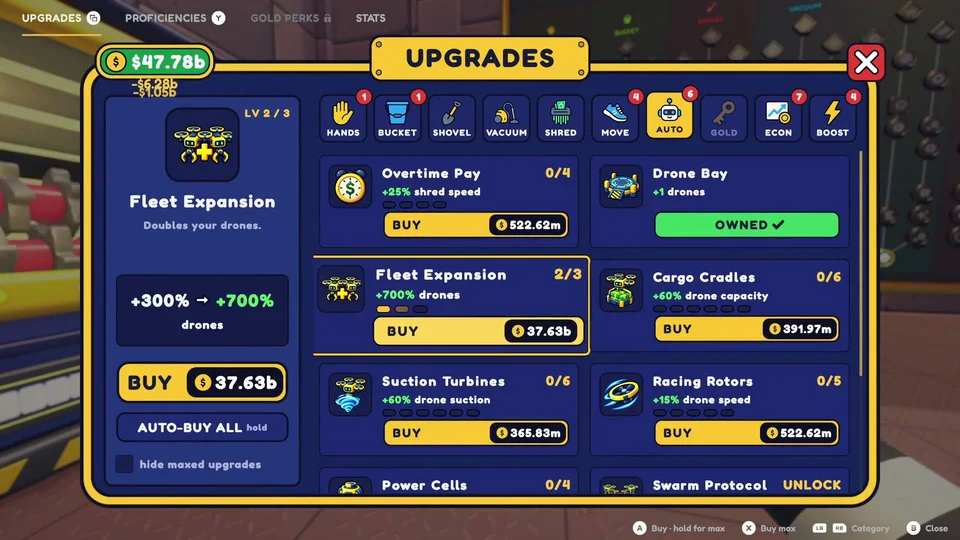
Tackling the monumental task of clearing one billion dollars in SHRED A BILLION becomes vastly more manageable with a cooperative partner. The multiplayer framework features a shared upgrade setting, ensuring that technological investments made at the management terminal apply universally to all participants. When one player invests in  Hands Training,
 Nimble Fingers, or Shredder processing speed, both workers immediately reap the performance benefits. This shared progression encourages specialized funding: players can agree to have one worker focus on expanding
 Bucket volume while the other enhances Shredder payout bonuses.

Synchronizing 2x Speed Boosts and Movement Flow
Warehouse mobility governs your overall destruction throughput. Throughout active clearing sessions, glowing boost orbs spawn across the facility. Grabbing these tokens activates a temporary 2x Speed Boost that doubles movement speed, jump height, and hauling velocity. Crucially, speed boosts triggered by one player distribute across teammates in proximity, allowing both workers to dart between remote vault corners and the intake hopper at double speed. Synchronizing these speed bursts during peak cash mounds drastically shortens transit intervals.
Role Specialization and Warehouse Pathing
To eliminate operational bottlenecks, teams should adopt distinct functional roles. One player equips the  Trusty Bucket, capable of scooping 255,000 cash per pass, and focuses exclusively on excavating dense mounds along the outer perimeter. The second player operates as the central feeder, monitoring the Shredder hopper, clearing stray bundles, and purchasing upgrades as funds hit milestone thresholds. Turning in full buckets generates 3 to 4 million per delivery, sustaining continuous hopper uptime. Review our beginner guide for core control fundamentals, or explore our upgrades and automation guide to optimize skill tree unlocks.