Sandustry: Handheld Tools, Weapons, and Material Scanner Equipment Guide
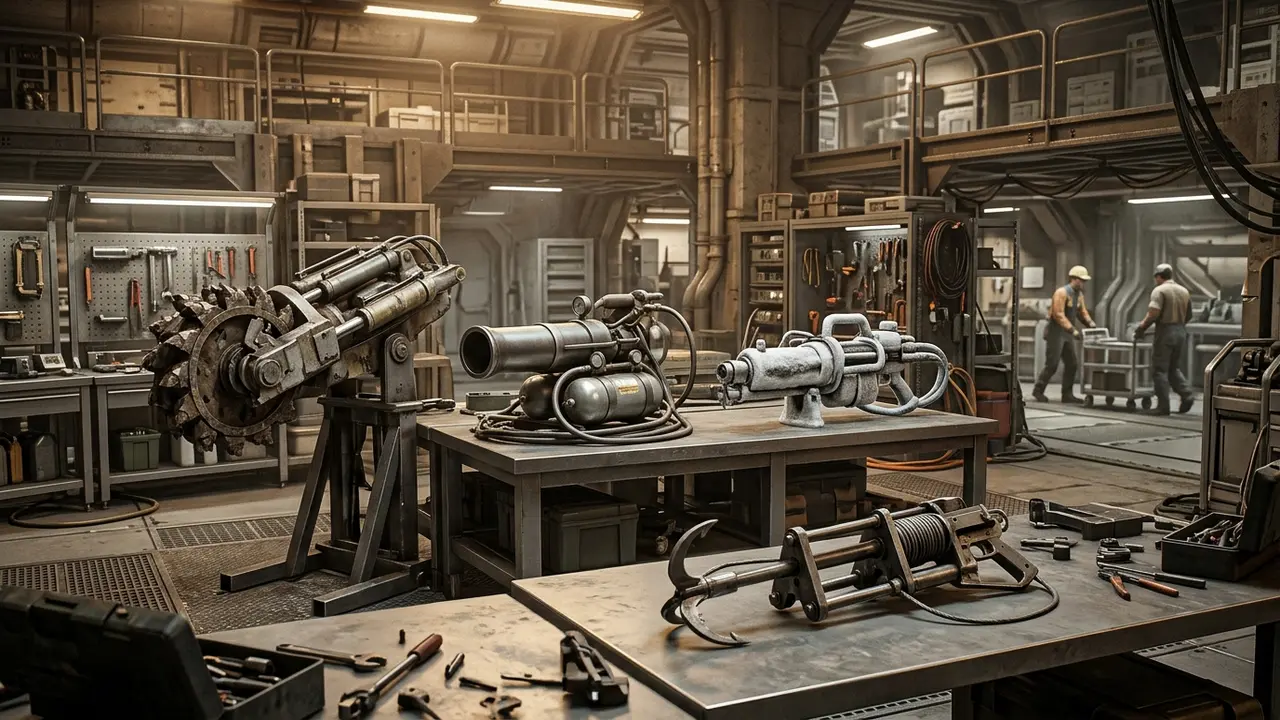
Master the shovel, pickaxe, grabber scanner upgrade, and terrain excavation tools in Sandustry.
Excavation Shovels and Early Terrain Manipulation
The  Shovel excels at digging loose granular
 Sand and shaping initial drainage trenches. While ideal for carving starting corridors, manual digging should quickly transition to automated conveyor networks as outlined in our beginner survival and automation tips.
The Grabber and Material Scanner Upgrade
The  Grabber serves as an indispensable multi-purpose manipulation tool. When enhanced with the material scanner upgrade, hovering over any resource reveals its reactive properties in real-time: showing whether elements are flammable, freezable, or reactive with shakers and smelters.
Heavy Excavation: Diggers and Demolishers
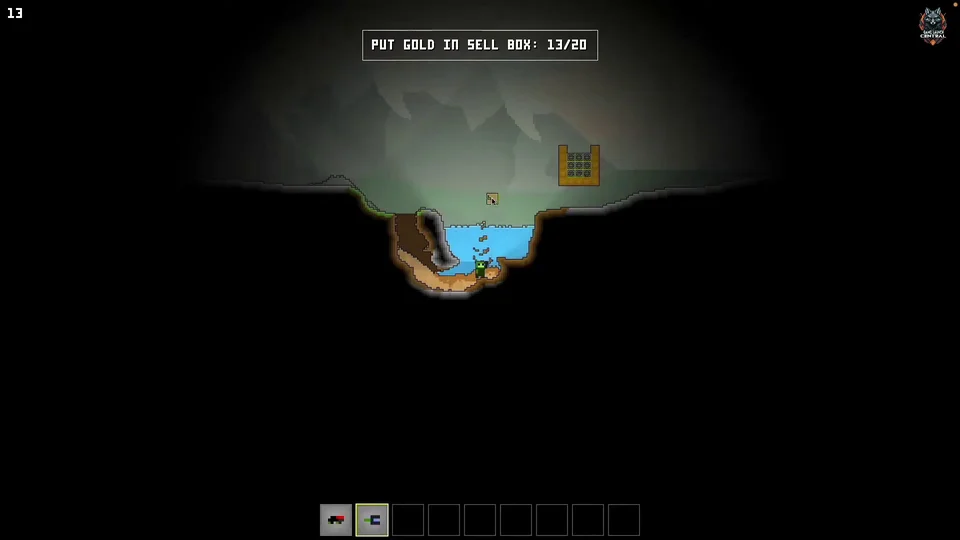
As your factory expands into deeper cave strata, basic shovels struggle against dense stone. Unlocking the  Digger and
 Demolisher allows you to bore rapidly through hardened soil, stone obstacles, and volcanic basalt formations to open up spacious cavernous machine halls.
Thermal Tools and Extreme Matter Interaction
The  Flamethrower permits players to ignite combustible materials, melt solid ice barriers, or heat cinder into molten
 Lava, while the Cryoblaster freezes liquids into solid ice blocks for easy extraction — each interaction adhering to thermal rules in the matter states and phase change guide.
Tool Hotbar Shortcuts and Swapping Discipline
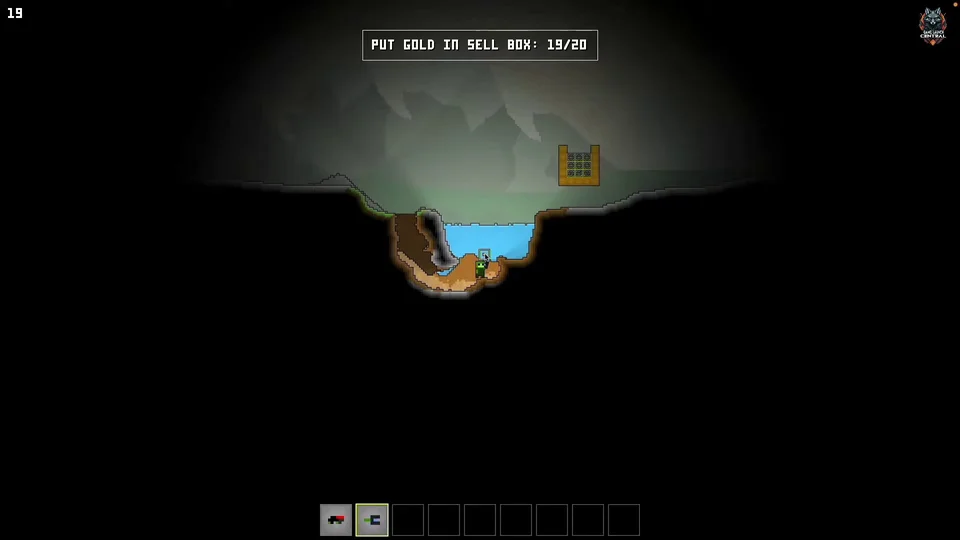
Dragging tools directly onto hotbar slots allows instant hotkey swapping. Furthermore, recognizing indestructible boundaries like  Bedrock prevents wasting energy trying to dig beyond the outer borders of the world — structural properties of these boundary layers are detailed in the bedrock and world blocks guide.
Step-by-Step Walkthrough
- Equip the shovel in early landing pits to excavate starting sand and shape drainage trenches.
- Install the material scanner upgrade on the grabber to inspect element interactions.
- Upgrade to the digger and demolisher when carving factory halls through dense solid stone.
- Assign frequently used tools to hotbar hotkeys for rapid switching during construction.
- Respect indestructible bedrock strata when excavating deep underground factory basements.

Sources
- Sandustry Items & Elements Database
- Sandustry - Beginner's Guide - Tips and Tricks for the FREE DEMO (TrimBarktree)
- Trim's Sandustry Tutorials - CONTROLS for Beginners (TrimBarktree)
- Sandustry - Early Access - Hints and Tips - Are you making these errors? (Takovacs)
- The ULTIMATE New Player SANDUSTRY Guide (Twisted - HoneyBunnyGames)
- Sandustry Beginner's Guide (hello Tomi)
- Best Beginner Tips How to get Started! | Sandustry (Early Access) (PicaPinguin)