Drawquarium Beginner Guide: How to Draw Fish, Clean Aquariums, and Run Wallpaper Mode
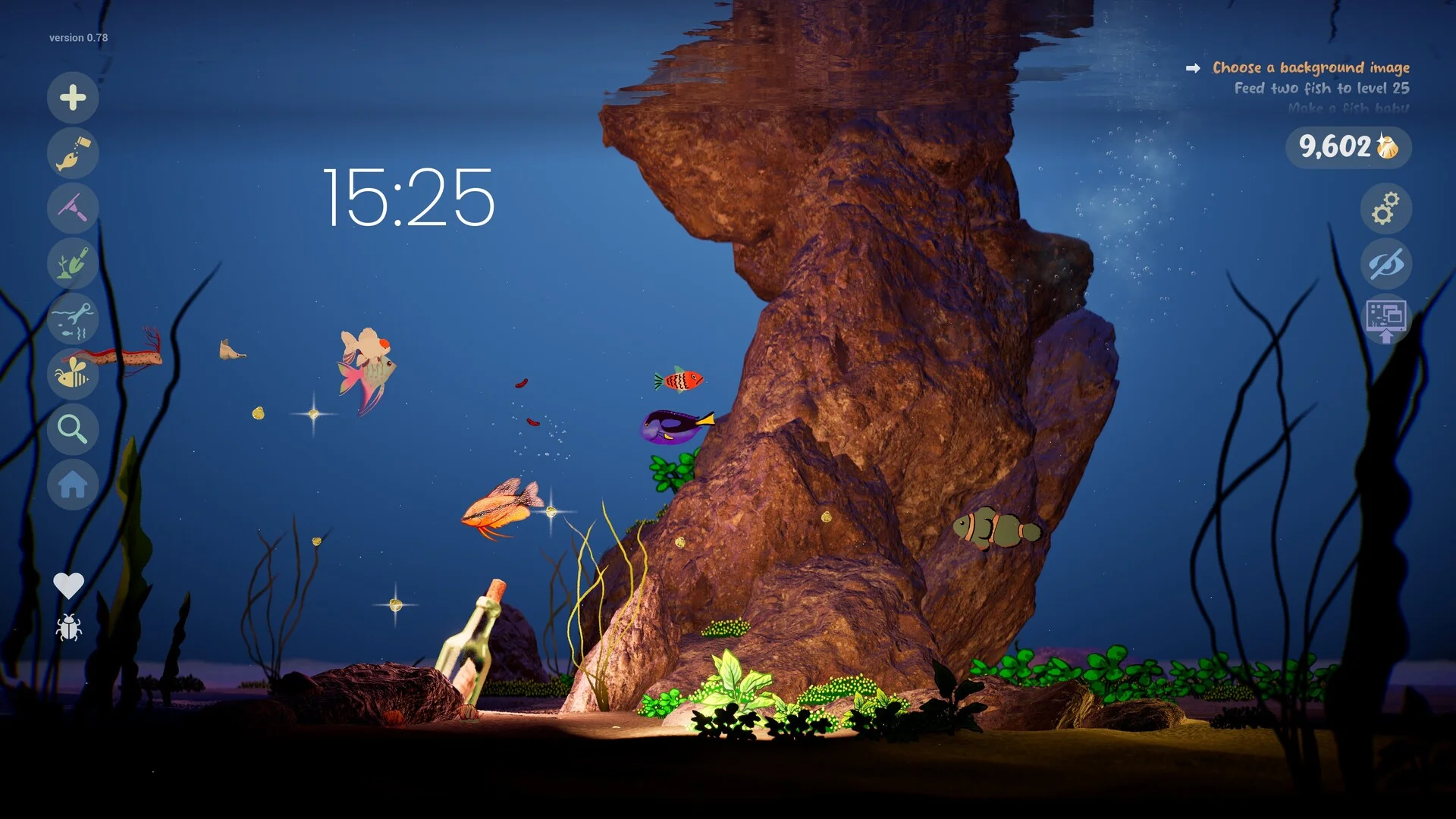
Mastering your aquatic sanctuary in Drawquarium starts with creative drawing tools, careful bottom-feeder care, and gravel vacuuming, before progressing into currency goals in our golden scales progression guide.
Sketching and Customizing Your First Fish
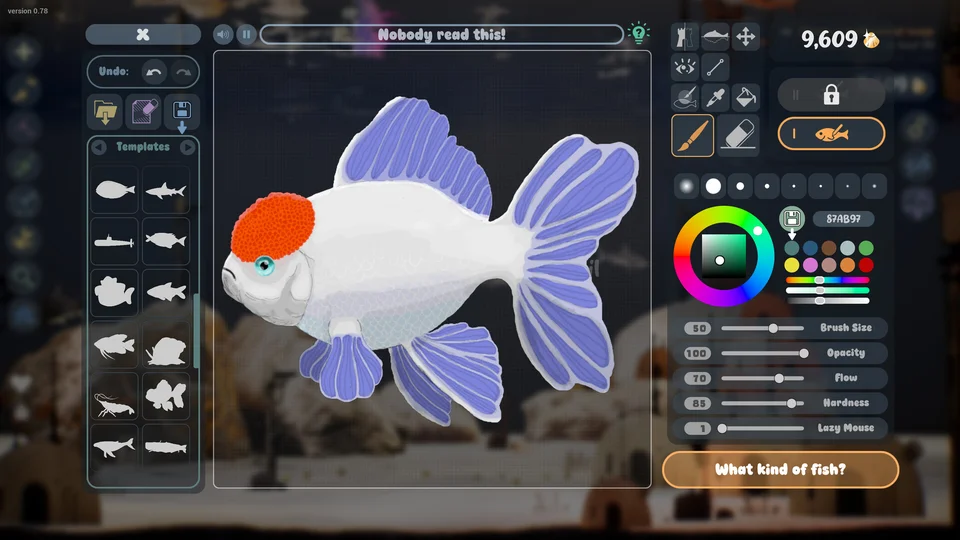
In Drawquarium, creating custom aquatic companions begins in the overhauled drawing workshop. The interface supports digital drawing tablets and mouse control, featuring canvas zooming, a versatile Mask Brush, refined  Fill Bucket tools, and stamp libraries for fins, eyes, textures, and outlines. Before releasing a specimen into the tank, adjust its swimming scale by clicking the size parameter box under the fish's name. Finished illustrations are never permanently locked: you can revisit the easel and edit anatomical details anytime. Expanding your species collection earns rewards explored in our golden scales progression guide.
Dietary Habits, Feeding, and Substrate Cleaning
Once deposited into the aquatic habitat, your illustrated creations exhibit lively interactive behaviors. Fish dart toward falling food flakes, chase rising air bubbles, and react to newly introduced tank companions. Feeding habits vary by species role: pelagic swimmers consume drifting food from the upper water column, whereas bottom-dwelling Ground Fish feed exclusively on leftover scraps resting on the sand. Uneaten food flakes and drifting biological debris accumulate over time along the gravel bed. Equipping your Aquarium Vacuum allows you to suction waste directly from the substrate, keeping water clean and preventing fish from getting distressed.
Configuring Animated Desktop Wallpaper Mode
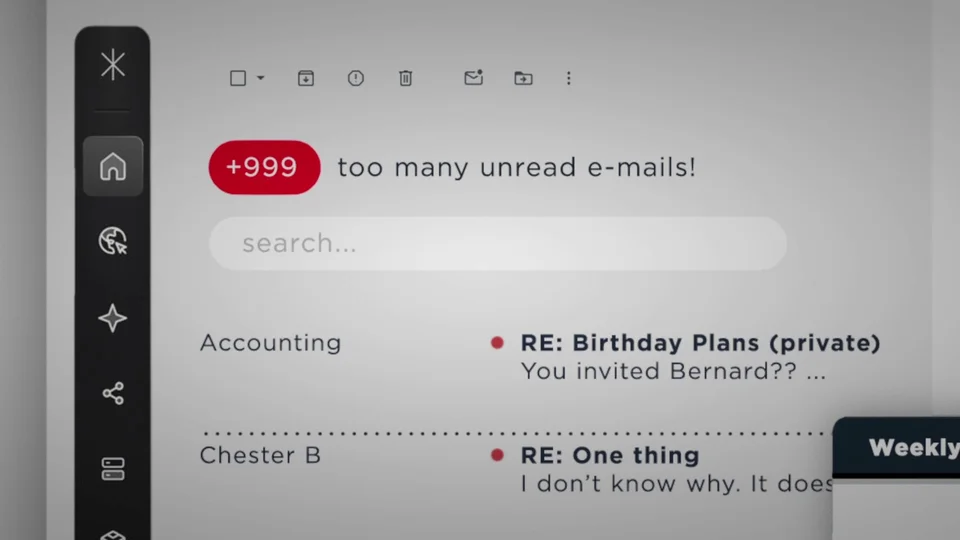
A cornerstone feature of the demo is the dedicated Wallpaper Mode, allowing your living underwater biome to serve as an interactive Windows background. Audio transitions smoothly when toggling between windowed play and wallpaper display, ensuring gentle aquatic ambient sounds remain relaxing during work sessions. For advanced productivity integrations including task checklists and timers, explore our fish breeding and productivity tools guide.