A Pond Hunt Pump Controls Guide: Valve Operations and Basin Drainage Cycles

Learn how to handle water pump controls and optimize drainage routines across wetland basins in A Pond Hunt.
Pump Interface and Cursor Controls
Operating water drainage stations in A Pond Hunt requires precise positioning. Walk directly into the pump zone along the grass embankment until the activation prompt appears. Press E to interact with the station. The default camera view locks your cursor, so squatting or moving near the unit will not start machinery. Press Tab to release the cursor, aim at the interface button, and click Start pump. For core harvesting steps after drainage, consult our beginner guide.
Running Parallel Drainage Cycles
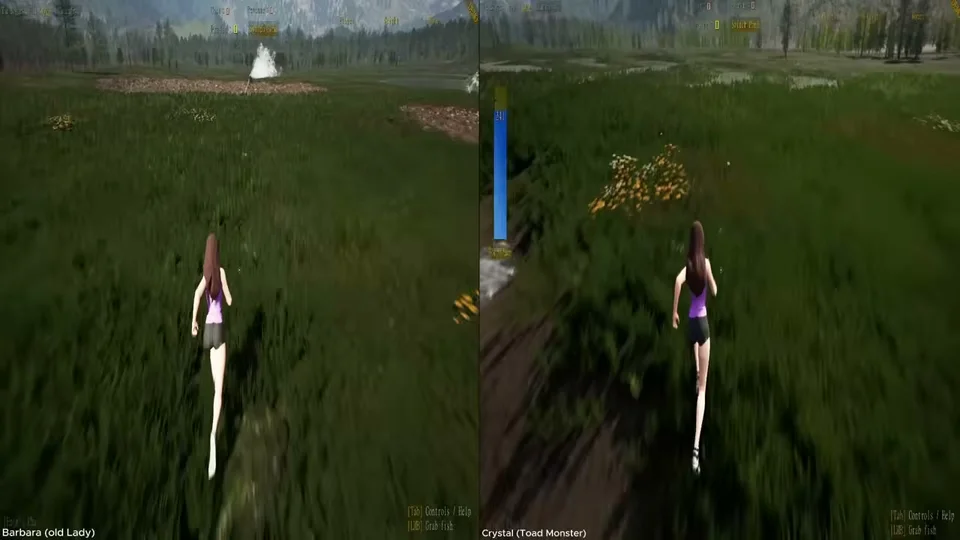
Starter territories like the Wild Pond contain four separate pools in total. Nothing restricts you to draining a single basin at a time. Sprint between individual pump stations along the riverbank and click Start pump on each unit in rapid succession. Running all four pumps concurrently eliminates waiting periods, ensuring multiple pools empty down to the mud floor simultaneously so you can plan a continuous harvest route.
Drainage Stages and Mud Basin Entry
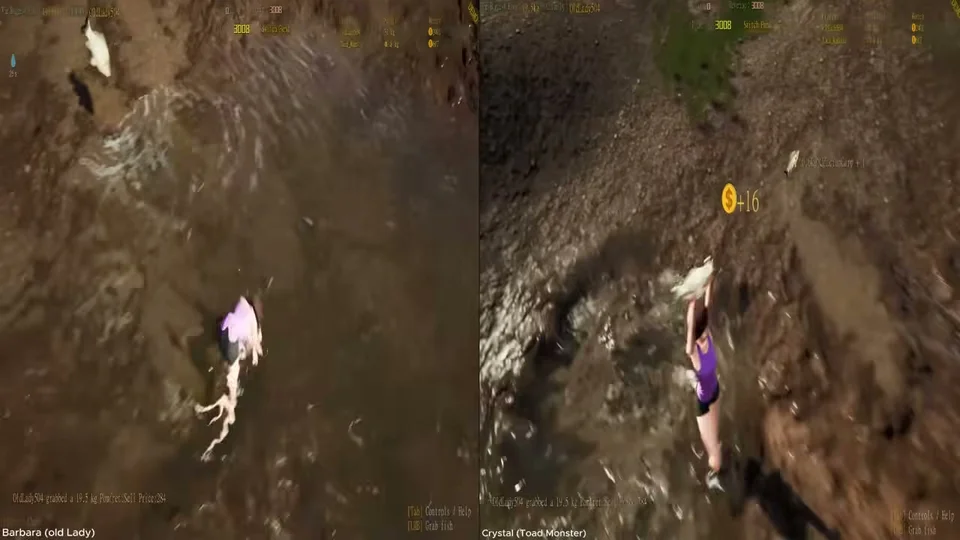
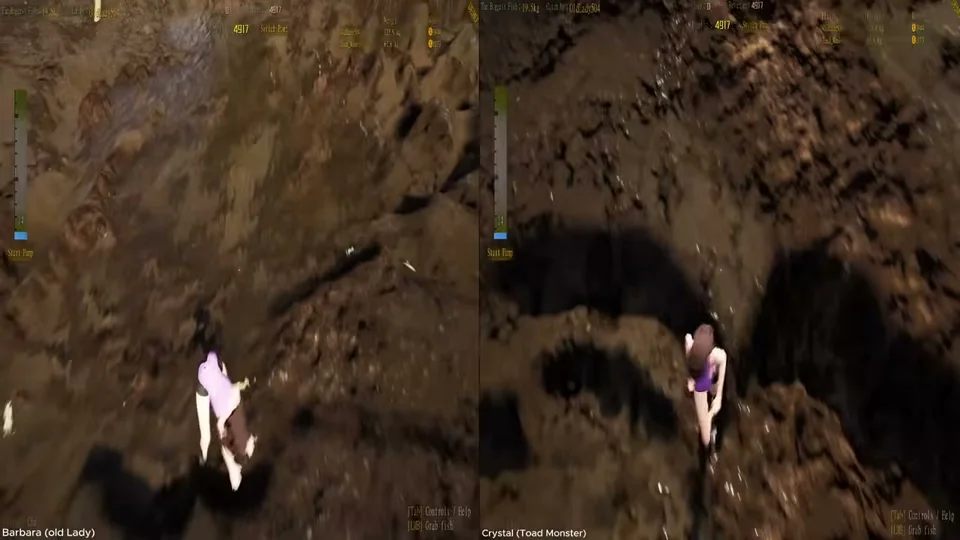
Once engaged, mechanical pumps produce a loud motor sound while directing water outward through discharge channels. The water surface recedes gradually across several minutes until the basin has completely emptied. Avoid jumping into basins prematurely; wading into water that has not fully drained forces your character into a swimming state, preventing you from catching fish. Wait until the mud floor is fully exposed before dropping in to harvest catches selling for 129 currency and higher.
Troubleshooting Pump Interaction and Scaling Leases
If pressing Tab fails to reveal your cursor, check for the wrong keyboard layout. Additionally, ensure your character is standing within the pump activation zone, as clicking outside the boundary will not trigger the engine. If rapid camera movement causes disorientation while interacting with machinery, adjust the mouse sensitivity slider added by developer xigehong in the input settings. To manage larger multi-pump operations in commercial waters, see our pond leasing and upgrades guide.